Archive a class on Flat for Education
Last updated December 2, 2025
After the year or term ends, you should archive your classes. This action preserves all class data and assignments for your records.
⚠️ IMPORTANT NOTE ⚠️
Archiving a class alone does NOT prevent past students from consuming a license if they log into the platform again. When a class is archived, the student's license is temporarily released. However, if that student logs back into Flat for Education, they will automatically be re-assigned a license from your school's remaining pool. To truly stop a student from consuming a license, the teacher or school admin MUST delete the student's account.
1. Open the class you wish to archive
From your dashboard, use the navigation menu to select the class you want to archive.
2. Open the class settings
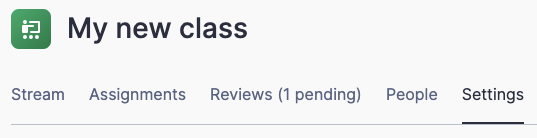
Once you are on your class stream, go to the settings for this class.
3. Archive your class
Now that you are in your class settings you can click on the Archive this class button.
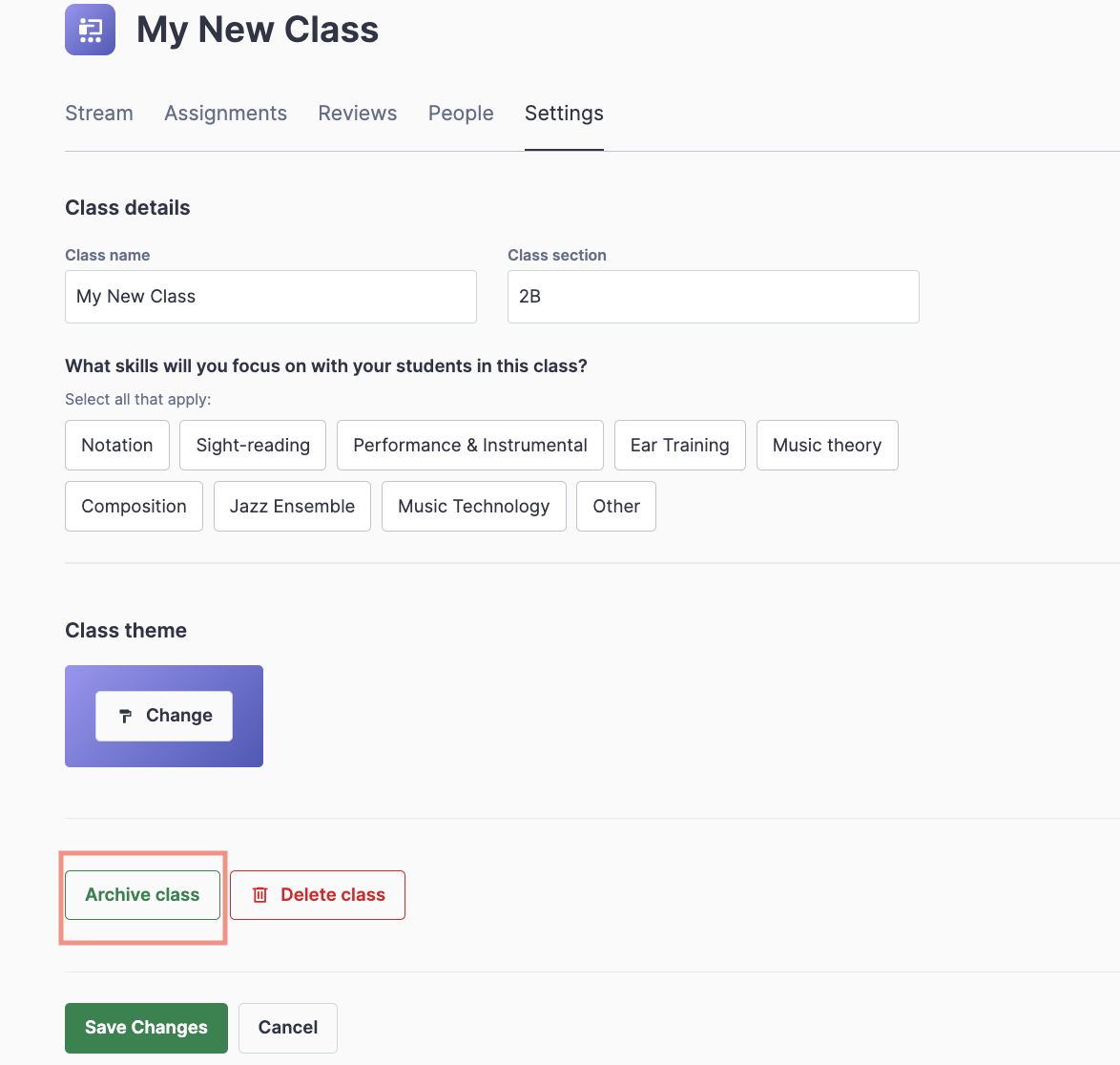
Your class will be archived, and you will be redirected to the view that shows all of your archived classes.
4. Where can I find archived classes?
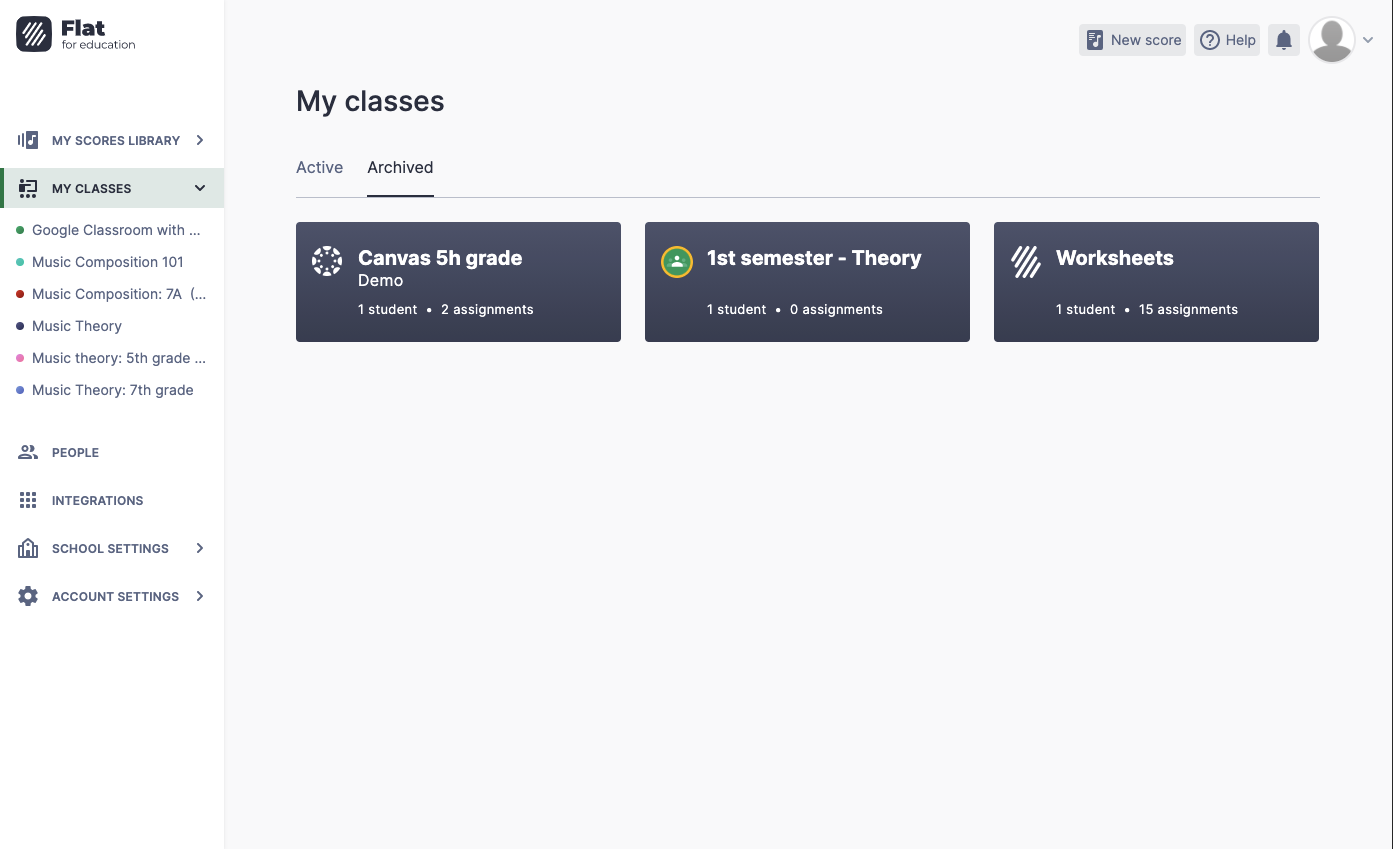
From your dashboard you can click on the label Archived to access all of your archived classes and restore one if needed.
Video tutorial
For more information on how to archive or delete a class, watch this video.