How to display a score in concert pitch in Flat
Last updated October 13, 2026
The term "concert pitch" is used to distinguish between the "written" (or "nominal") and "sounding" (or "real") notes of a transposing instrument. Flat displays transposing parts using their written notes by default, and switches the whole score to the sounding notes with a single toggle whenever you need to read what is actually heard.
How do I switch between written and sounding pitch?
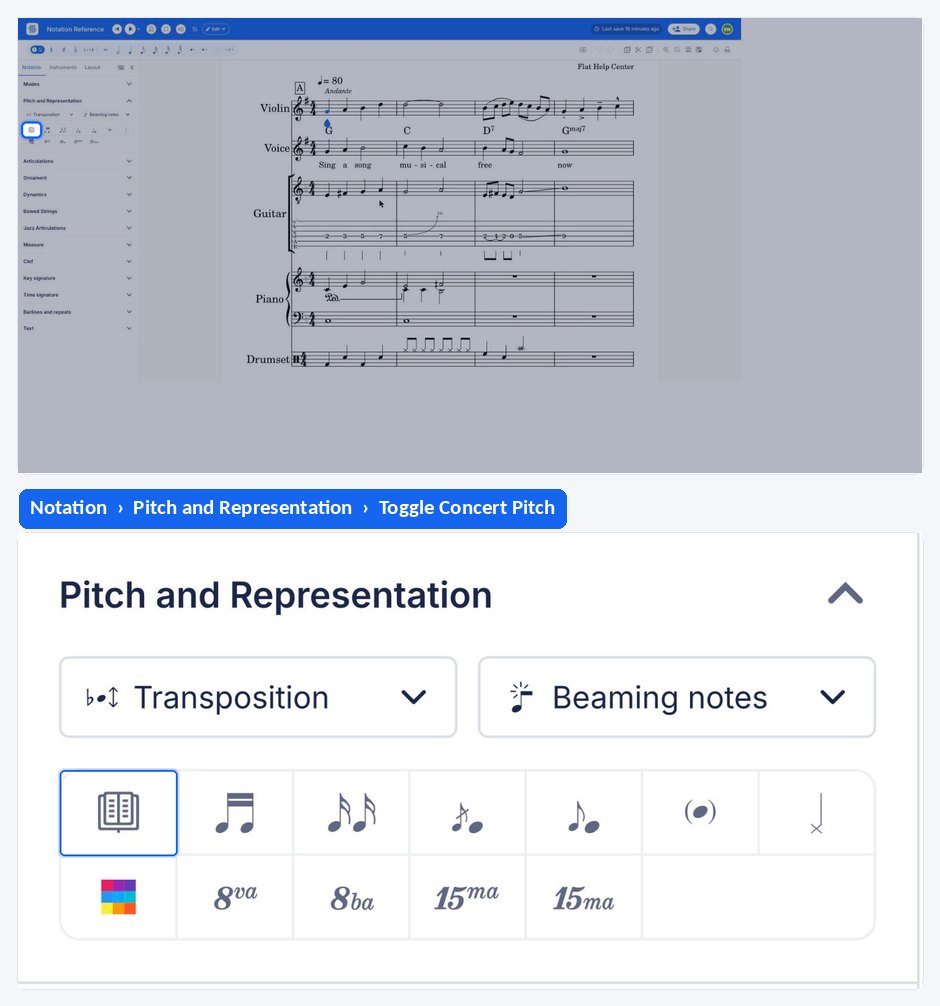
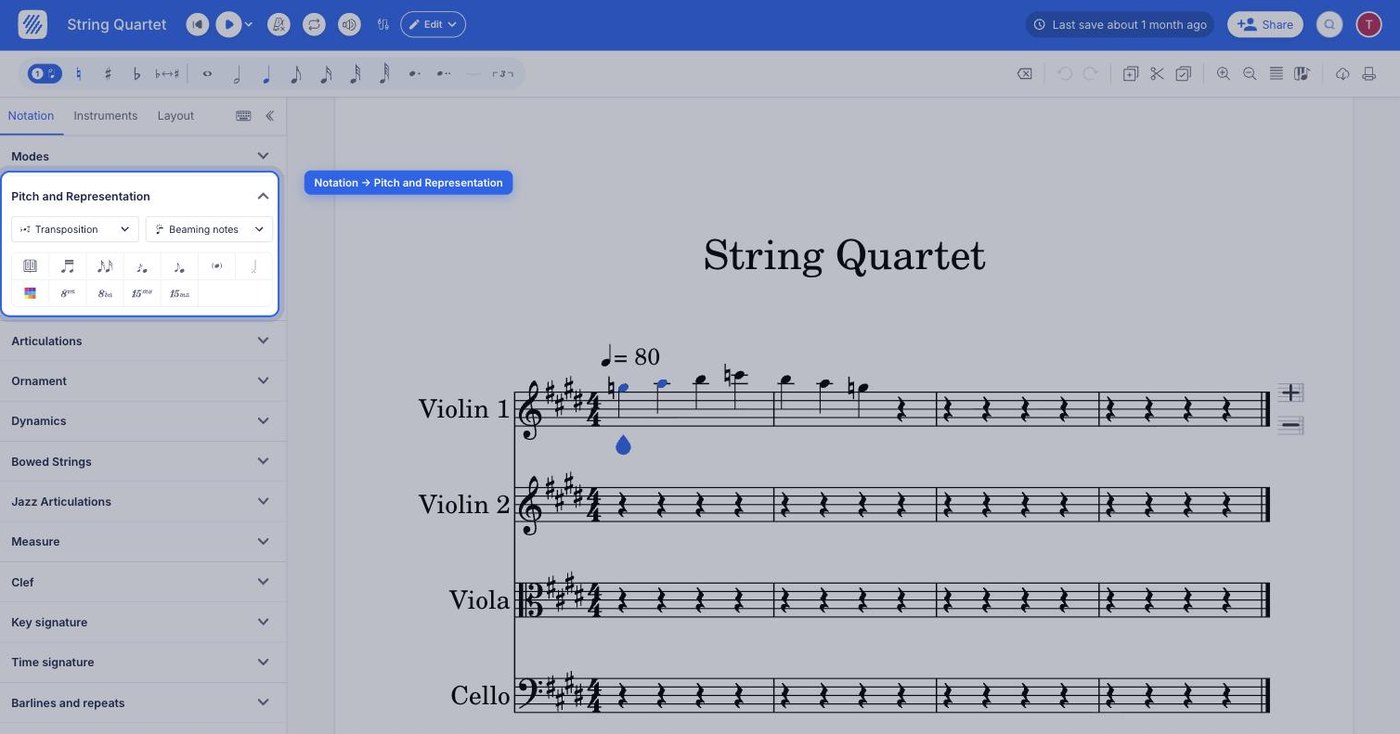
When you open a score on Flat and this one has a transposing instrument, we display these parts using the "written" notes of the instruments. To display the "sounding" notes of the instrument (in concert pitch), open the Notation tab in the left panel and click Toggle Concert Pitch, the first control under Pitch and Representation.
| Location | Icon |
|---|---|
| Notation > Pitch and Representation |  |
Where does an instrument's transposition come from?
The transposition configuration of an instrument is automatically set when you add the part to the score. If you want to transpose a part from one instrument to another one, you can replace the instrument configuration. You can also create your own instrument configuration with a custom transposition and save it in your Flat account.
Frequently asked questions
What is concert pitch?
Concert pitch is the sounding pitch of a note, as opposed to the written pitch a transposing instrument reads. A trumpet in Bb reading a written C sounds a Bb, so the same music looks different on the page depending on which of the two you are displaying.
Does switching to concert pitch change my score?
It changes how the score is displayed, not the music underneath: the parts keep the transposition configuration of their instruments. Switching the toggle back returns every transposing part to its written notes exactly as they were.
Why does one of my parts look transposed when I did not transpose it?
Because its instrument is a transposing instrument, and Flat displays such parts with their written notes by default. That is what a player of that instrument reads. Use Toggle Concert Pitch to see the sounding notes instead.
Can I set my own transposition for an instrument?
Yes. Save a custom instrument with the transposition mode you need - a note and an octave - and reuse it on any score. Choose C and 0 for a non-transposing instrument that plays in concert pitch.