Common Access Errors & How to Fix Them
Troubleshooting Access and Login Errors
This page explains how to resolve the most common access error messages encountered when using Flat for Education. Whether you are having trouble joining a new school or encountering a "blocked" page, you will find solutions below.
- "Your user account is already associated with another Flat for Education organization"
- "Your account is locked because your organization's plan has expired"
- "You cannot access your account because your school doesn't have enough licenses for everyone"
1. "Your user account is already associated with another Flat for Education organization"
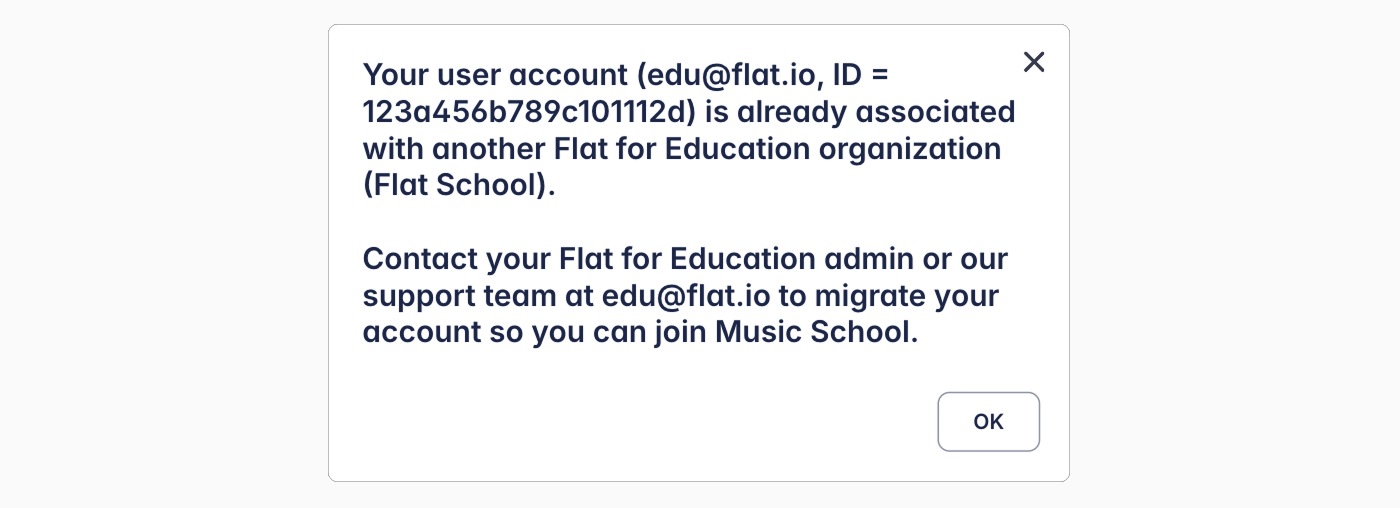
The Problem
You are attempting to join a new organization, but your account is already registered under a different one. On Flat for Education, a user account can only belong to one organization at a time.
The Fix
To join a new school, you must first be unlinked from your current organization. You have two options:
- Contact your current Admin: Ask them to convert your account to an individual account. This will automatically unlink you from the organization.
- Contact Flat Support: If you no longer have access to your previous school, contact our support team. Please include a screenshot of the error message so we can verify your account and manually unlink it for you.
2. "Your account is locked because your organization's plan has expired"
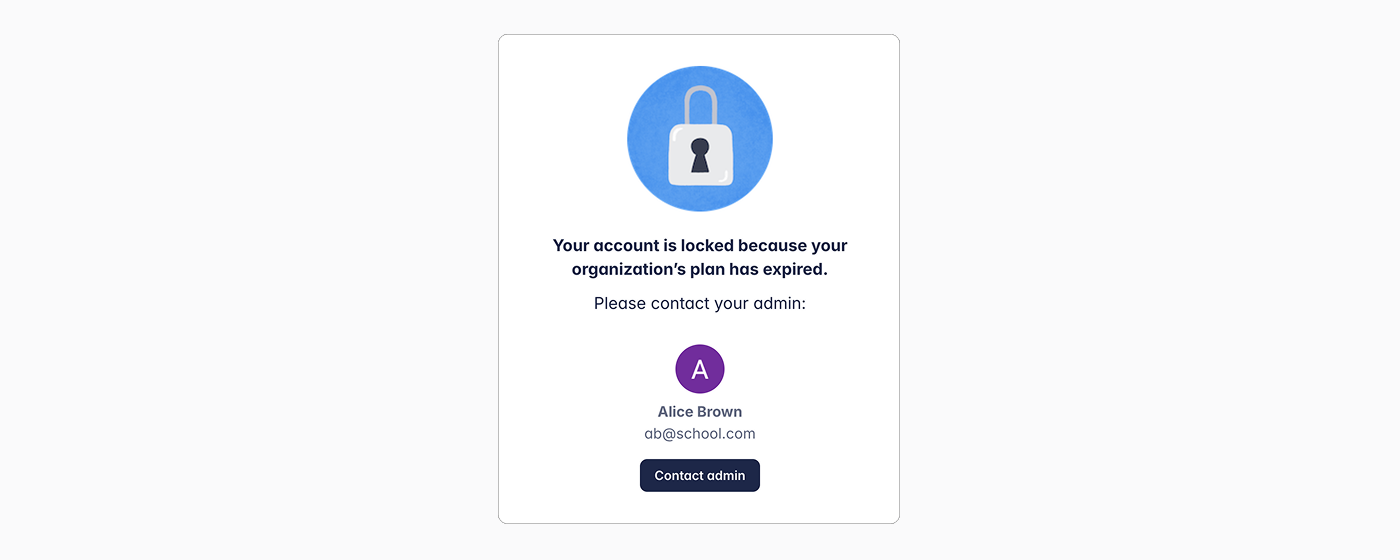
The Problem
Your school’s subscription has ended, and there are no active licenses available for the organization.
The Fix
- For Teachers/Students: Please contact the administrator displayed in the error message to request a renewal.
- For Administrators: You can still access the Billing page even if your license is expired. Please go to your Billing settings to renew your subscription.
- If the Admin has left the school: If the person listed as the administrator is no longer with your school, please contact our support team so we can help you assign a new administrator.
3. "You cannot access your account because your school doesn't have enough licenses for everyone"
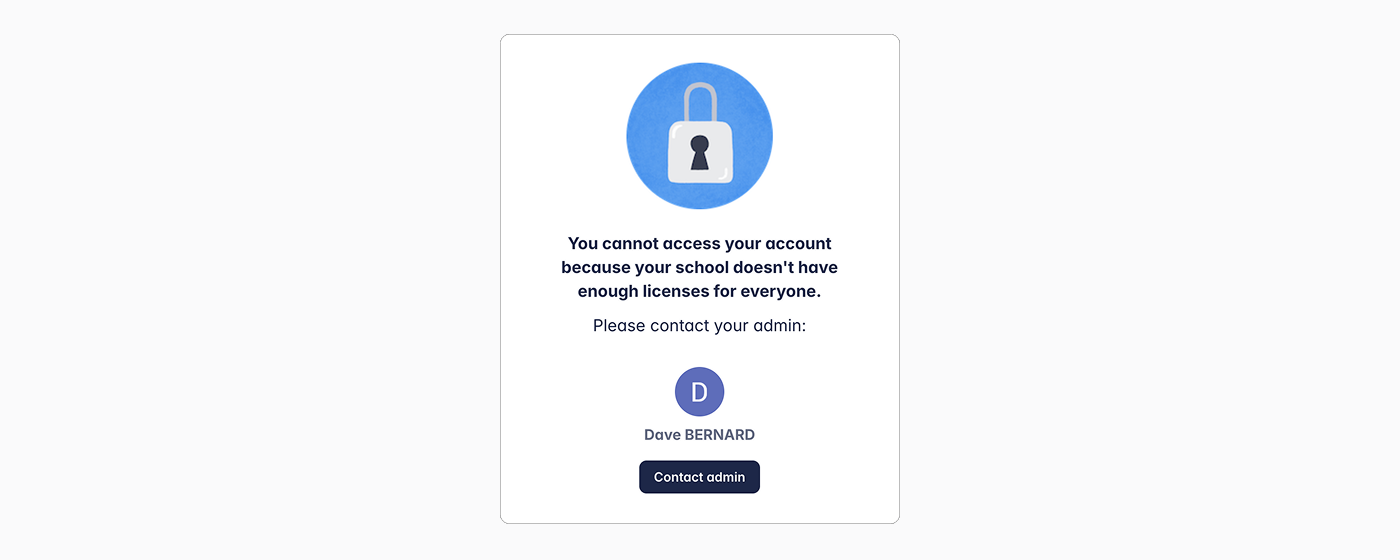
The Problem
Your organization has run out of available license seats. This happens when the number of active teachers and students exceeds the number of licenses purchased.
The Fix
If you are a student or teacher, please contact your administrator. If you are an Administrator, you have two options to manage your seats:
- Remove Inactive Accounts: If there are graduated students or users who no longer need access, you can delete their accounts from the People page to free up licenses.
- Add Licenses: Go to the Billing page and click "Add licenses." Enter the number of additional seats needed to cover your users.
⚠️ Attention Archive vs. Delete: Archiving a class only removes the license from students temporarily. If an archived student logs back into Flat for Education, the system will automatically assign them a license again. To permanently free up a license, the student's account must be deleted.