Roles and permissions on Flat for Education
Last updated September 2, 2026
Flat for Education has four account roles. This page explains what each role can do, so you can invite the right people with the right level of access from the start.
Role overview
| Admin | Support Admin | Teacher | Student | |
|---|---|---|---|---|
| Create classes and assignments | ✅ | ❌ | ✅ | ❌ |
| Invite and remove teachers | ✅ | ✅ | ❌ | ❌ |
| Invite and remove students | ✅ | ✅ | ✅ | ❌ |
| Manage billing and subscription | ✅ | ✅ | ❌ | ❌ |
| Access Usage Dashboard | ✅ | ✅ | ❌ | ❌ |
| Manage school settings | ✅ | ✅ | ❌ | ❌ |
| Manage integrations | ✅ | ✅ | ❌ | ❌ |
| Review and grade student work | ✅ | ❌ | ✅ | ❌ |
| Editor access and score creation | ✅ | ❌ | ✅ | ✅ |
| Submit assignments | ❌ | ❌ | ❌ | ✅ |
| Convert student account to Flat | ✅ | ✅ | ❌ | ❌ |
| Consumes a license seat | ✅ | ❌ | ✅ | ✅ |
Admin
The Admin role is the most powerful role. Admins can do everything a Teacher can — create classes, assignments, and invite students — plus manage the organization: billing, school settings, integrations, and adding or removing staff.
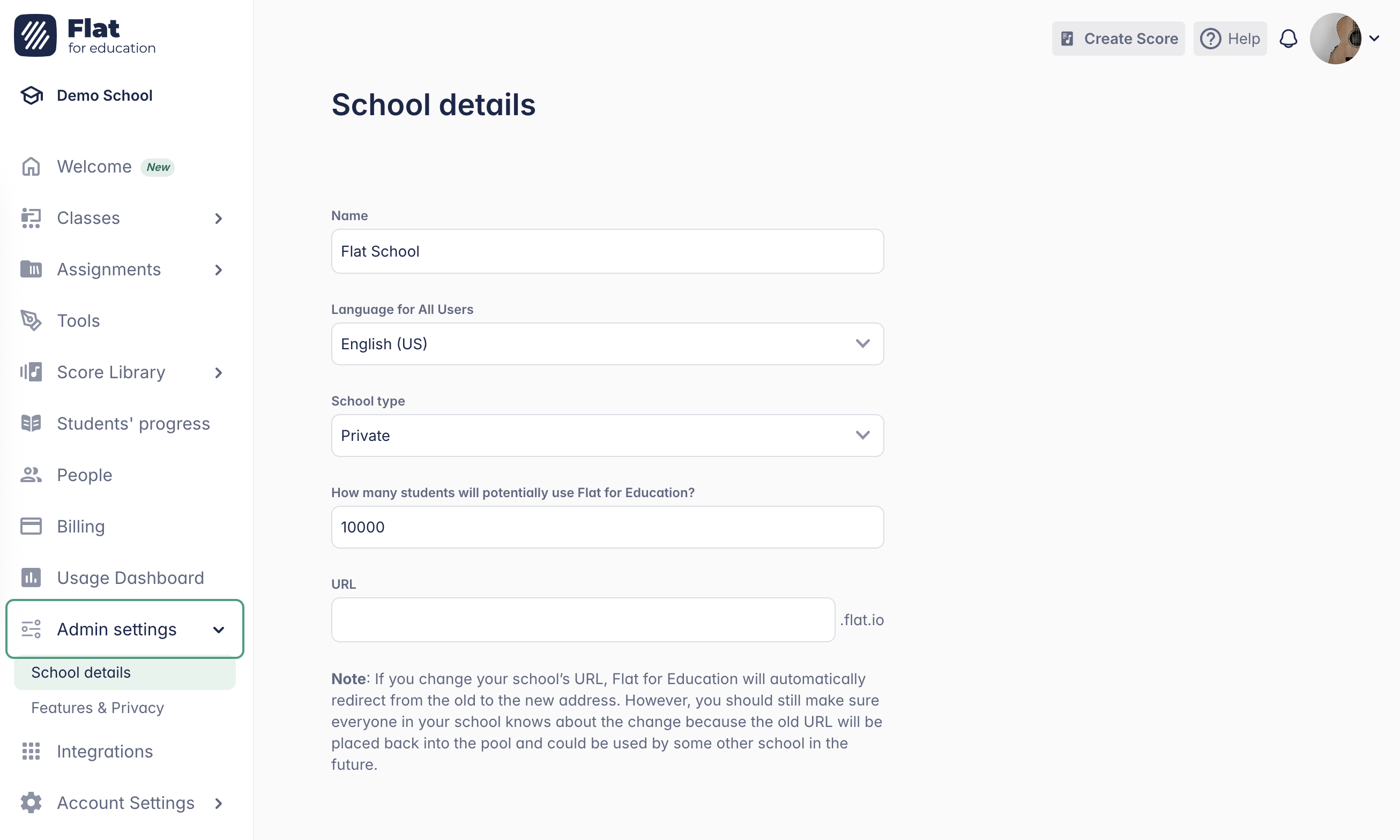
Most schools have one or two Admins. At least one Admin is required per organization.
Admins consume a teacher license seat. If you need someone to manage billing without teaching, use the Support Admin role instead.
Support Admin
The Support Admin role is designed for system administrators, IT contacts, finance teams, or directors who need to manage your school's billing and settings — without using a teacher license seat.
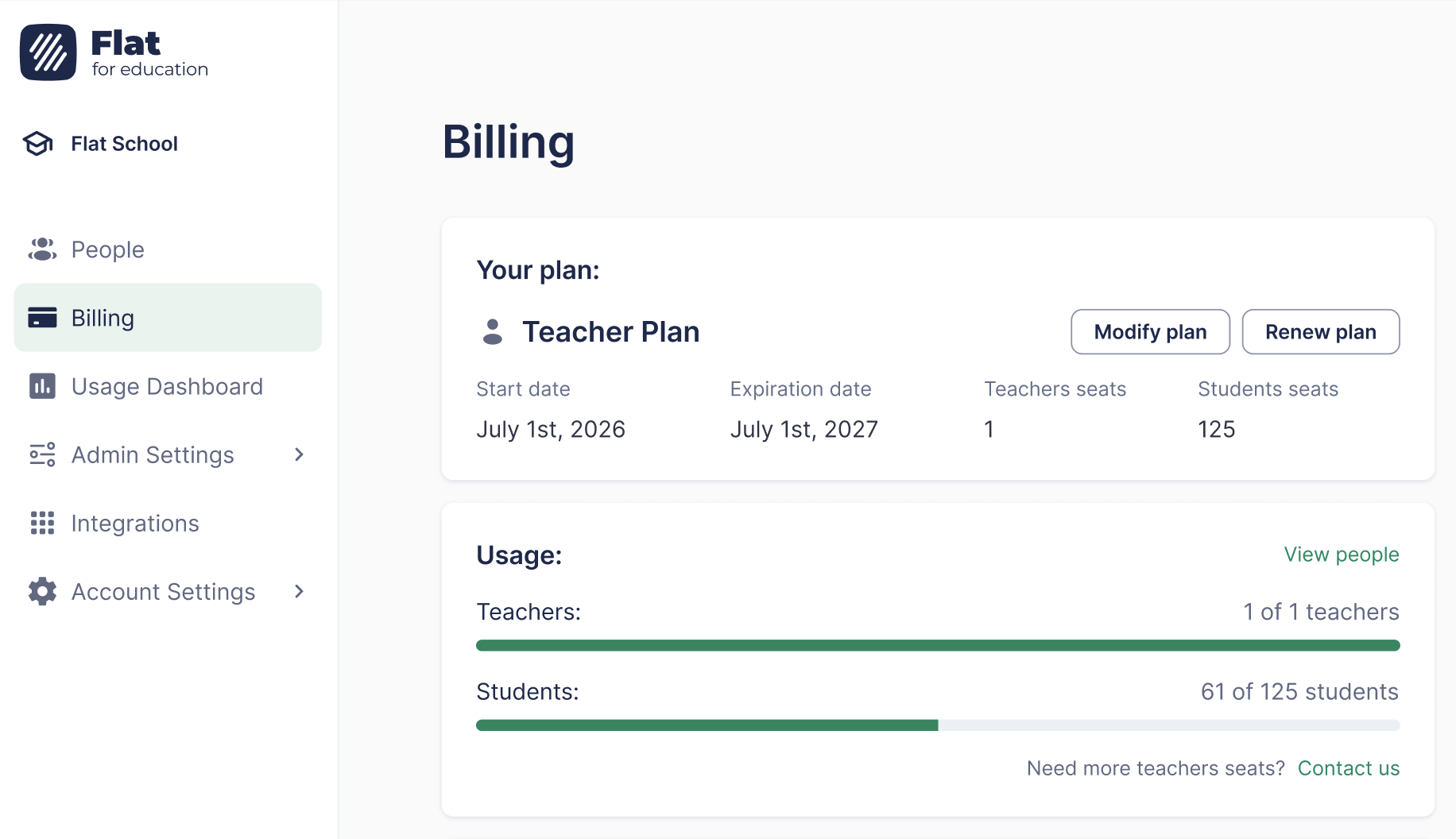
A Support Admin has full access to organizational management screens (billing, People, settings, integrations) but cannot use teaching features — they cannot create classes, distribute assignments, or review student work.
Support Admin accounts do not consume a license seat — you can add as many as your organization needs. If someone currently holds an Admin license just for billing access, switching them to Support Admin frees up a teacher seat at no extra cost.
Teacher
The Teacher role is the standard role for music teachers. Teachers can create and manage their own classes and assignments, distribute work to students, monitor progress, and invite students to their classes.
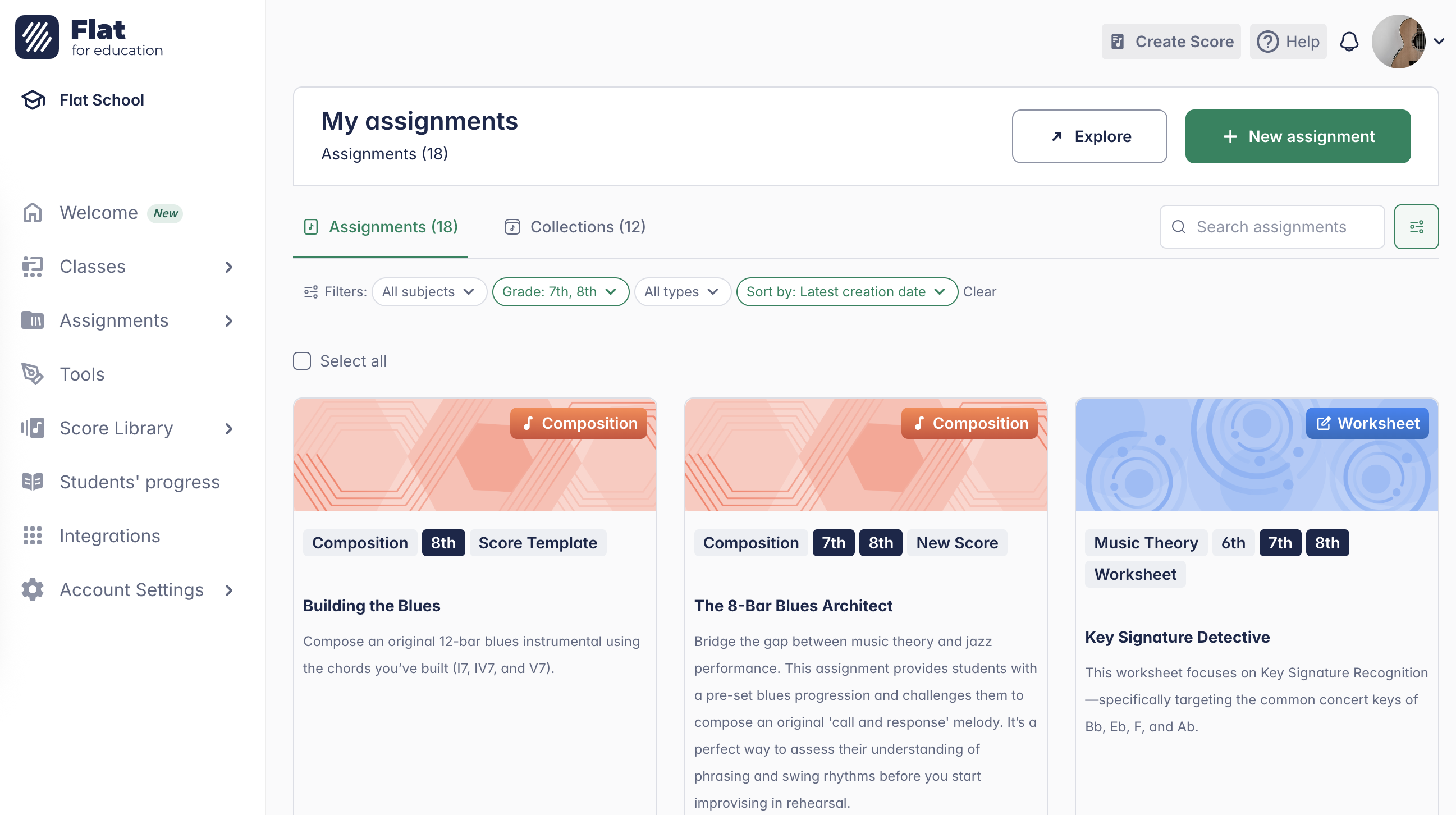
Teachers cannot access billing, school-wide settings, or other teachers' classes.
Student
Students are provisioned automatically when a teacher syncs a class roster from Google Classroom, Microsoft Teams, or another LMS — or when a teacher invites them manually.
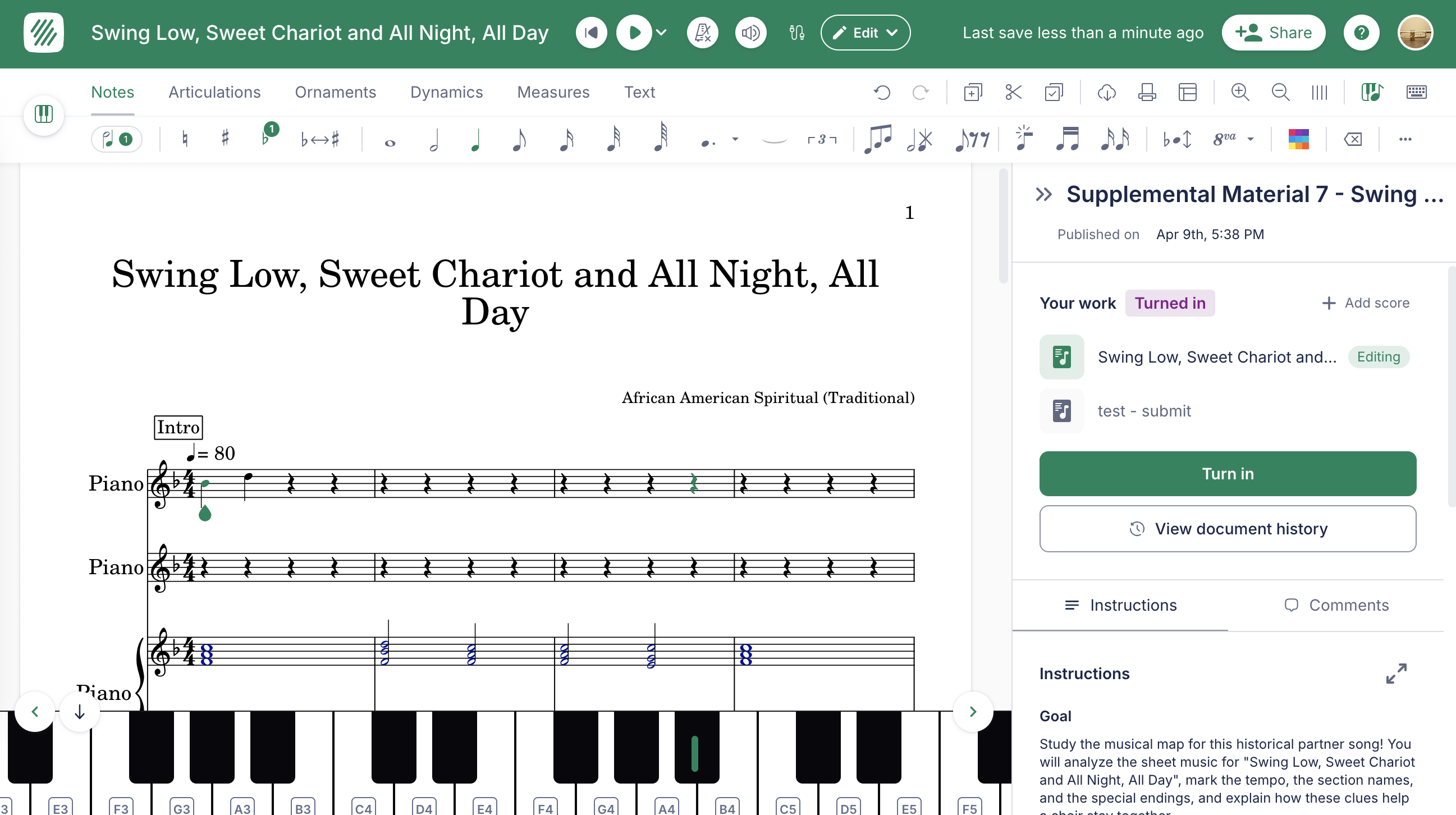
Students won't know they have a Flat for Education account until a teacher shares a link or posts an assignment. Creating a student account does not automatically notify them.
Need to change a user's role? See this page for how to change it.