Add more teachers to your school
Last updated September 2, 2026
At some point, you may want to bring in more music teachers from your school or district. Here is how to invite them to your school.
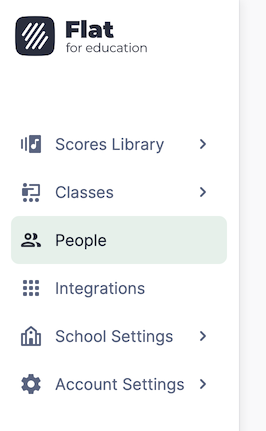
1. Open the People page
All the licenses in your Flat for Education account can be managed in the People page.
2. Open the invitation page
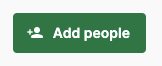
On the top right of the page, click on Add People and choose Teachers and Admins.
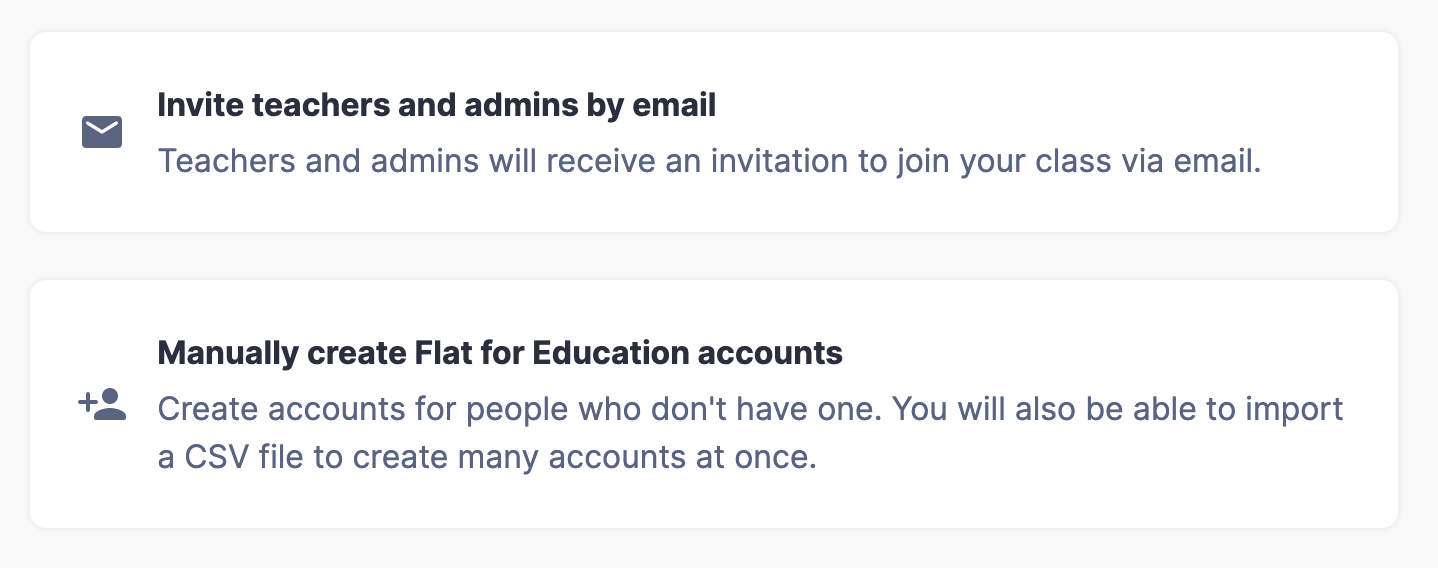
From there, you can either choose to:
- Invite teachers and admins by email, which will send an email to the teachers with a direct link to set up their accounts, or
- Manually create Flat for Education accounts, which allows you to directly create accounts, even if the teachers don't have an email address.
3. Invite admins and teachers
An Admin can create classes, assignments, invite and remove staff members or students, and manage the billing settings for your school account.
A Support Admin can manage billing, People, settings, and integrations — without using a teacher license seat. They cannot create classes or access student work.
A Teacher can create classes and assignments, and invite students.
See the full role comparison here.
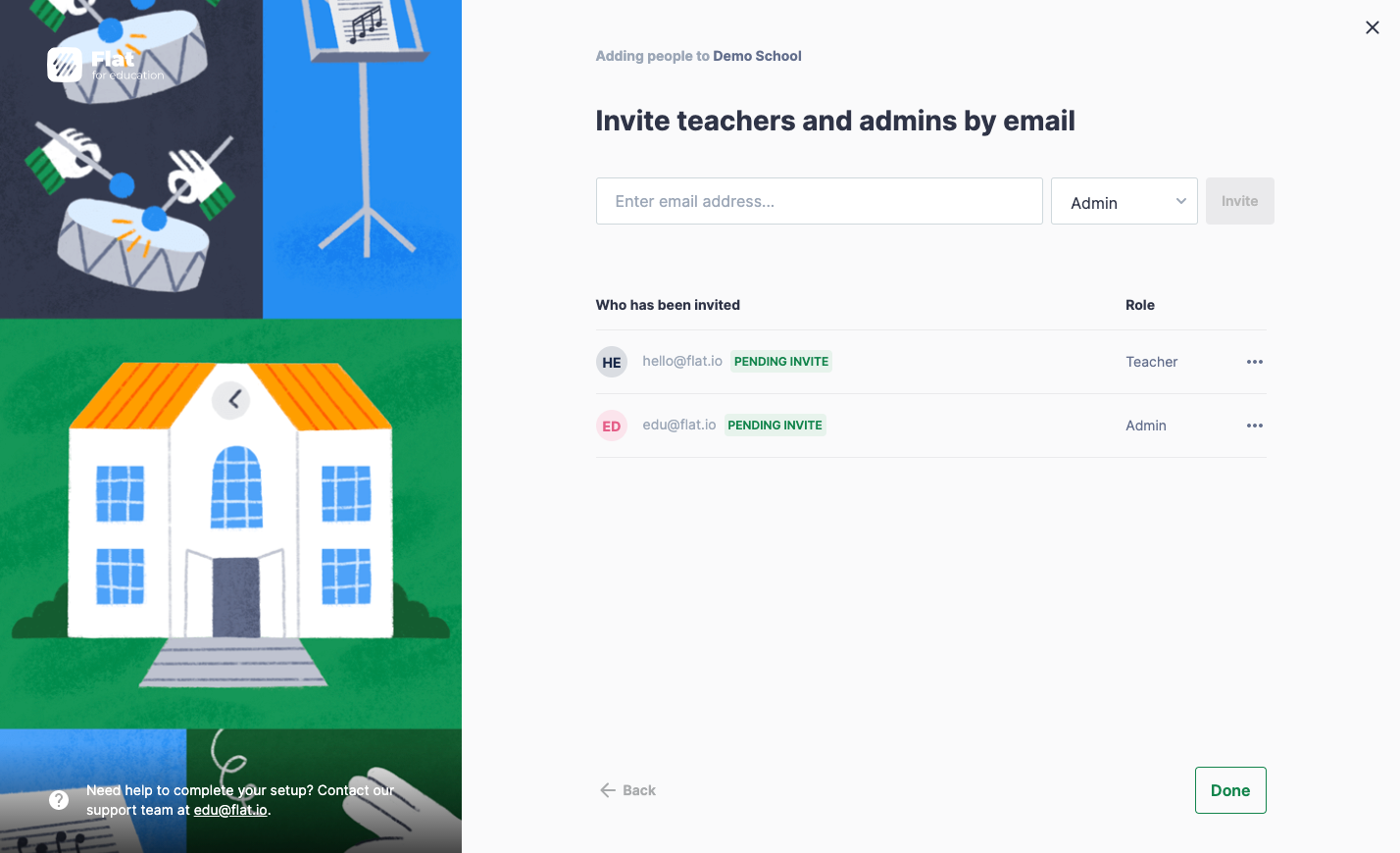
Please make sure they can receive emails from outside of your school's domain; otherwise you can copy the invitation link and send it to them directly.
4. Change a user's role
As an Admin, you can update the role of any user in your school at any time — no need to remove and re-invite them.
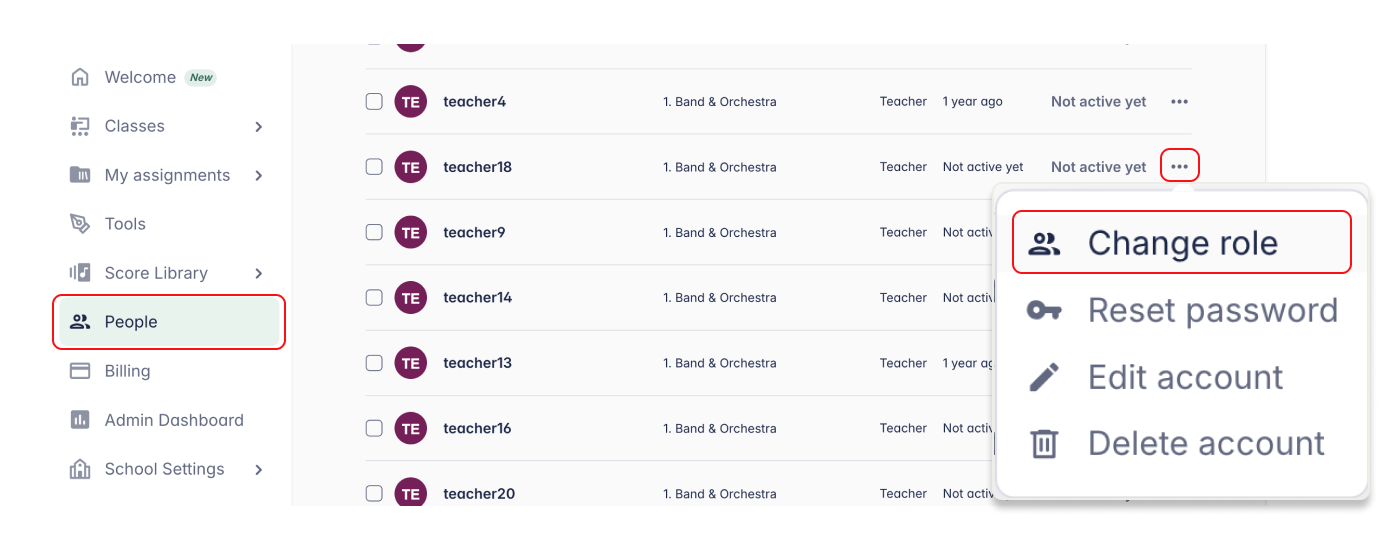
- Open the People page
- Find the user whose role you want to update
- Click the three-dot menu (⋯) next to their name
- Select Change role
- Select the new role and confirm
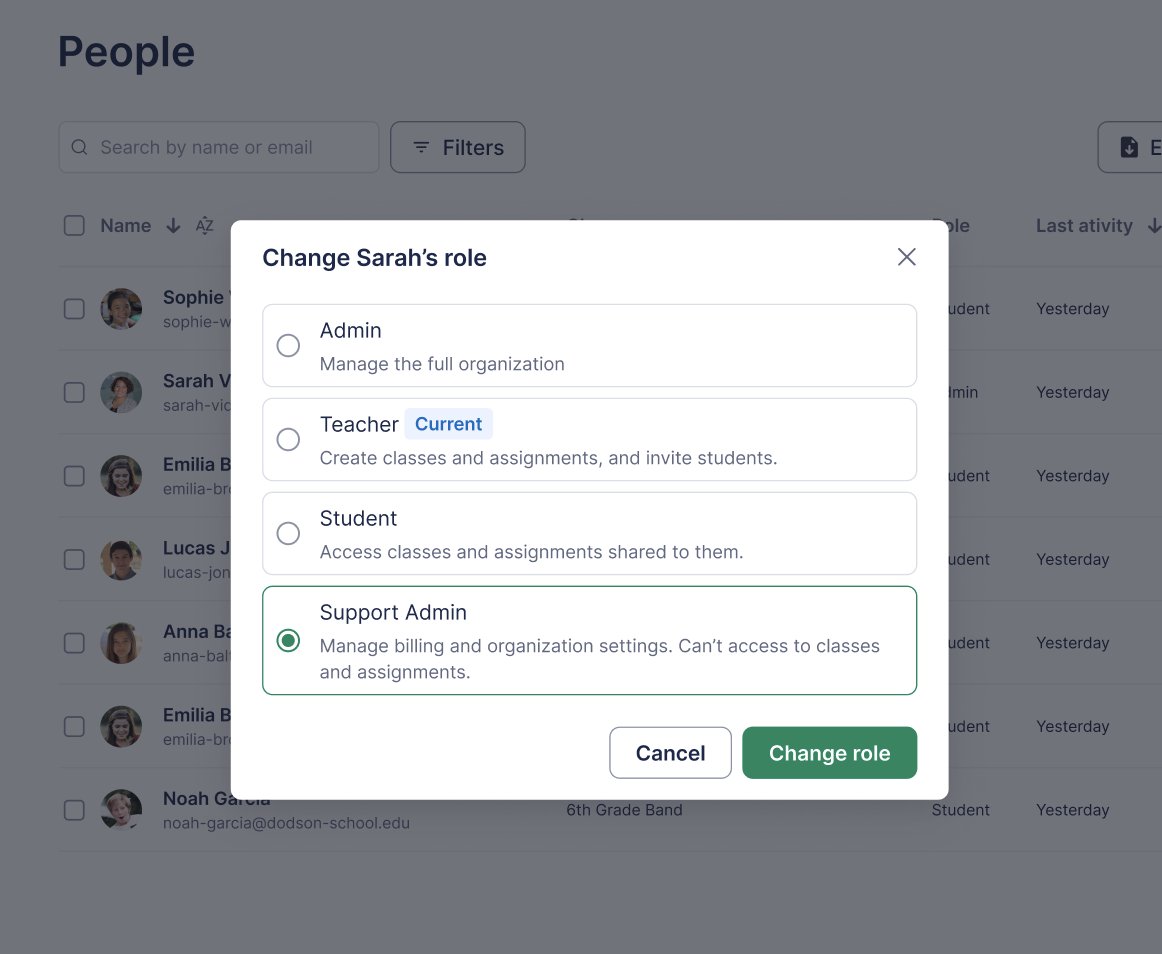
Only Admins and Support Admins can change user roles. If you don't see this option, check that you are signed in with an Admin or Support Admin account.