시작하기
쉽게 시작하고 작곡가로서 성장할 수 있는 훌륭한 도구를 발견하세요.
쉽게 시작하고 작곡가로서 성장할 수 있는 훌륭한 도구를 발견하세요.
Flat을 사용하여 악보와 탭을 만들고, 편집하고, 재생하고, 인쇄하고, 내보낼 수 있습니다.
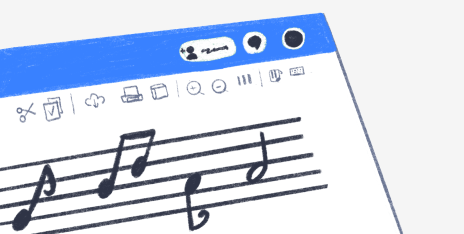
작곡을 한 단계 더 발전시키기 위해 필요한 모든 것이 여기에 있습니다.
Flat은 전 세계 각지의 작곡가들이 모인 활기찬 커뮤니티입니다.
제품
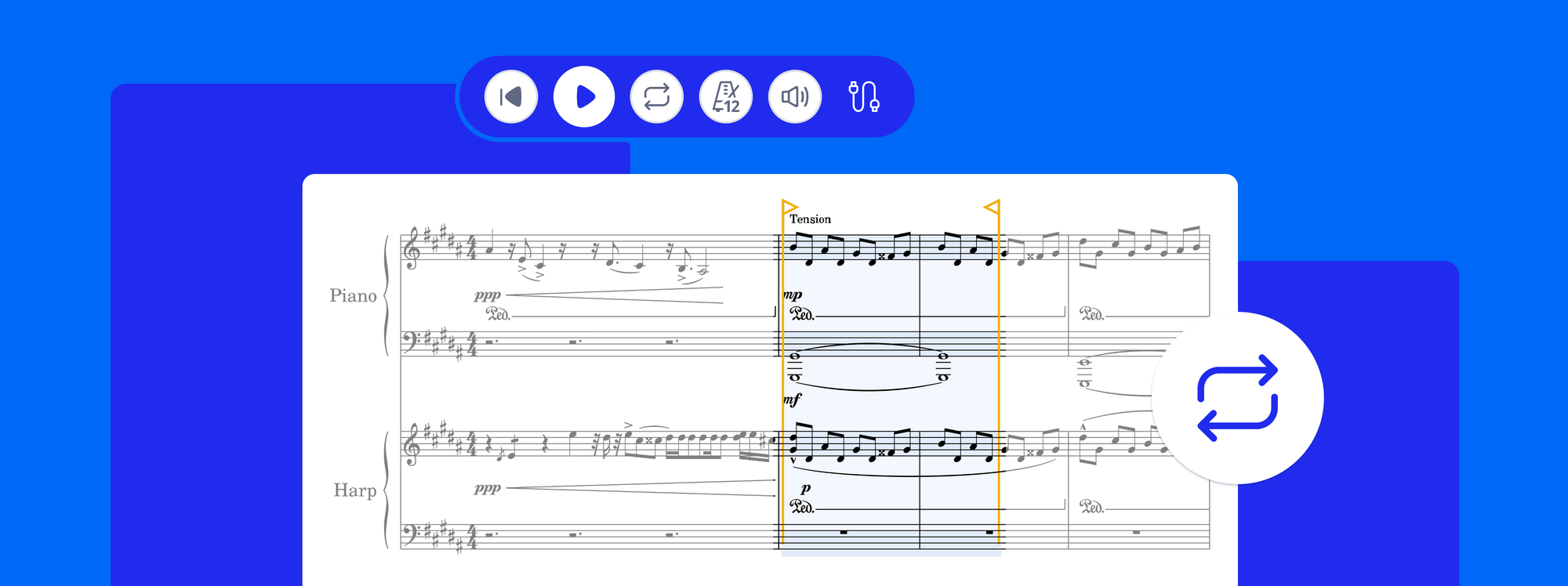
Loop playback is now in Flat. Select any passage, press L, and it repeats while the notes stay editable. Plus playback that starts from your cursor.

4 min read
제품
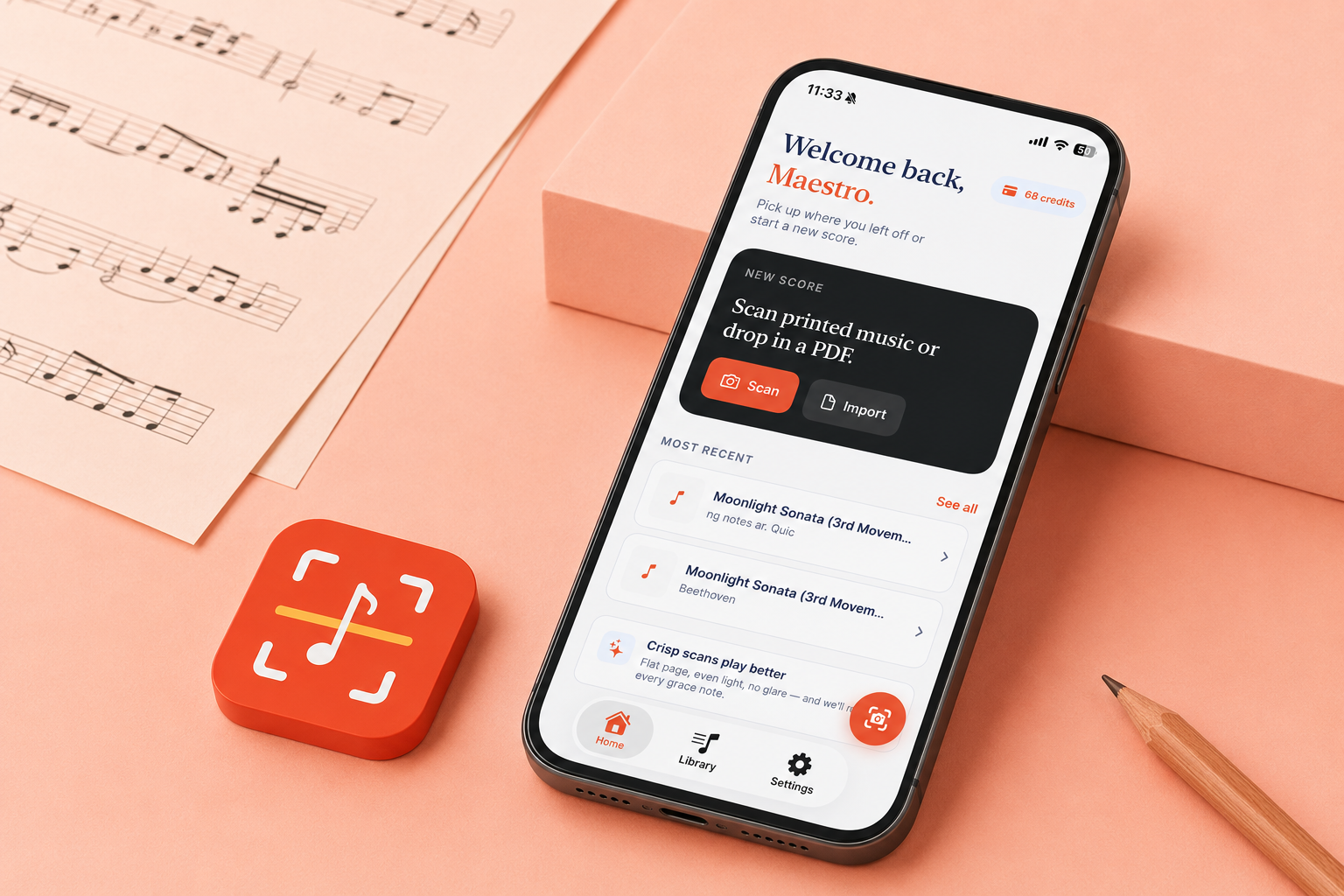
You have a printed score, or a PDF someone sent you, and the music you want to change is stuck as an image: a wrong note, a key that does not fit your voice, a part you want to pull out. Retyping it by hand takes hours. Opuscan is a sheet music scanner for your iPhone and iPad: snap a photo of the page or open a PDF, and it hands you a clean, editable score in seconds, with the rhythms, chords, lyrics, and dynamics read straight off the page. From there you keep working wherever you already do,
6 min read
제품
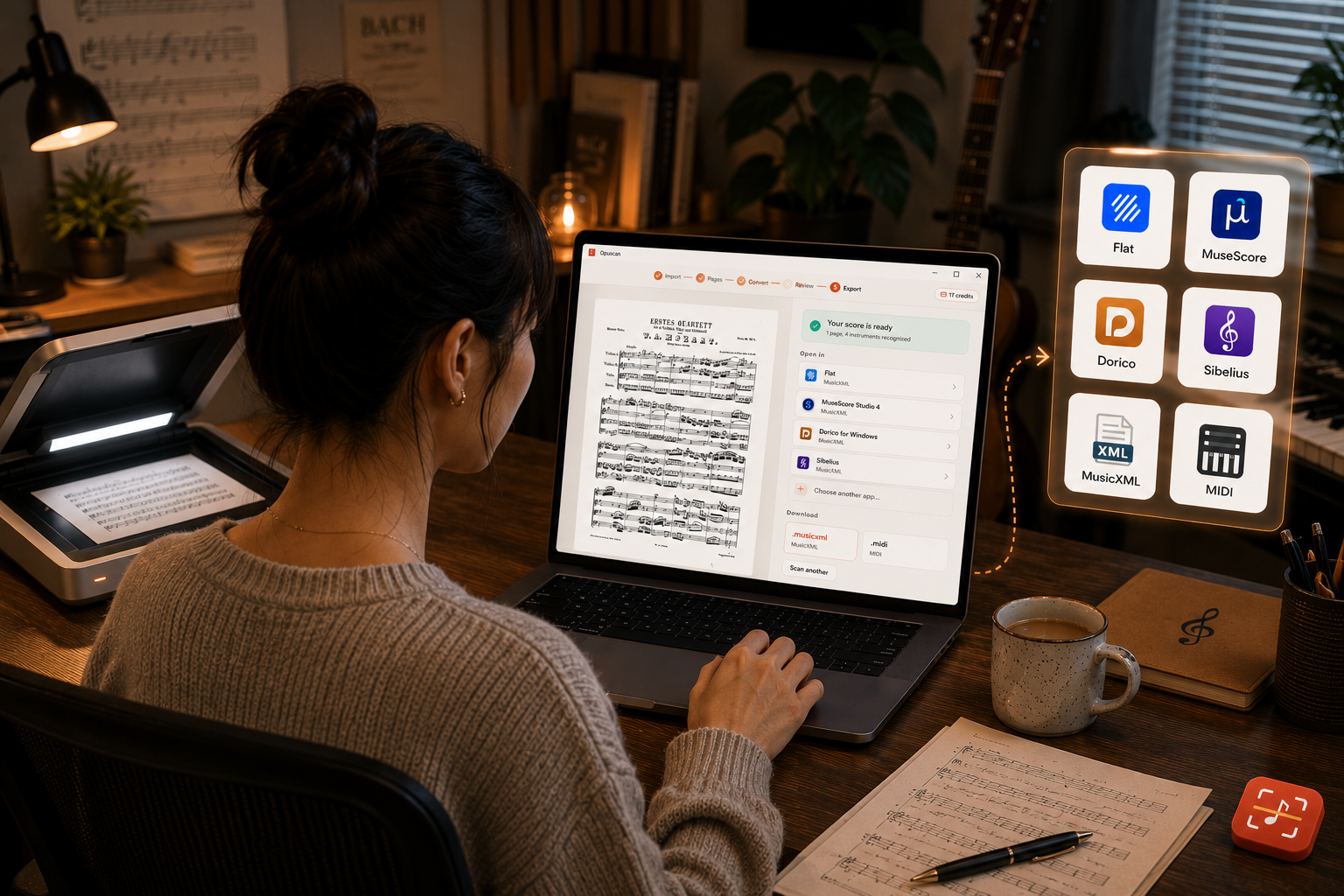
You have a printed score, or a PDF someone sent you, and you need it as something you can actually change: fix a wrong note, swap an instrument, pull out a single part, or open it in your notation software. Retyping it by hand takes hours. Opuscan is a sheet music scanner for Windows: it reads the page and hands you a clean, editable score in seconds, with the rhythms, chords, lyrics, and dynamics carried straight across. From there you keep working wherever you already do, from Flat to MuseScor
5 min read