
开始使用
轻松开始并发现优秀的工具,助您成长为作曲家。
轻松开始并发现优秀的工具,助您成长为作曲家。
Flat 让您可以创建、编辑、播放、打印和导出乐谱和吉他谱。
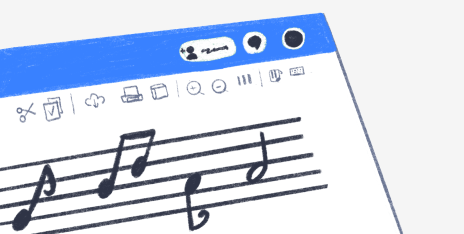
这里有您需要的一切,以提升您的作品到更高的水平。
Flat 是一个由来自世界各地的作曲家组成的充满活力的社区。
产品
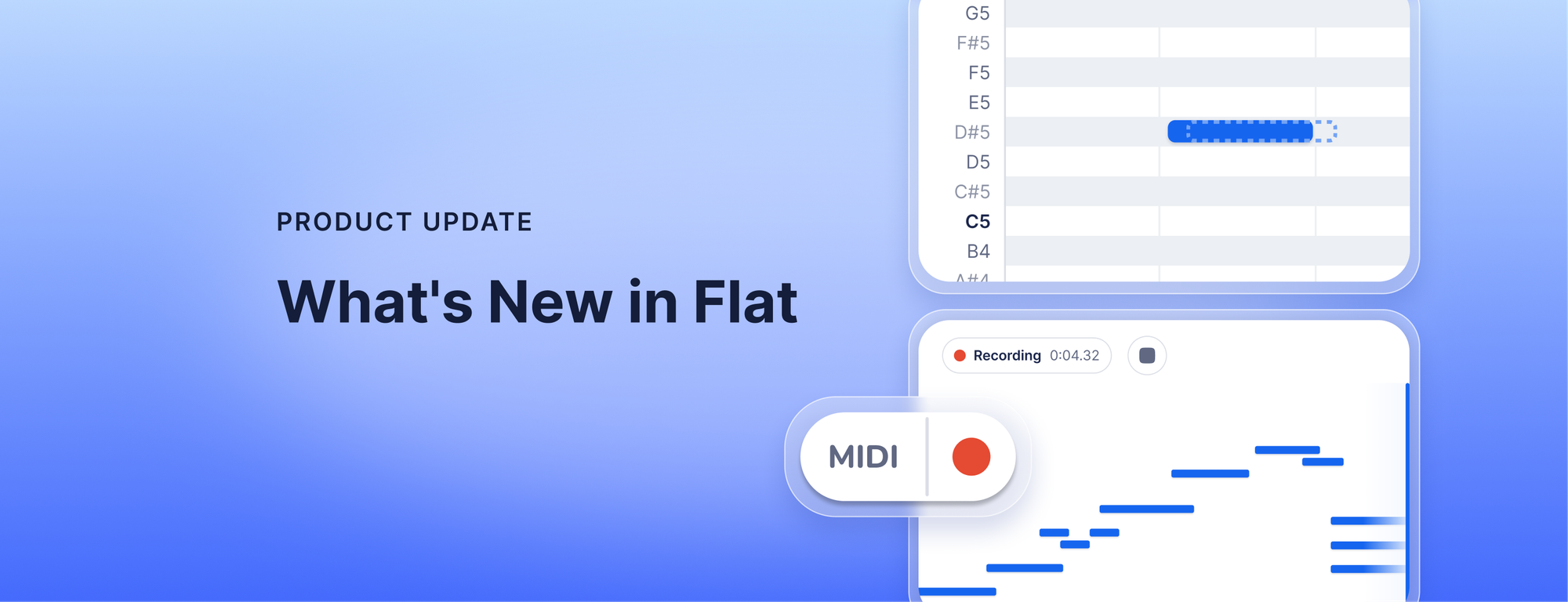
Record from your MIDI keyboard and fix the take before it reaches your score, export audio faster with a new engine rolling out now, get cleaner scans of your PDFs and photos, and keep your instruments in score order with Flat Power.

12 min read
产品
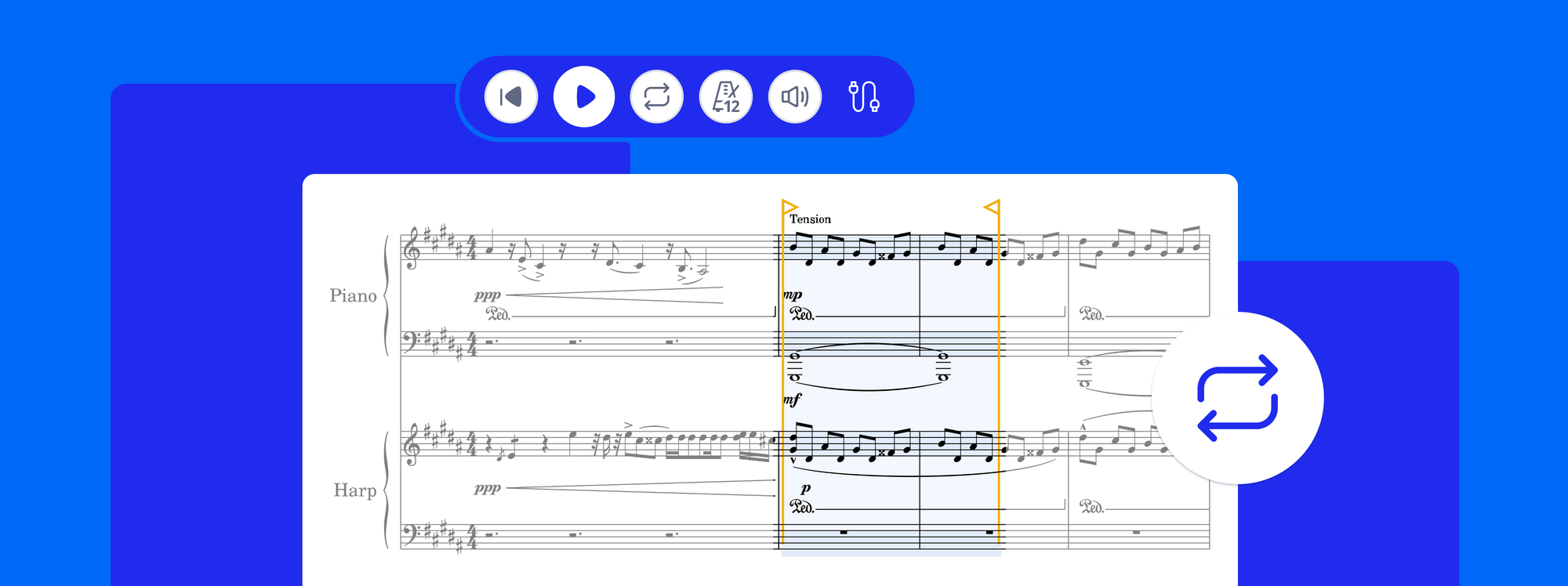
Loop playback is now in Flat. Select any passage, press L, and it repeats while the notes stay editable. Plus playback that starts from your cursor.
4 min read
产品
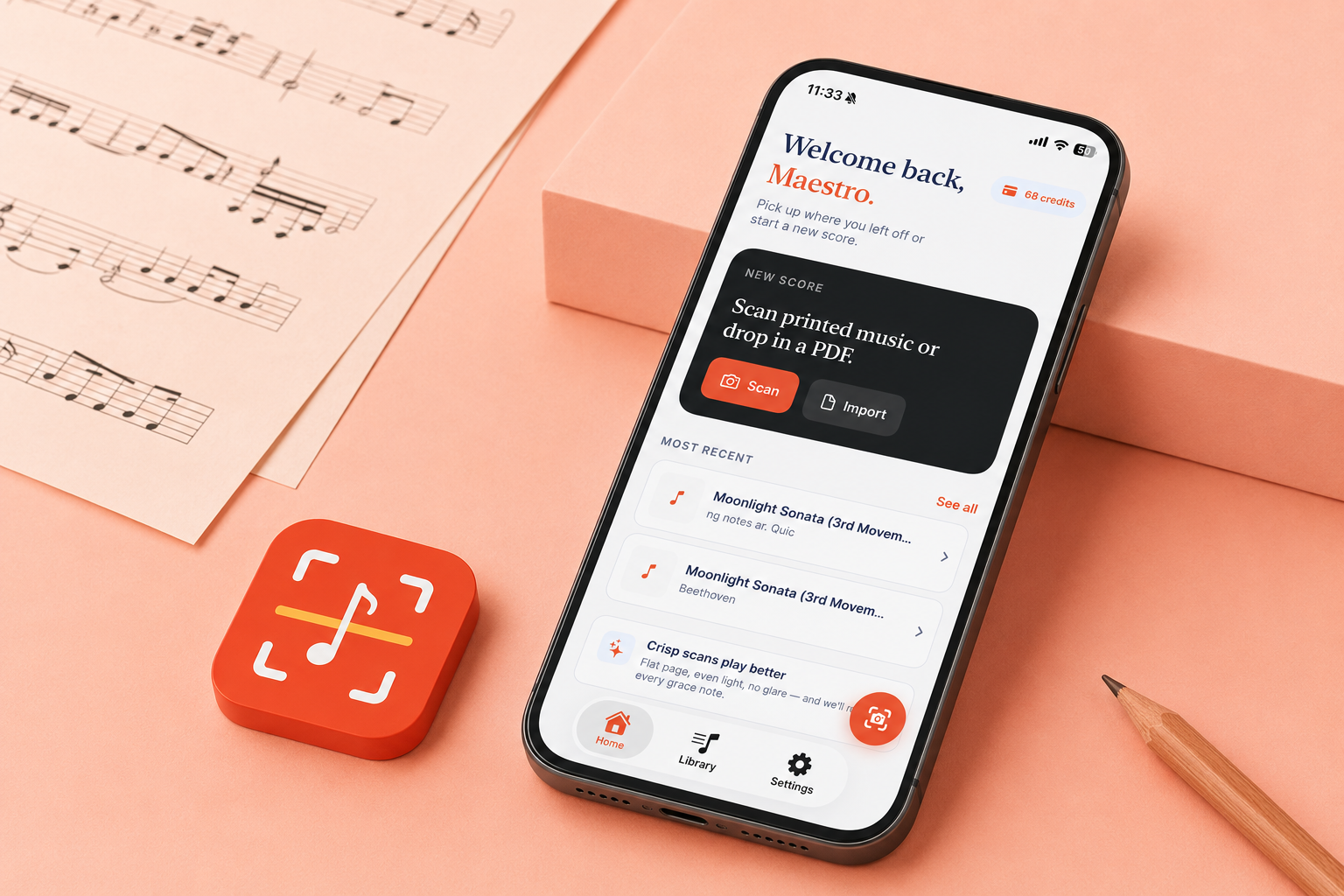
You have a printed score, or a PDF someone sent you, and the music you want to change is stuck as an image: a wrong note, a key that does not fit your voice, a part you want to pull out. Retyping it by hand takes hours. Opuscan is a sheet music scanner for your iPhone and iPad: snap a photo of the page or open a PDF, and it hands you a clean, editable score in seconds, with the rhythms, chords, lyrics, and dynamics read straight off the page. From there you keep working wherever you already do,
6 min read