A student started their work outside of the assignment. How can they submit it?
Last updated June 24, 2026
If a student began working on a score in their own library instead of clicking Start assignment inside the assignment, don't worry — they can still link that score to the task and hand it in normally.
How to link an existing score to an assignment
Ask the student to follow these steps:
- Start the assignment first by clicking the Start assignment button to activate it.
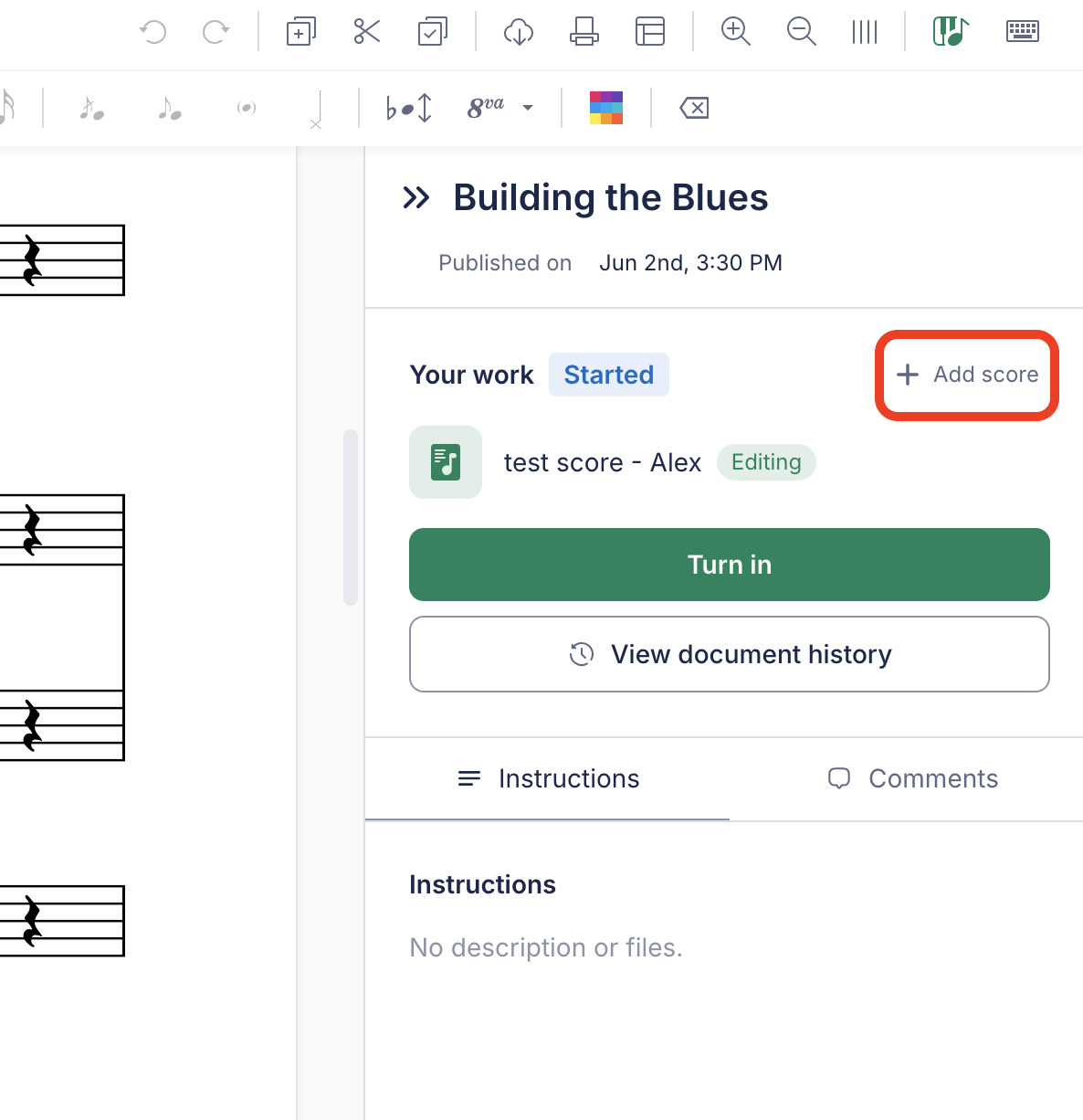
- Click the Add score button.
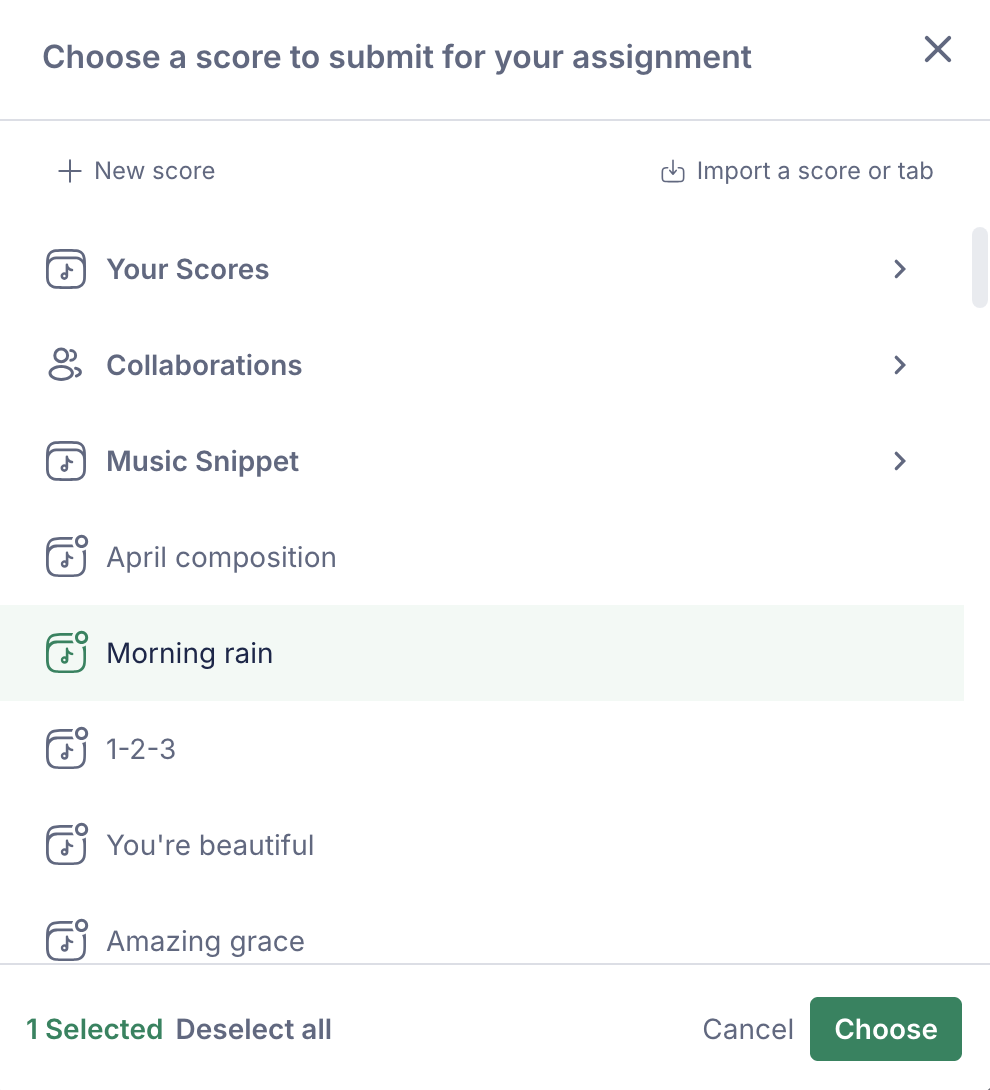
- Select the score they have already been working on from their score list.
- Simply click the Turn in button.
Once they've done this, their score will be attached to your assignment — and you'll be able to review and grade it just as you would any other submission. Nothing is lost!