End-of-year checklist for Flat for Education
Last updated September 2, 2026
30 minutes of cleanup now saves you hours when your new classes start in September.
Archive, tidy, and you're done.
A few quick tasks before summer: archive your classes, remove students who are leaving, check your licence expiry, and handle any school transfers.
Start September with a clean dashboard!
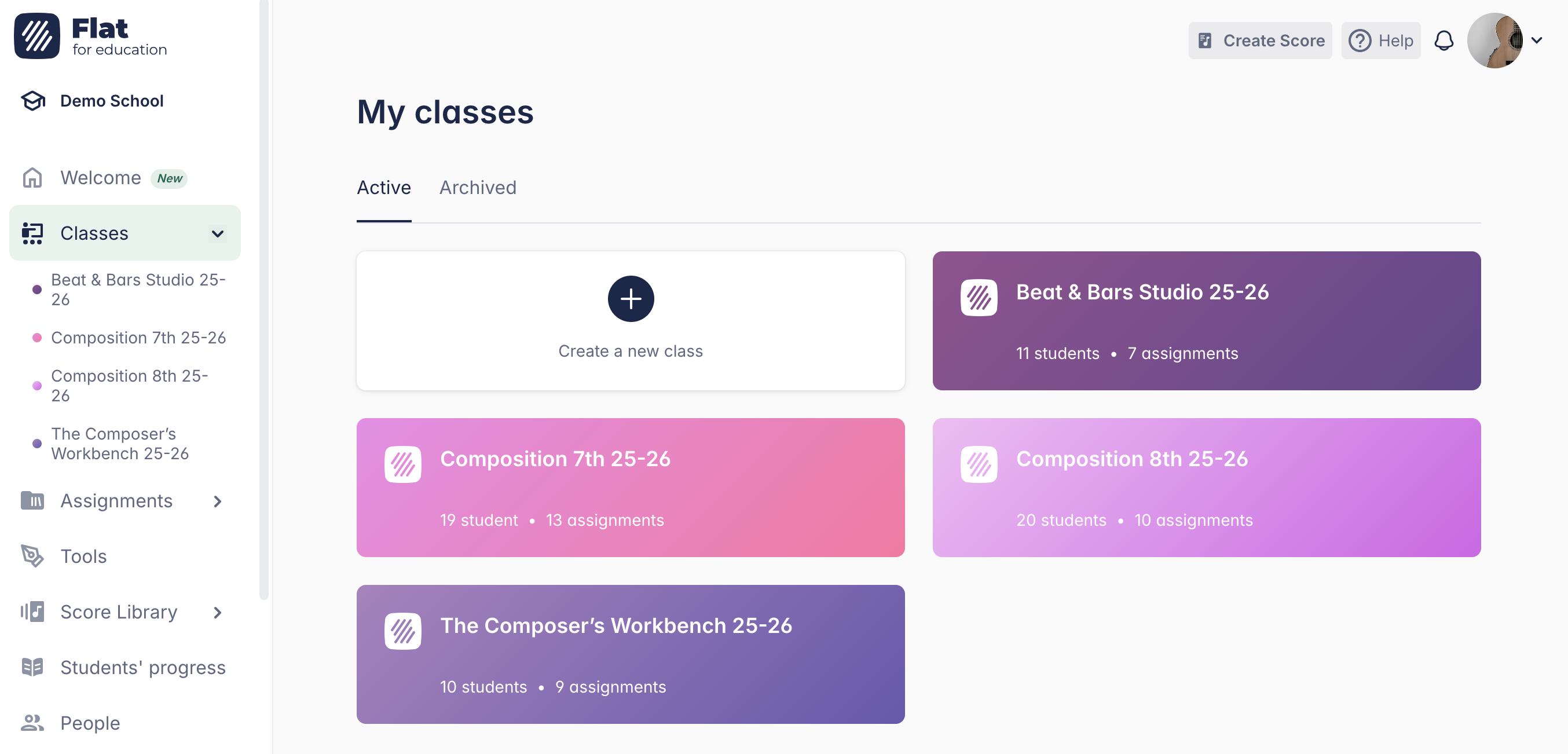
1. Archive your classes
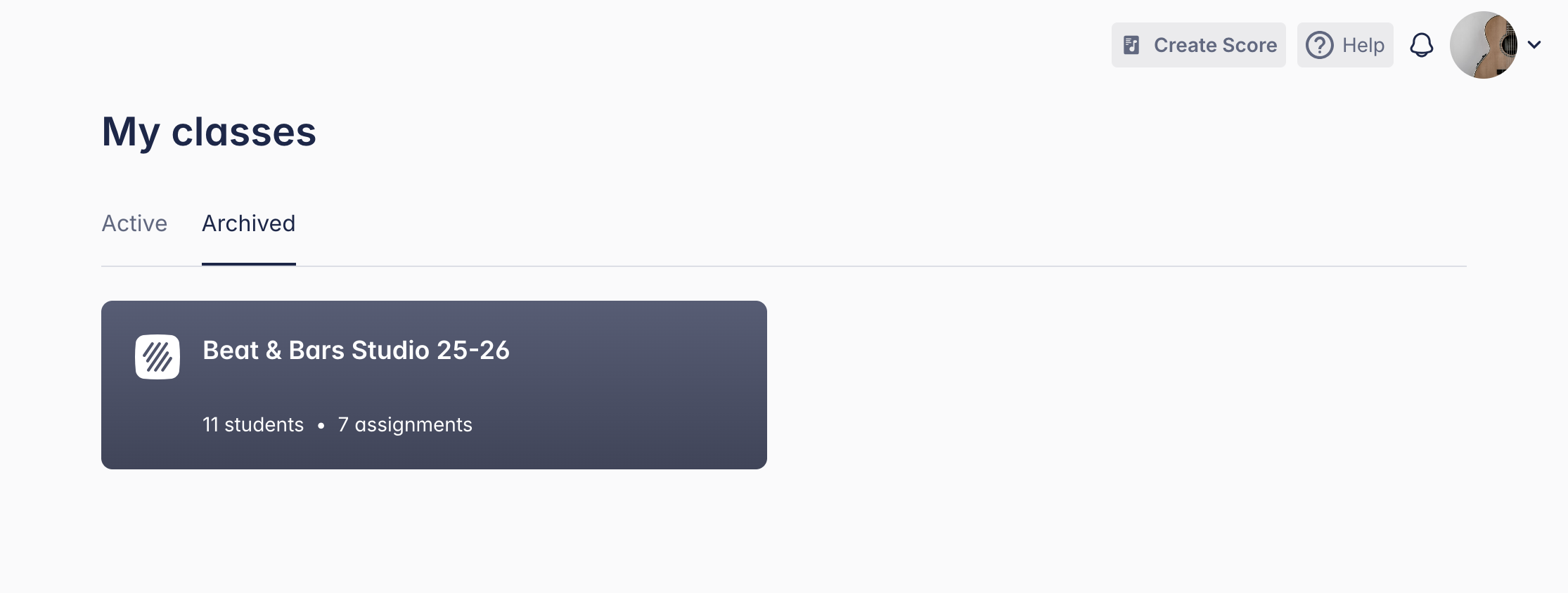
Archiving a class removes it from your active dashboard to keep your class view clean and avoid confusion — especially useful for classes where students are moving to a new group in September.
Archiving a class does not remove students from your account. It temporarily removes the licence from their account, but they'll be automatically reassigned one the next time they log in. Read the next section to make sure departing students don't consume a licence seat next year.
2. Remove students who are leaving
Students who are graduating or moving to a different school should be removed from your Flat for Education account. Keeping them in takes up licence seats and clutters your roster next year.
Who should you remove?
Only students who won't be coming back to your programme. Students returning next year can stay in your account — they'll be easy to add to a new class in September.
The full removal flow is available from the People page, which is accessible to school admins. If you're a teacher without admin access, you can delete student accounts while deleting a class.
Choose Convert to individual accounts instead of deleting — their scores transfer to a free personal Flat account. Make sure they have a personal email on file first, as school addresses get deactivated over summer.
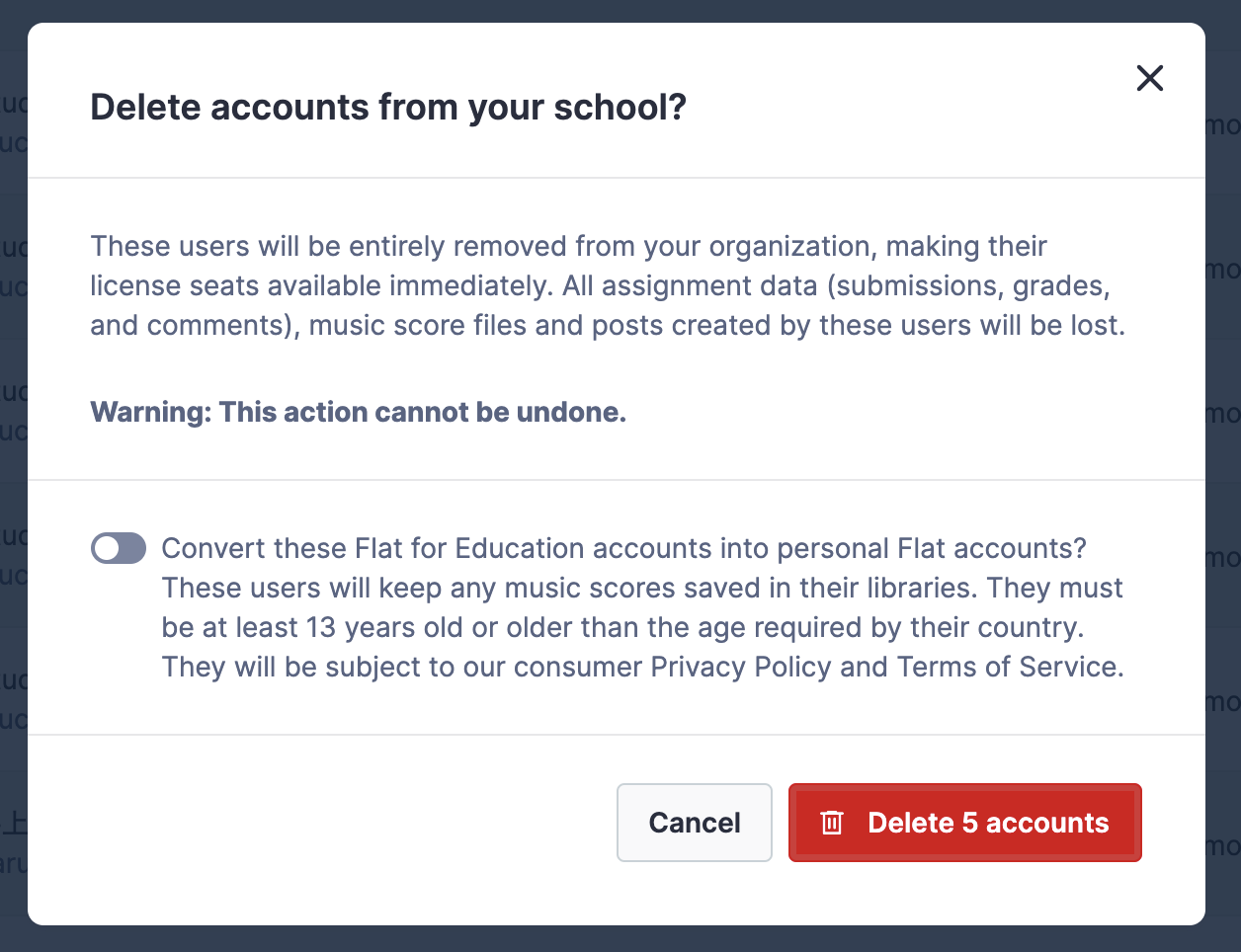
For LMS-synced rosters (Google Classroom, Microsoft Teams, etc.), remove the students from your LMS first, then from Flat for Education. Otherwise, removed students will be added back to Flat the next time your LMS syncs.
3. Check your licence status
Make sure you're covered from the first day of the new school year. You can see your current licence period on the Billing page.
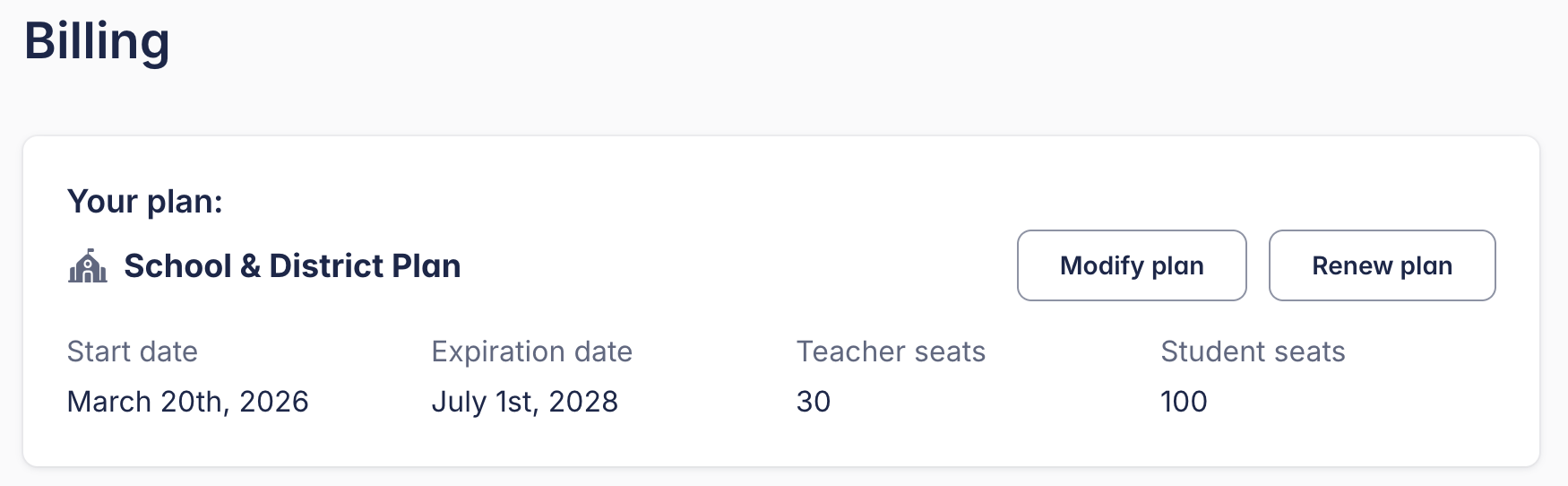
If you need to renew, your account admin can do it quickly. If you need any assistance, contact us — we're happy to help you get ready for next year.
4. Moving to a new school?
If you're changing schools next year, follow these steps to join your new school's Flat for Education environment or set up a new account.
- Ask your current school's admin to convert your account to a personal Flat account. This unlinks you from your current school.
- Ask your new school's admin to invite you. If your new school doesn't have a Flat for Education account yet, you can create one from the sign-up page. Admins can follow the Invite Teachers & Manage Roles guide to add you.
If you have already left your school and cannot ask your admin to convert your account, contact us!
5. Check out the new tools before September
If you haven't had a chance to explore the tools added to Flat for Education in 2025–2026, summer is the perfect time. No class pressure, no time limit — you can try things at your own pace before your students see them.
The tools below are available on the Teacher Plan and School Plan. If you're on a legacy plan and don't see them, you can explore them during a free 30-day trial or contact us to learn more.
Here's what's worth trying over summer:
- Sight Reading Generator — creates unique 8-measure exercises for piano, flute, clarinet, alto saxophone, trumpet, trombone, guitar, and vocals instantly. Try generating exercises at a few different difficulty levels so you know what to expect when you use them as warm-ups.
- Ear Training Worksheets — auto-graded interval identification exercises. Assign one to yourself and complete it as a student would so you understand the submission experience before your class does.
- Fingering Worksheets — auto-graded recorder fingering exercises for Soprano and Alto Recorder (Baroque). Worth checking before your recorder unit in the fall.
- Tuner, Metronome, Tone Generator, Sound Analysis — all built into the student workspace. Open them and get familiar with where they live so you can point students to them on day one.
What a clean September looks like
When you come back in August or September with this done, your Flat for Education dashboard will have no active classes from last year in the way, no licence seats used by students who are no longer in your programme.
Setting up a new class takes about 10 minutes: create the class, sync your roster from your LMS, and assign the first activity. If you've saved assignments to your Assignment Library, that first assignment takes one click.