Get started
Easily get started and discover great tools to grow as a composer.
Easily get started and discover great tools to grow as a composer.
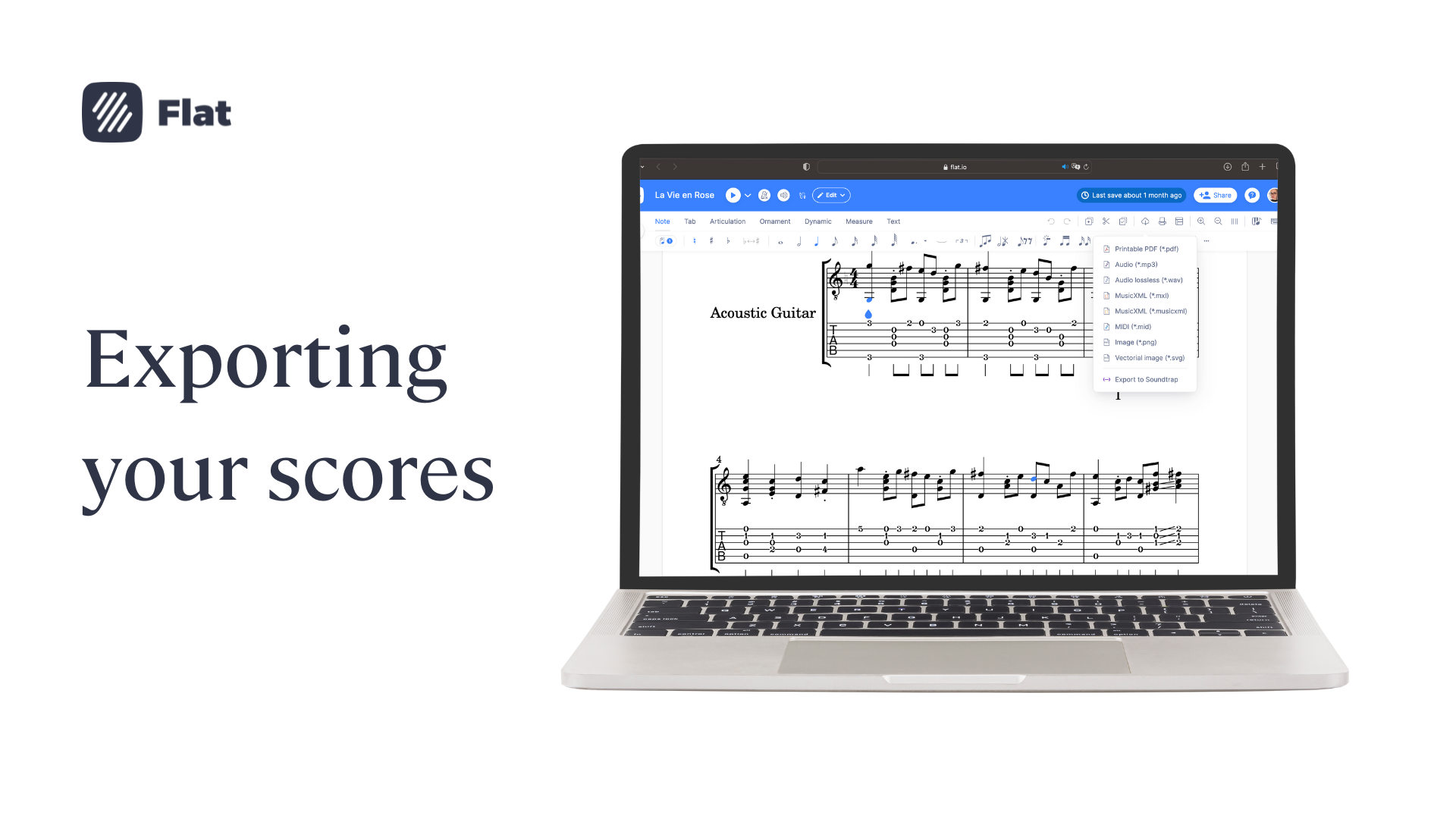
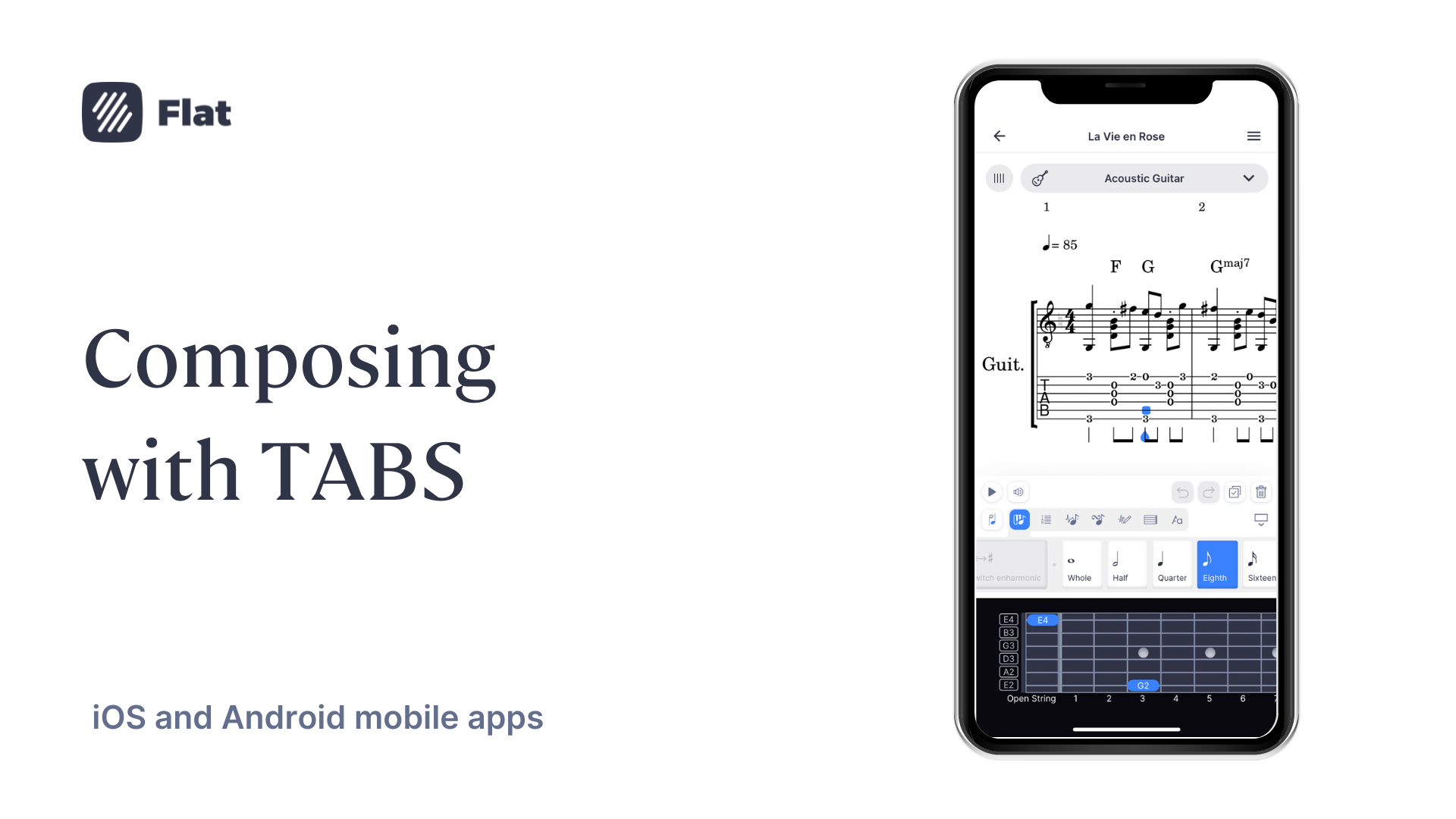
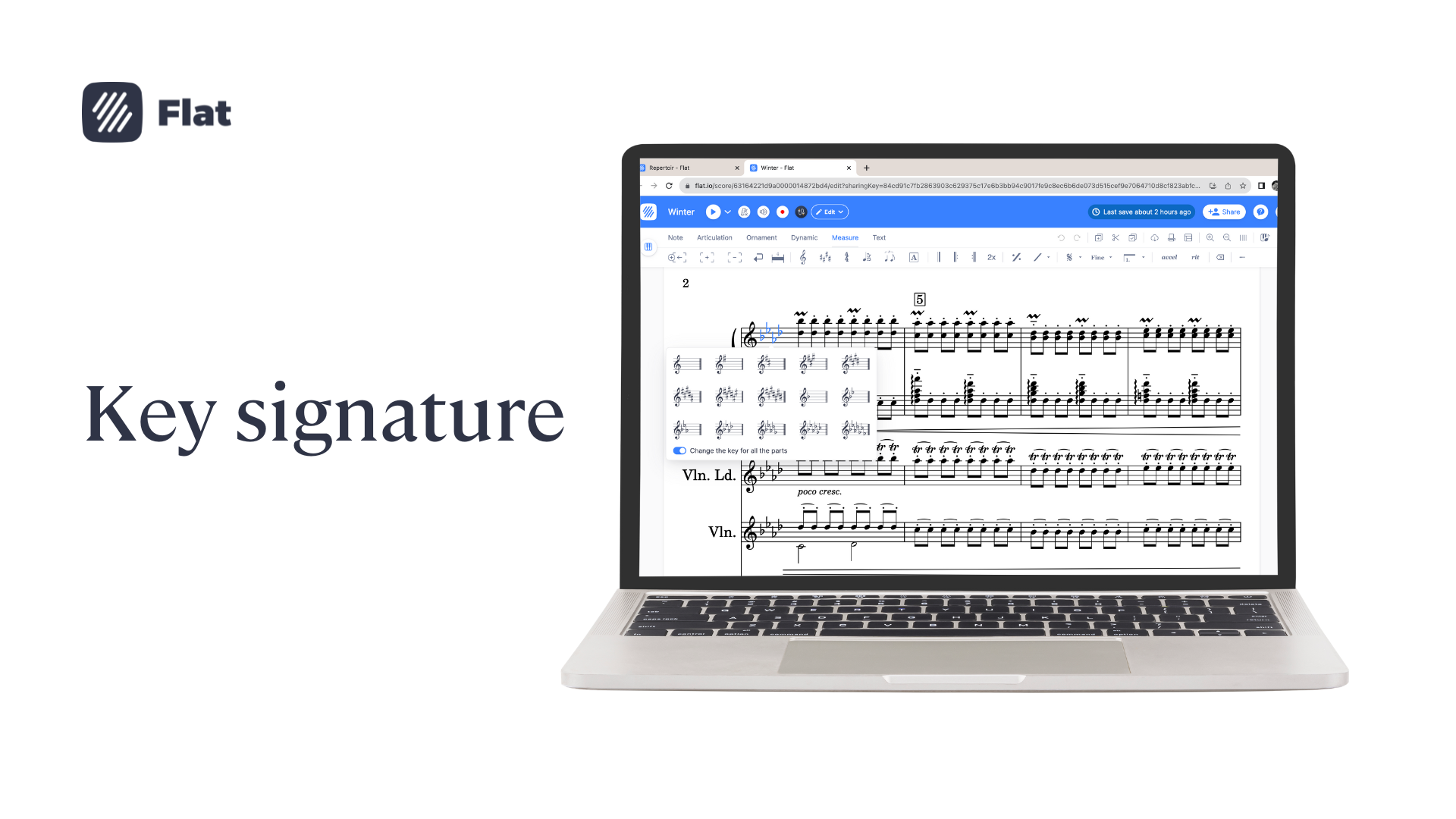
Flat lets you create, edit, playback, print, and export your sheet music and tabs.
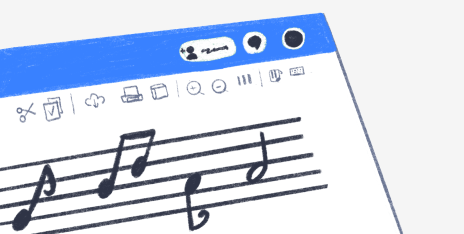
Here's all you need to take your compositions to the next level.
Flat is a vibrant community of composers from every corner of the globe.
Do you have a question about Flat, our editor, platform, or your account? Find answers here.
Embed interactive music sheets seamlessly into your websites, blogs, and apps.
Discover our dedicated developer resources to use and integrate our API's and music notation embed.
Find the answers to the most asked questions
Product
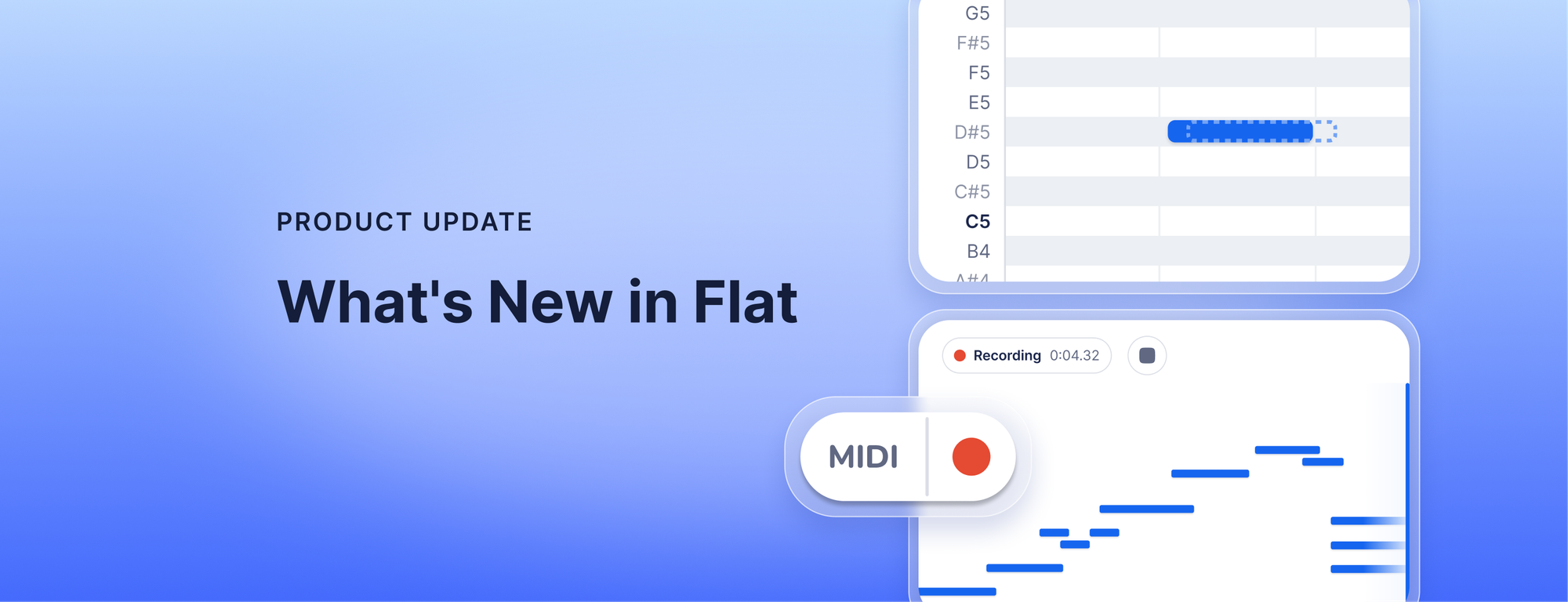
Record from your MIDI keyboard and fix the take before it reaches your score, export audio faster with a new engine rolling out now, get cleaner scans of your PDFs and photos, and keep your instruments in score order with Flat Power.

12 min read
Product
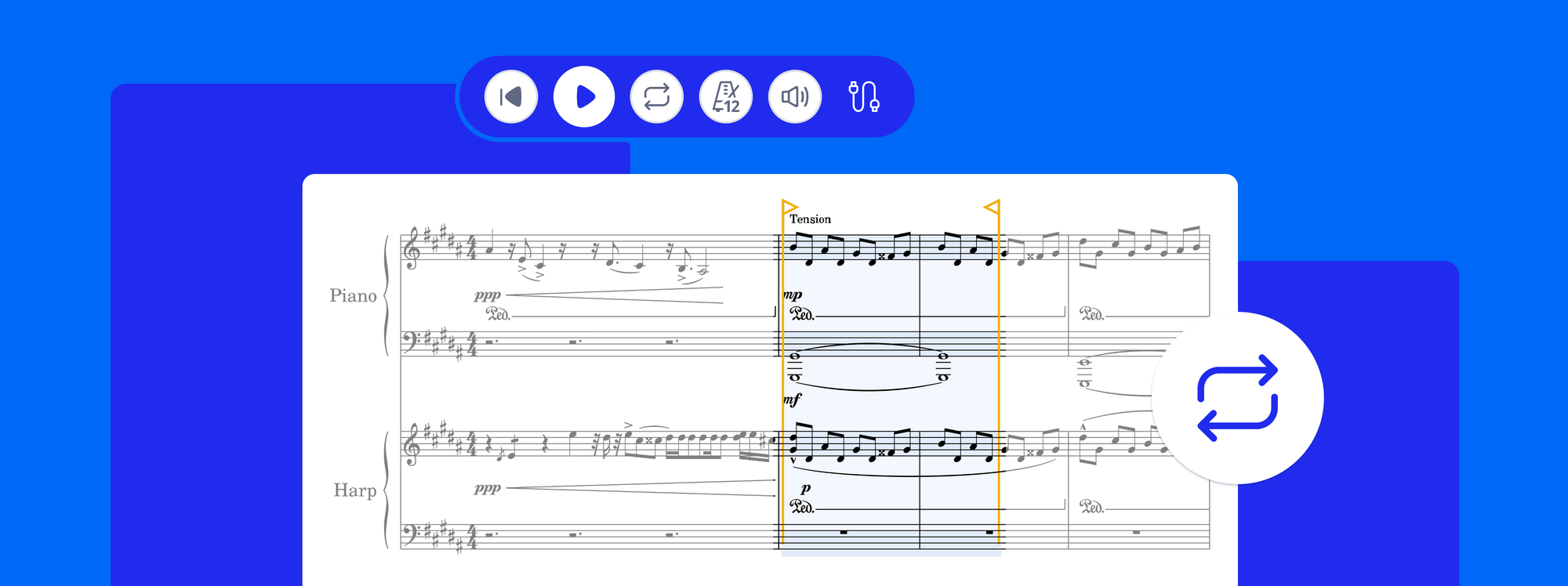
Loop playback is now in Flat. Select any passage, press L, and it repeats while the notes stay editable. Plus playback that starts from your cursor.
4 min read
Product
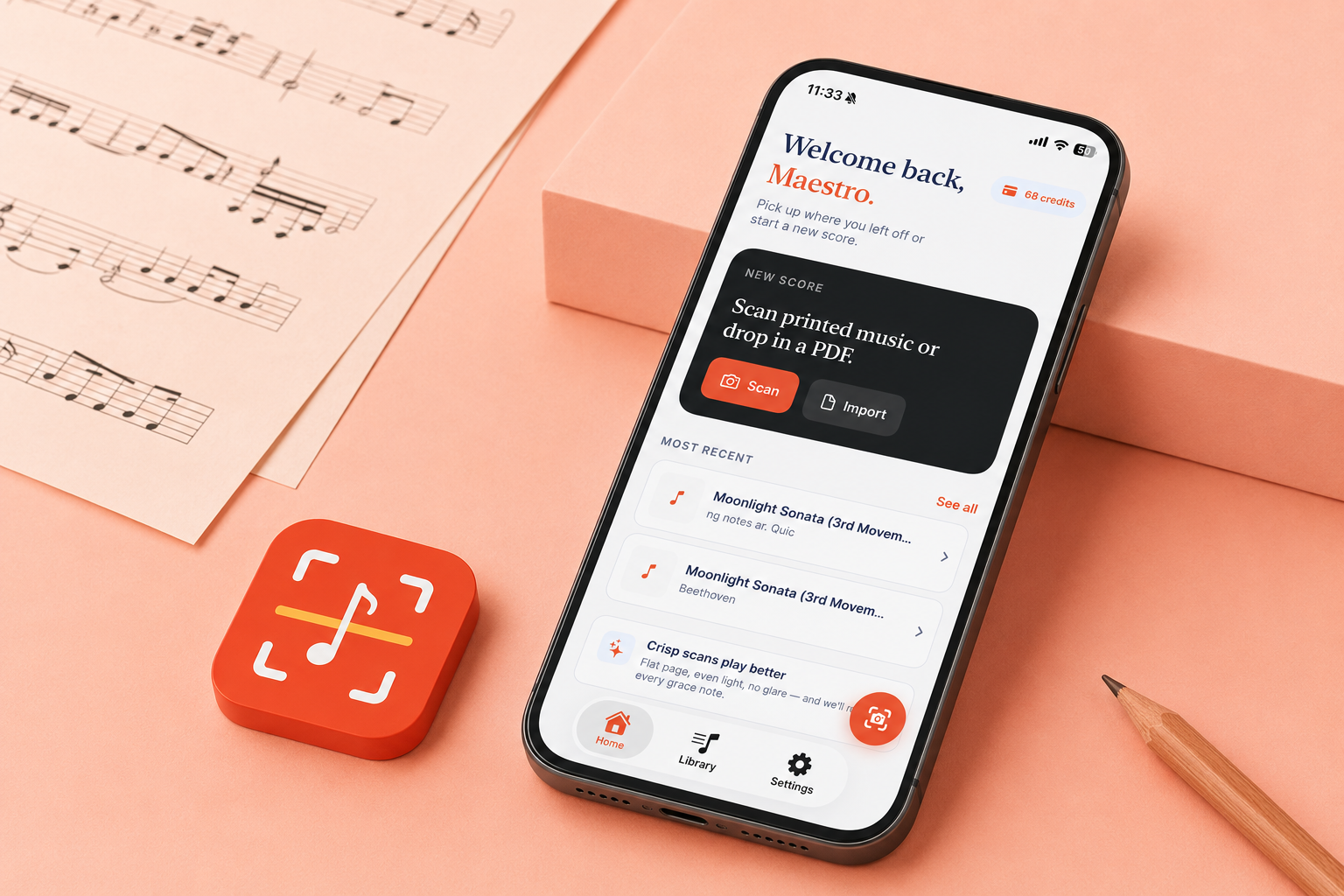
You have a printed score, or a PDF someone sent you, and the music you want to change is stuck as an image: a wrong note, a key that does not fit your voice, a part you want to pull out. Retyping it by hand takes hours. Opuscan is a sheet music scanner for your iPhone and iPad: snap a photo of the page or open a PDF, and it hands you a clean, editable score in seconds, with the rhythms, chords, lyrics, and dynamics read straight off the page. From there you keep working wherever you already do,
6 min read