How to set page size, orientation, and margins in Flat
Last updated November 4, 2026
Page setup in Flat controls the sheet your score is engraved on. Flat lets you choose the Orientation, the Page size, and the top, bottom, left, and right margins, and it adds page numbers automatically once a score runs to two pages or more, starting from whichever number you set.
How do I change the page size, orientation, and margins?
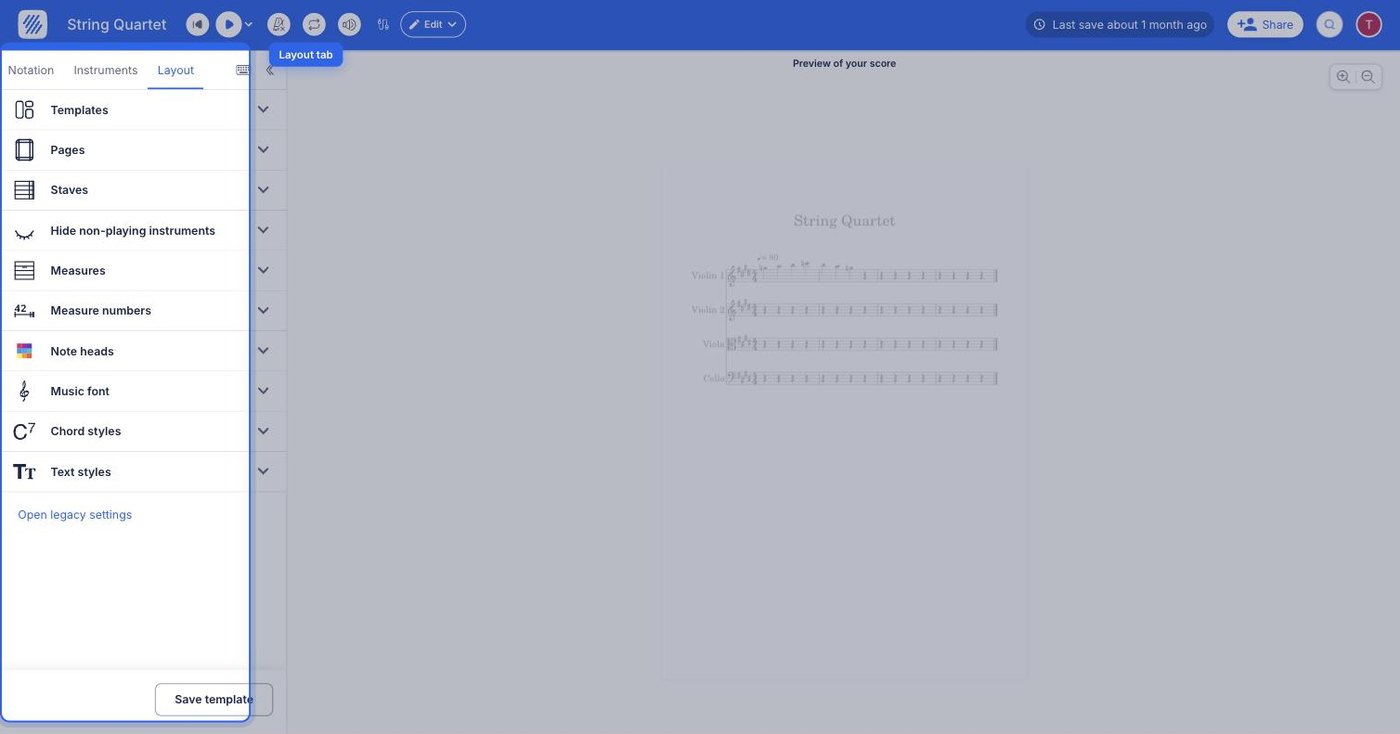
Flat keeps all of this in the Layout tab of the left panel. Under the Pages settings, you can choose the Orientation of the paper, the Page size and the different margins. Every change is applied to the score immediately, so you can judge the result as you go.
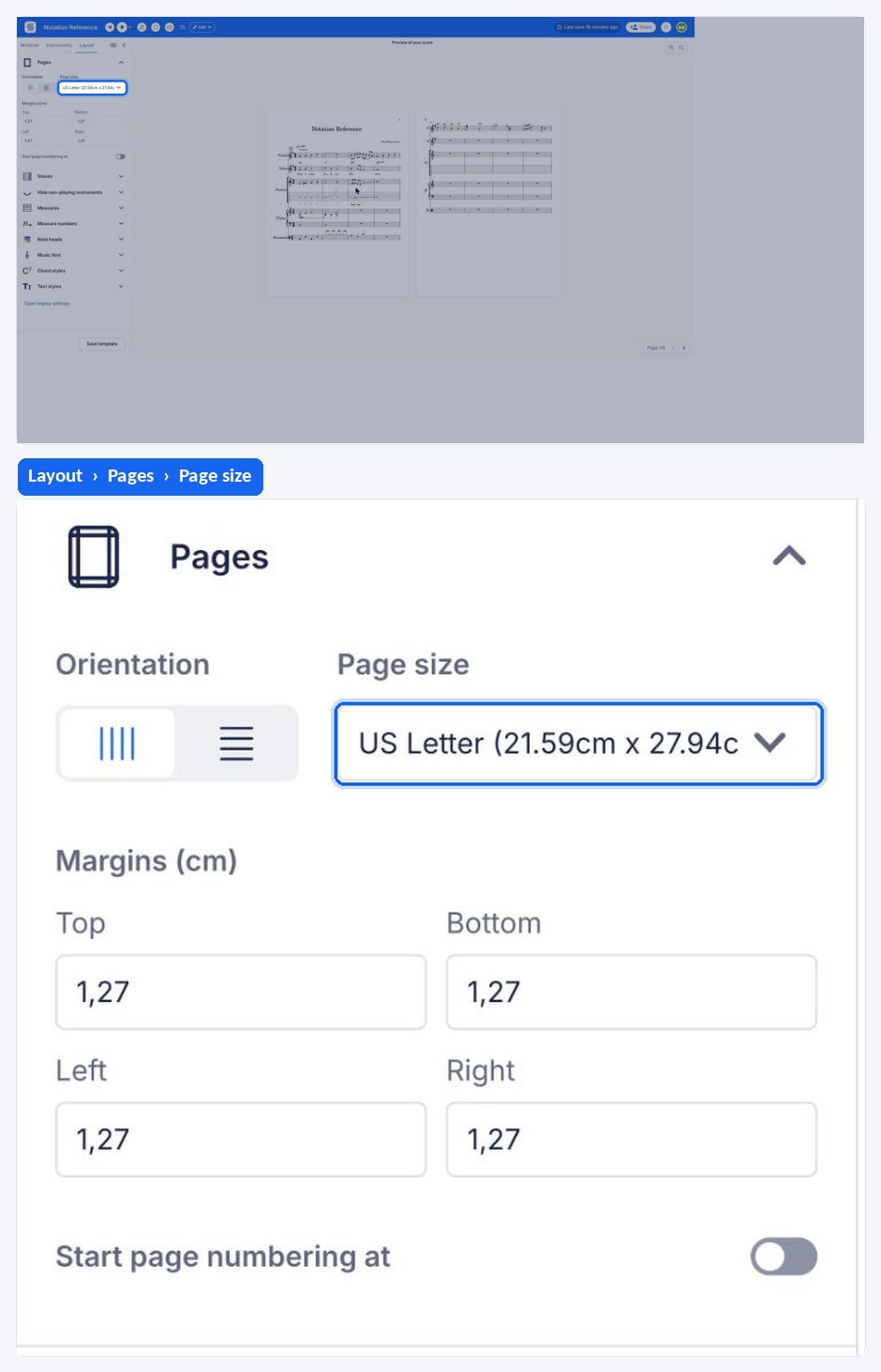
If you're in the US, the default page size is US Letter and the measurements are in inches. In other countries, the default page size is A4 and the measurements are in millimeters or centimeters.
How do I set the starting page number?
Flat automatically adds page numbers if your score has at least two pages. You can set the starting number for page numbering in the page numbers section. For instance, you can choose to begin numbering from 3 if you want the first page to be labeled as 3. To do so, first enable the option ''start numbering pages at" and insert the right number.
Frequently asked questions
Why is my score in US Letter instead of A4?
Because the default follows your region. In the US the default page size is US Letter and measurements are shown in inches; elsewhere the default is A4 with millimeters or centimeters. Both are just defaults - change the Page size in the Pages settings at any time.
Why don't I see any page numbers?
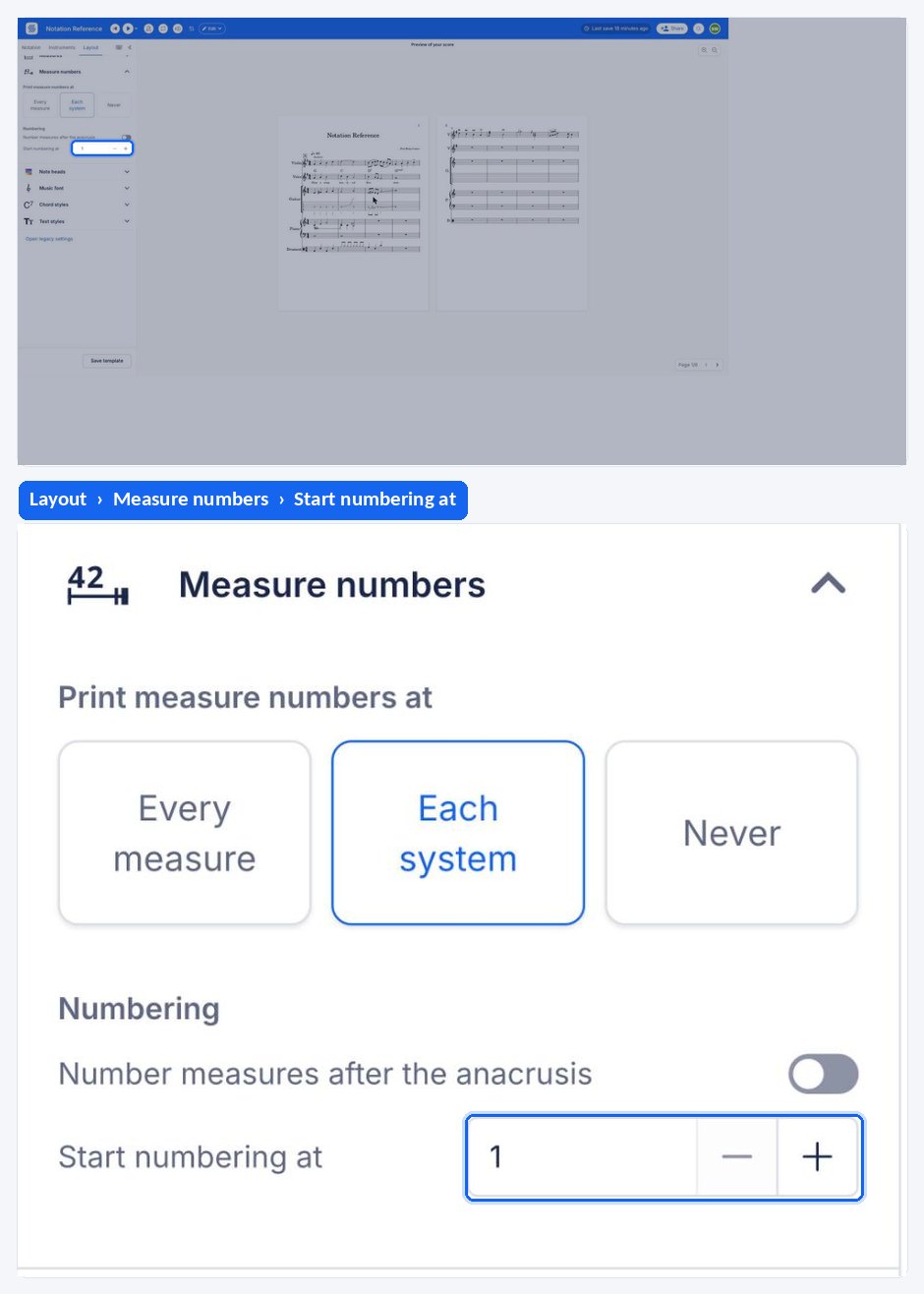
Flat adds page numbers automatically only once a score has at least two pages. A single-page score is never numbered. If your score is longer than one page and still shows nothing, check the measure and page numbering options in the layout settings.
Can I start numbering at a page other than 1?
Yes. Enable the ''start numbering pages at" option in the page numbers section and enter the number you want, for example 3 if this file continues a previous one. Flat then labels the first page with that number and counts up from there.
How do I fit more music on a page?
Margins are only part of the answer. Reducing the staff size and the space between staves and systems usually gains more room - see staff size and spacing - and measures per system and note spacing controls how tightly each system is packed.