How to set the number of measures per system and note spacing in Flat
Last updated September 16, 2026
The number of measures per system in Flat is a maximum, not a fixed count: Flat fits fewer measures onto a line when a passage is dense, so nothing becomes unreadable. Flat pairs this setting with a note spacing control, letting you tune how tightly each system is packed across the page.
How do I change the measures per system and the note spacing?
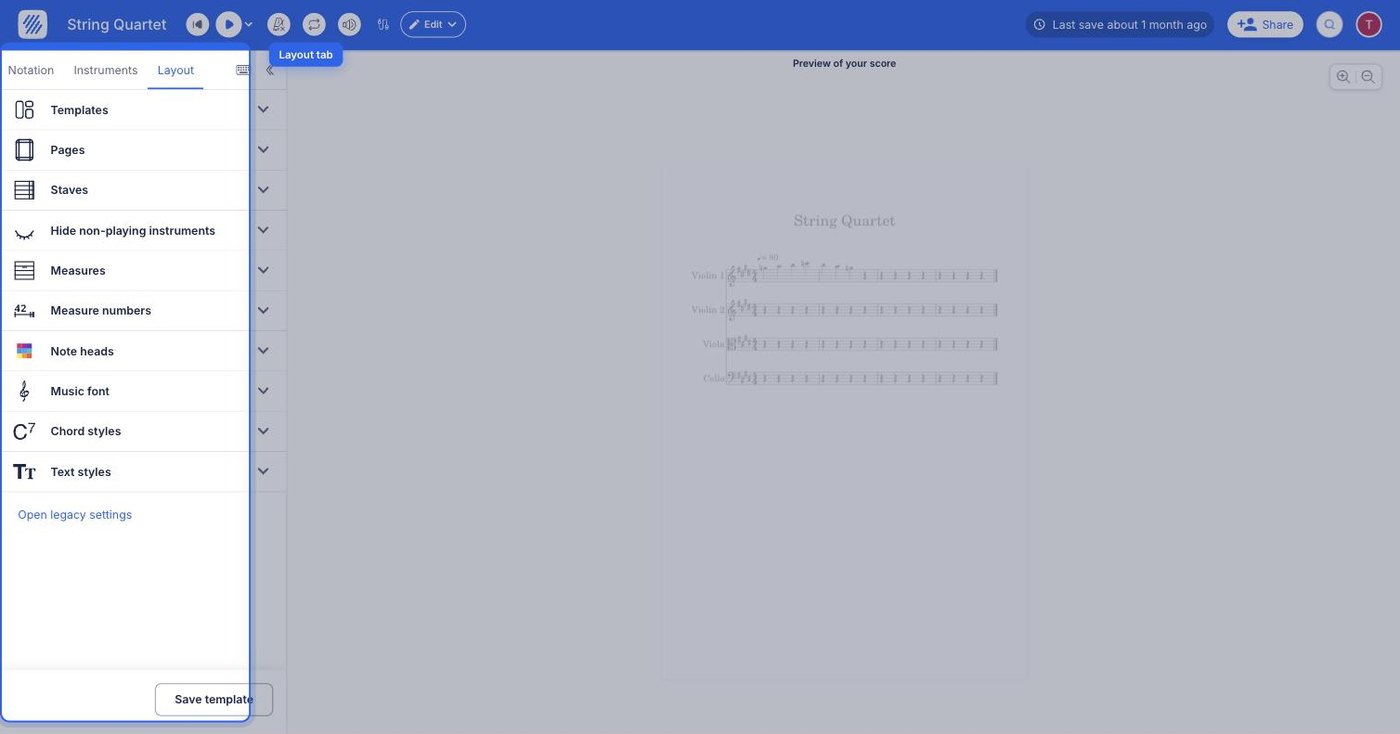
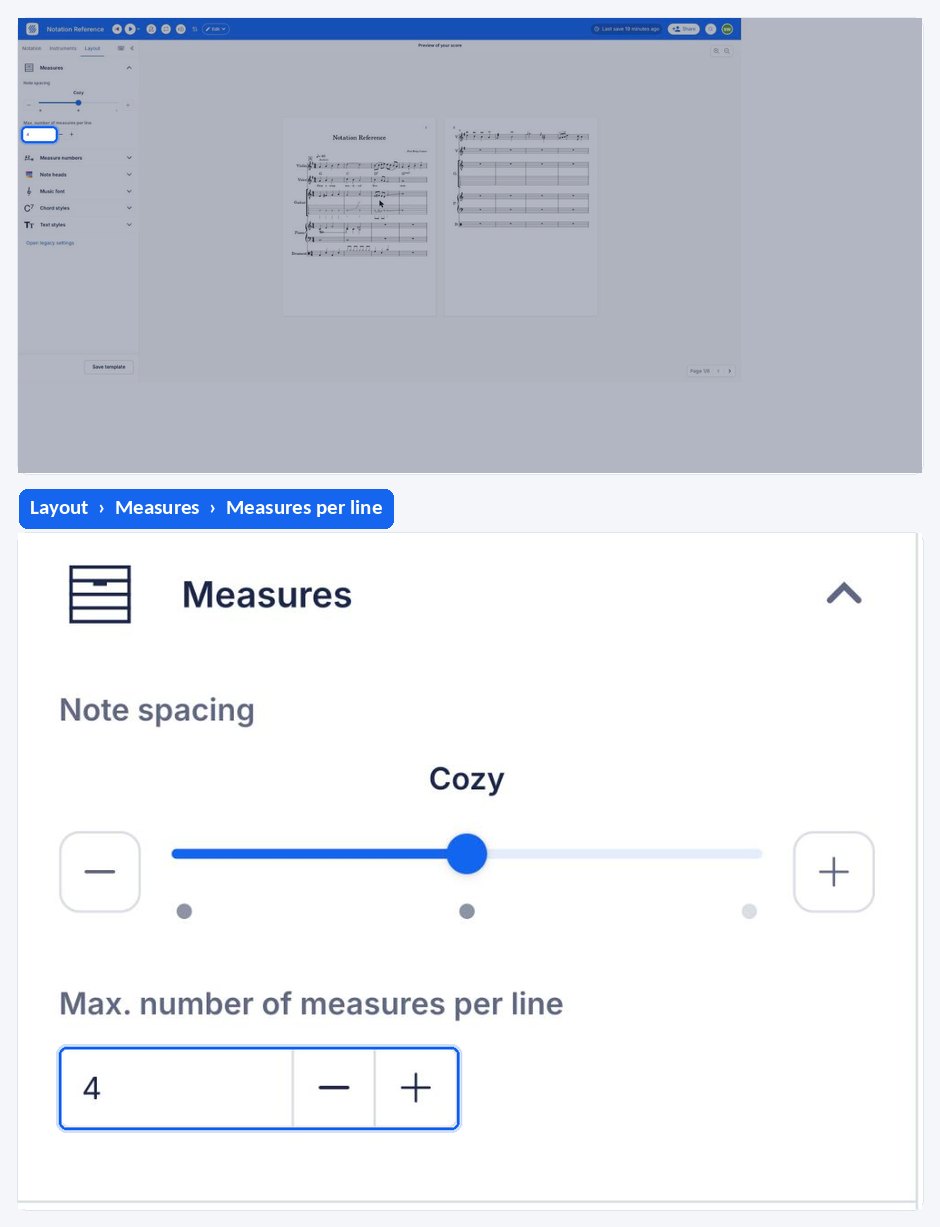
Flat keeps both settings in the Layout tab of the left panel. Under the Measures settings, you can now edit the Number of measures per system and the notes spacing. The two work together: the measure count sets an upper limit, and the spacing decides how much horizontal room each note takes.
The number of measures is always a maximum, this allows us to properly display all the measures, especially when they contain a lot of notes with small durations. You can also adjust the notes spacing combined with the number of measures per line to get the perfect result.
You might want to add system breaks to your notation to make the number of measures per system vary.
How do I change the measures per system and the note spacing?
Under the Measures settings, you can edit the Number of measures per system and the notes spacing. The two work together: the measure count sets an upper limit, and the spacing decides how much horizontal room each note takes on the line.
Open the menu at the top right and tap Layout, then open Measures. The number of measures per system and the note spacing sit together: the measure count sets an upper limit and the spacing decides how much horizontal room each note takes.
The number of measures is always a maximum, this allows us to properly display all the measures, especially when they contain a lot of notes with small durations. You can also adjust the notes spacing combined with the number of measures per line to get the perfect result.
You might want to add system breaks to your notation to make the number of measures per system vary.
Frequently asked questions
Why does a system hold fewer measures than the number I set?
Because the number of measures is always a maximum. When measures contain a lot of notes with small durations, Flat puts fewer of them on the line so that everything is still properly displayed. The setting caps the count; it never forces it.
What does the note spacing setting actually change?
It changes how much horizontal room each note is given inside a measure. Increasing it spreads the music out and pushes measures onto later systems; decreasing it packs notes closer so more measures fit on a line. Combine it with the measures-per-system limit to get the result you want.
How do I break a system at a specific measure?
Use a system break. The measures-per-system setting applies to the whole score, so when you need a particular line to end at a particular bar, add system breaks at those points and let the global maximum handle the rest.
Can I make the music fit on fewer pages?
Yes, by combining settings. Raise the maximum measures per line and tighten the note spacing here, then reduce the staff size and spacing and, if needed, the page margins.