How to change text styles and fonts in Flat
Last updated October 13, 2026
Text styles in Flat control every word printed on a score - title, subtitle, lyrics, chords, and the rest. Flat lets you customize the styles of the different text elements in your scores: one default font family for everything, then a family, weight, style, and size per text type, measured in points or in staff spaces.
How do I change the default font?
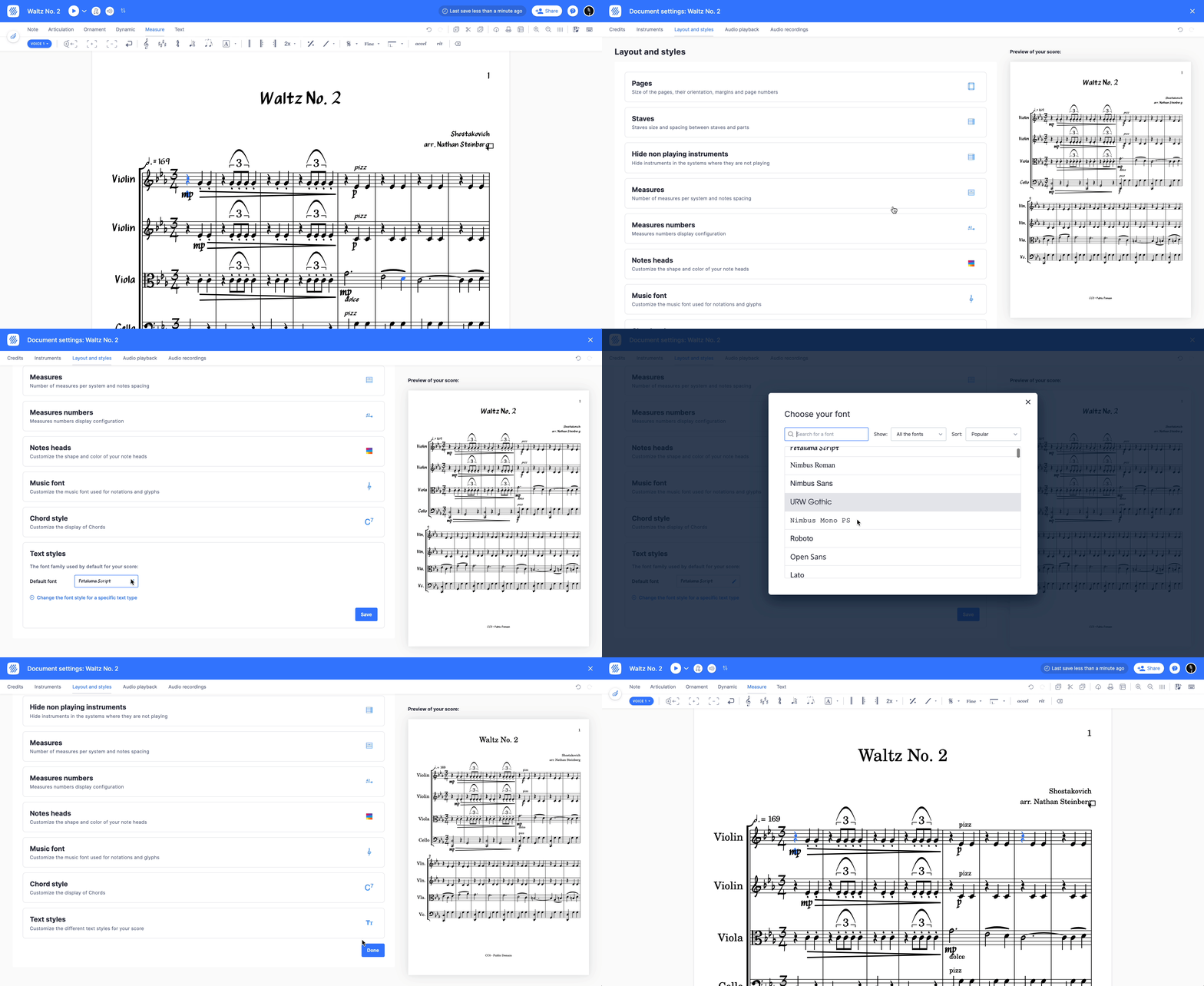
Flat keeps this in the Layout tab of the left panel. Scroll to Text styles. From there, you can set the default font family used for all the texts in your score. Every text type that has not been given its own family follows this setting, so one change restyles the whole score.

How do I style one type of text?
You can also change the font family for specific text types (e.g. only the title of the score), and also adjust the weight (i.e. bold), style (i.e. italic) and the size of the font. Flat lists every text type it engraves, so each one can be set independently of the default.
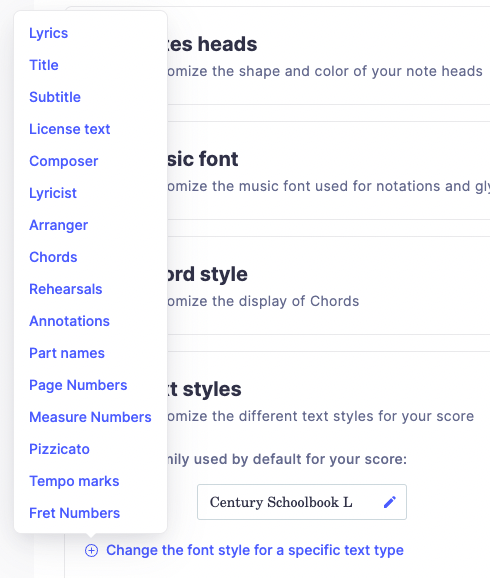
For every specific text type, you can adjust the settings:
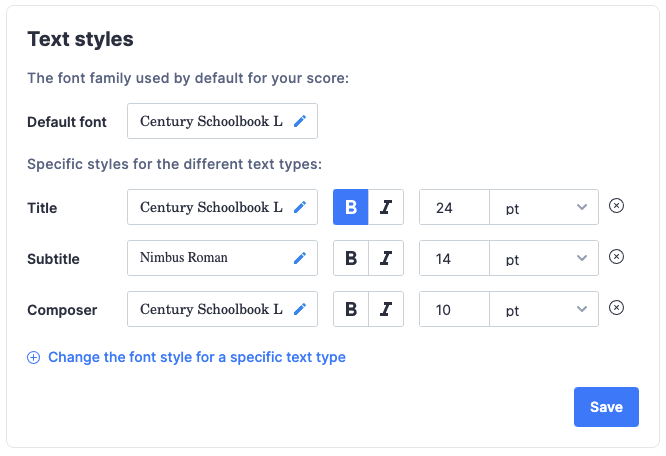
What do points and staff spaces mean?
The sizes of the different texts can be set in two different units: points and staff space. Which unit a text type uses by default depends on whether it is anchored to the music or to the page.
- Points (pt) is an absolute unit that you usually find in text editors. By default, we use this unit for text elements like the title and the subtitle that are not directly linked to your staves.
- Staff space (sp) is a relative unit to your music staves, literally the space between two lines of the stave. By default, we use this unit for text elements that are linked to the staves, like lyrics and chords.
Because staff space is relative, lyrics and chords set in sp keep their proportions when you change the staff size. Sizes in pt stay put.
Which fonts does Flat provide?
Most of the fonts provided on Flat are Open Source fonts that are directly served by Google Fonts.
We also provided the following Open Source fonts on Flat. Some of them are alternatives and metric-compatible fonts from proprietary fonts.
| Font Family | License | Alternative to |
|---|---|---|
| Nimbus Roman | SIL Open Font License | Times New Roman |
| Nimbus Sans | SIL Open Font License | Helvetica |
| Nimbus Mono | SIL Open Font License | Courier/Courier New |
| URW Gothic | SIL Open Font License | Century Gothic |
| URW Century Schoolbook L | GNU GPL v2 | Century Schoolbook |
| Petaluma Script | SIL Open Font License | - |
Which font is used by default?
The default text font is URW Century Schoolbook L (licensed under GNU GPL v2). Before March 2018, the default font was Noto Serif. This default font has been changed on March 2018, and the Noto Serif font remains available in the list of font families.
When using the music font Petaluma, the default font will automatically be set to Petaluma Script.
Frequently asked questions
Why did my text font change when I switched music font?
Because Petaluma pairs with its own text face. When using the music font Petaluma, the default font is automatically set to Petaluma Script, so the words match the handwritten notation. Set a different default font family afterwards if you would rather keep your own.
Should I size lyrics in points or staff spaces?
Staff spaces, in most cases. A staff space is relative to the height of the staff, so lyrics and chords set in sp scale with the music when you change the staff size. Points are absolute and suit page-level text like the title and subtitle.
Can I use a font that is not in the list?
Flat serves its fonts itself - most directly from Google Fonts, plus the open-source families listed above - so the choice is limited to that library. Several of them are metric-compatible alternatives to proprietary fonts, so a Times New Roman or Helvetica layout can be reproduced closely.
Does a text style apply to the whole score or one text?
To a text type across the whole score. Setting the title style changes every title, setting the lyric style changes every lyric line. There is one default family for all text, and each text type can override it with its own family, weight, style, and size.