Schoology - FAQ
If you've never tried Flat for Education with Schoology, check out our introduction here.
Troubleshooting Schoology integration Errors
This resource is designed to provide solutions to the most common queries related to using Flat for Education in conjunction with Schoology. If you can't find the answer to your question here,please ask our team!
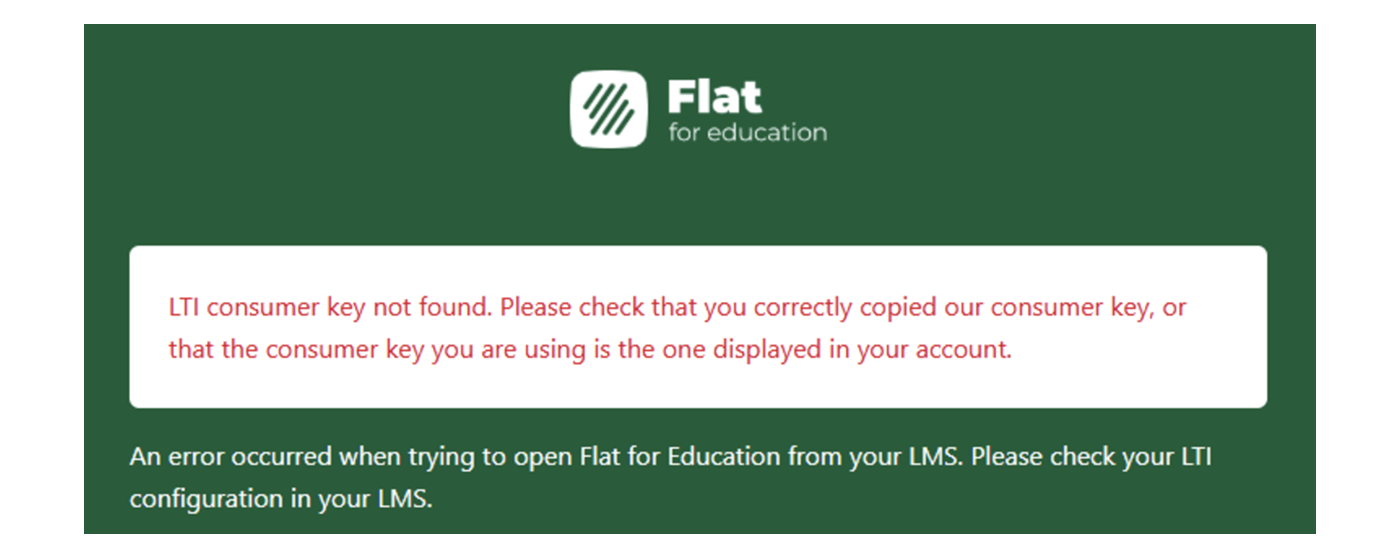
1. "LTI consumer key not found. Please check that you correctly copied our consumer key, or that the consumer key you are using is the one displayed in your account"
The Problem
The Consumer key or Consumer Secret you entered on Schoology is incorrect.
The Fix
Please verify that you entered the correct Consumer key and Consumer Secret on Schoology.
If it used to work fine until recently and received this error? Often, it's because the teacher who had configured the LTI integration left your school, which romoves the coinfiguration. Ask your current admin to initiate a new LTI configuration and enter the new credentials to schoology.
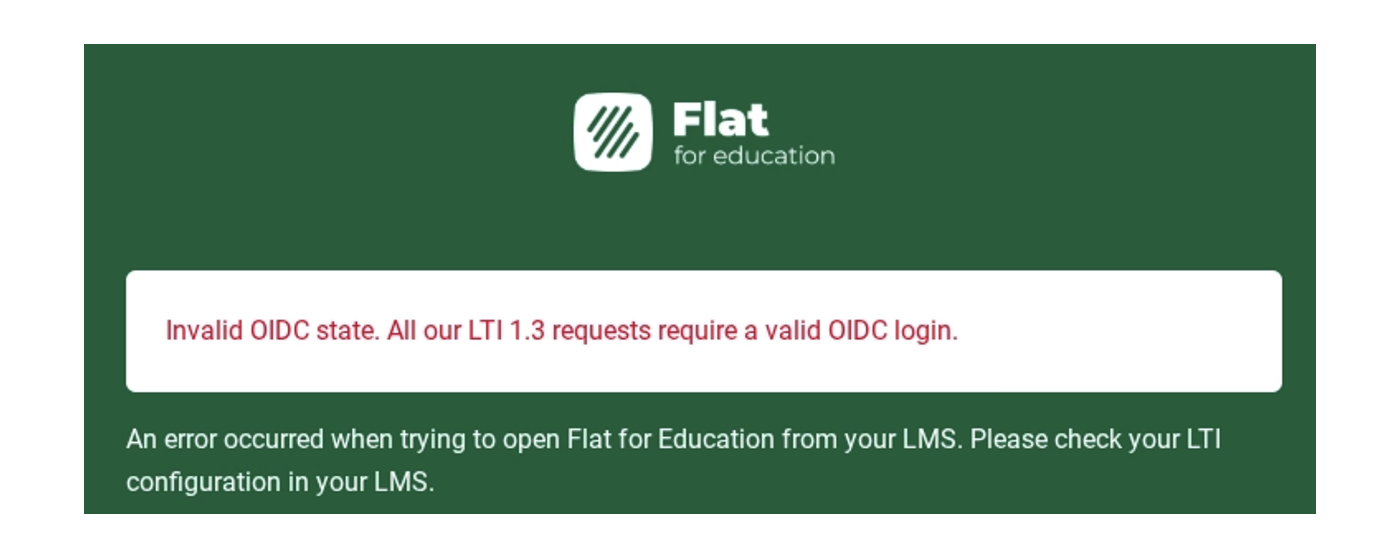
2. "Invalid OIDC state. All our LTI 1.3 requests require a valid OIDC login"
The Problem
This error occurs when Schoology fails to send a properly authenticated LTI request. This is typically caused by a security handshake failure resulting from a misconfiguration within the Schoology environment.
The Fix
Please try the following steps to resolve the issue:
- Verify Course Access: Ensure that "All Courses" was selected during the app installation. You can check this in the Schoology App Center under the "Configure" settings for Flat for Education.
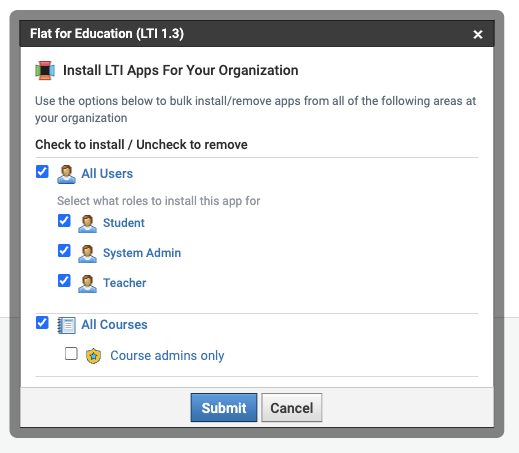
- Re-install the App: Sometimes a fresh installation is required to correctly reset the LTI 1.3 security tokens between the two platforms.
If you tried those 2 and still have same error, please contact Schoology support. Flat for Education has limited view on this error.
If anything is unclear, drop us a line - our support team is always available for you!