Google Classroom error messages
Last updated June 12, 2026
This page covers the most common error messages you may see when using Flat for Education with Google Classroom, and how to fix them.
Error: "ClassroomApiDisabled"
What this error means
A setting in your school or district's Google Workspace account is blocking Flat for Education from accessing Google Classroom. Your Google Workspace administrator has the Google Classroom API turned off, which prevents Flat for Education from reading your student list or posting assignments.
How to fix it
This must be fixed by your Google Workspace administrator — it cannot be changed from a teacher account or by the Flat for Education team.
Ask your admin to enable the Google Classroom API. Google's official guide explains how: Enable the Classroom API
The change may take a few minutes to apply. After that, teachers can connect Flat for Education to Google Classroom normally.
Error: "Admin Needs to Review"
What this error means
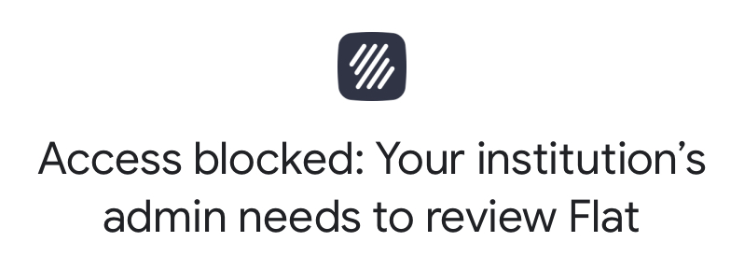
If you see "Access blocked: Your institution's admin needs to review Flat", your Google Workspace administrator needs to approve Flat for Education as a third-party app.
How to fix it
Your admin can resolve this in one of two ways:
- Review and approve the app from the Google Workspace Admin dashboard, under apps requested by users under 18.
- Install Flat for Education directly from the Google Workspace Marketplace, or authorize the Google Client IDs.
Error: "Please connect your Google Classroom assignment"
What this error means
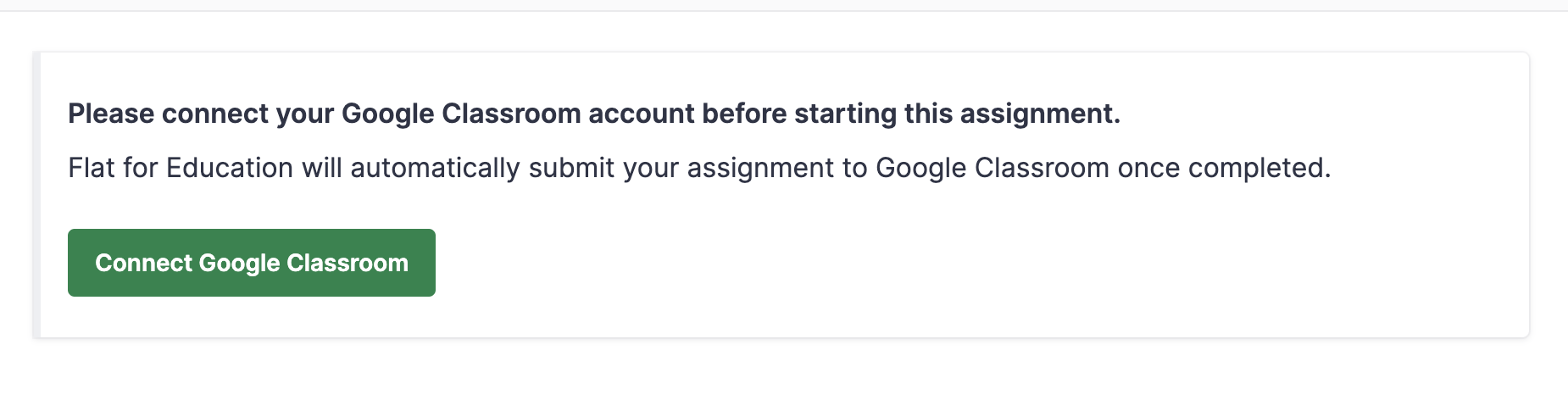
If students see "Please connect your Google Classroom assignment before starting this assignment", it means Google requires re-authorization — this typically happens when a student changes their password or when new students are added to a class.
How to fix it
Ask the affected student to remove and re-add Flat for Education from their Google account:
- Log out of Flat for Education.
- Go to myaccount.google.com.
- Click Security in the left menu.
- Under Your connections to third-party apps & services, select Flat.
- Click Delete all connections you have with Flat.
- Sign back in to Flat for Education using Google.