Microsoft Teams and Flat for Education — FAQ
Last updated September 2, 2026
New to Flat for Education with Microsoft Teams? Start with the overview here.
Here you'll find answers to the most frequently asked questions about using Flat for Education with Microsoft Teams. If your question isn't here, please ask our team.
Admin consent and permissions
Why does my IT admin need to approve Flat for Education?
Microsoft requires any third-party app that reads class rosters or creates assignments via the Microsoft Graph API to obtain admin consent before teachers can use it. This is a Microsoft security requirement — not something Flat for Education can skip. It's a one-time step for your whole organization.
See how to grant admin consent →
I'm not an admin. What do I do?
Share the admin consent instructions with your school's Microsoft 365 administrator. Once they grant consent (takes about 2 minutes), you can set up your class immediately — no further action required from them.
What data does Flat for Education access from Microsoft 365?
Flat for Education only accesses data from the classes you choose to sync. We request three sets of permissions: basic user profile (names and photos for your teacher dashboard), class rosters (to provision student accounts and keep enrolments up to date), and assignments (to post assignments to Teams and return grades to your gradebook). Teachers can only access their own classes — never a colleague's.
See the full permissions table →
Setup and rosters
Why don't I see all my Microsoft Teams classes on the sync page?
Flat for Education only shows teams that meet both of the following conditions:
- You are added to the team as a teacher (not as a member or guest).
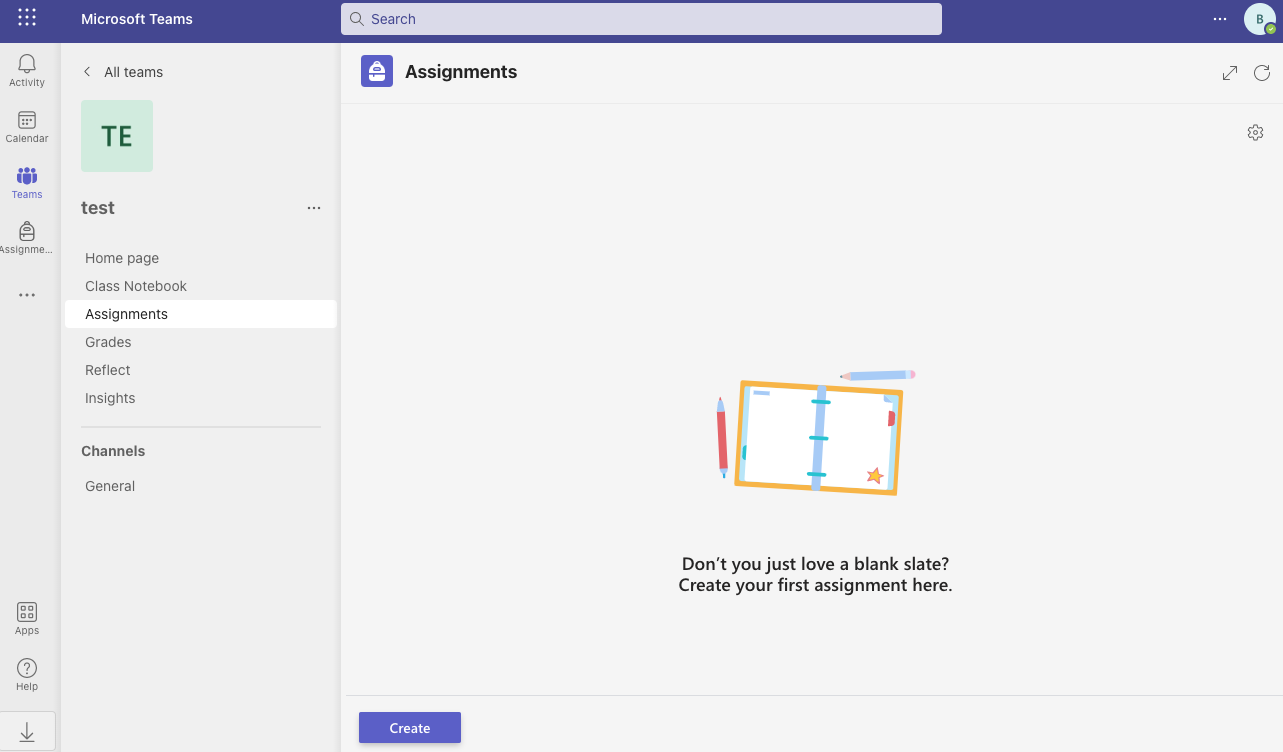
- The team is set to the Class team type in Microsoft Teams. Teams created as "Staff", "PLC", or "Other" will not appear.
A Class team has Class Notebook, Assignments, and Grades in the left sidebar — if you see those, it's the right type.
Some of my students already have individual Flat accounts. What happens?
In most cases, if the student is using a free individual account we will directly migrate their account to an education account and enroll them in your course. If a student was using a password or another login method, they will be able to use Microsoft Sign-in on your school's Flat for Education page (e.g. https://[my-school].flat.io). If you have an issue with an account migration, please contact our team.
What's the difference between the Flat Teams App and the class integration?
These are two separate features:
- The Teams class integration syncs your class roster, provisions student accounts, and posts assignments directly to your Teams channel with grade passback. This is the main integration and requires admin consent.
- The Flat Teams App lets you embed any music score as an interactive tab in a Teams channel or group chat — no admin consent required, and students don't need a Flat account to view it.
Most teachers use both. Read more about the Teams App →
Can I use Microsoft Teams alongside another LMS?
Yes. Flat for Education supports hybrid authentication — a student account can be used with Microsoft Teams and another LMS (such as Canvas or Schoology) at the same time. No separate accounts are needed.
Assignments and grades
Are grades synced automatically to my Teams gradebook?
Yes. Whether grades are set automatically (for auto-graded worksheets) or manually (by you in Flat for Education), they are sent back to your Microsoft Teams gradebook automatically once set.