Google Classroom 오류 메시지
최종 업데이트: 2026년 6월 12일
이 페이지에서는 Flat for Education을 Google Classroom과 함께 사용할 때 가장 자주 표시되는 오류 메시지와 해결 방법을 안내해요.
오류: "ClassroomApiDisabled"
이 오류의 의미
학교 또는 교육청의 Google Workspace 계정 설정으로 인해 Flat for Education이 Google Classroom에 접근하지 못하고 있어요. Google Workspace 관리자가 Google Classroom API를 꺼 두었기 때문에, Flat for Education이 학생 목록을 불러오거나 과제를 게시할 수 없어요.
해결 방법
이 문제는 Google Workspace 관리자만 해결할 수 있으며, 교사 계정이나 Flat for Education 팀에서 변경할 수 없어요.
관리자에게 Google Classroom API를 사용하도록 설정해 달라고 요청해 주세요. Google의 공식 안내는 다음 링크에서 확인하실 수 있어요: Classroom API 사용 설정
설정 변경이 적용되기까지 몇 분 정도 걸릴 수 있어요. 적용된 후에는 교사가 Flat for Education을 Google Classroom에 정상적으로 연결할 수 있어요.
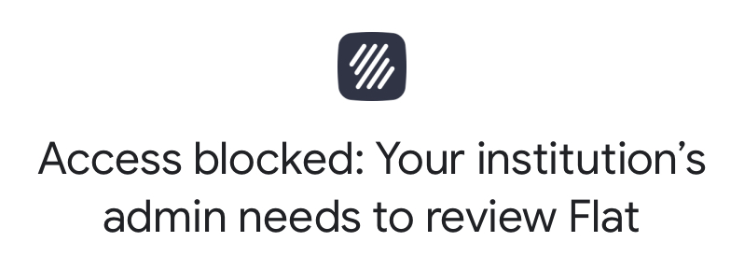
오류: "Admin Needs to Review"
이 오류의 의미
"Access blocked: Your institution's admin needs to review Flat"이 표시되면, Google Workspace 관리자가 Flat for Education을 타사 앱으로 승인해야 해요.
해결 방법
관리자는 다음 두 가지 방법 중 하나로 해결할 수 있어요:
- Google Workspace 관리 콘솔에서 18세 미만 사용자가 요청한 앱 목록에서 앱을 검토하고 승인해요.
- Google Workspace Marketplace에서 Flat for Education을 직접 설치하거나, Google Client IDs를 승인해요.
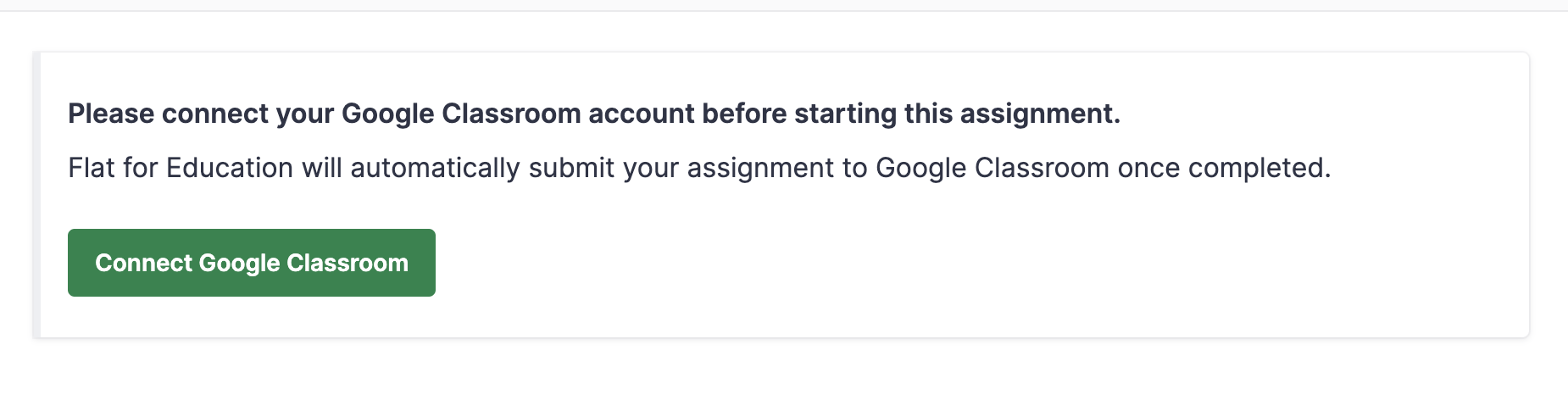
오류: "Please connect your Google Classroom assignment"
이 오류의 의미
학생에게 "Please connect your Google Classroom assignment before starting this assignment"가 표시되면, Google에서 재인증이 필요하다는 뜻이에요. 이는 보통 학생이 비밀번호를 변경했거나, 새로운 학생이 수업에 추가되었을 때 발생해요.
해결 방법
해당 학생에게 Google 계정에서 Flat for Education 연결을 제거한 뒤 다시 추가하도록 안내해 주세요:
- Flat for Education에서 로그아웃해요.
- myaccount.google.com으로 이동해요.
- 왼쪽 메뉴에서 보안을 클릭해요.
- 타사 앱 및 서비스와의 연결에서 Flat을 선택해요.
- Flat과 연결된 모든 연결 삭제를 클릭해요.
- Google로 Flat for Education에 다시 로그인해요.
이 페이지는 영어에서 자동 번역되었습니다. 영어 원본 버전 보기.