How to add a segno in Flat
Last updated October 13, 2026
A segno in Flat is the sign that marks the spot the performer jumps back to. Flat places it on the measure you select, it works together with the dal segno marking that sends the player there, and it is a toggle you can switch off again on the same measure.
Which tool adds a segno?
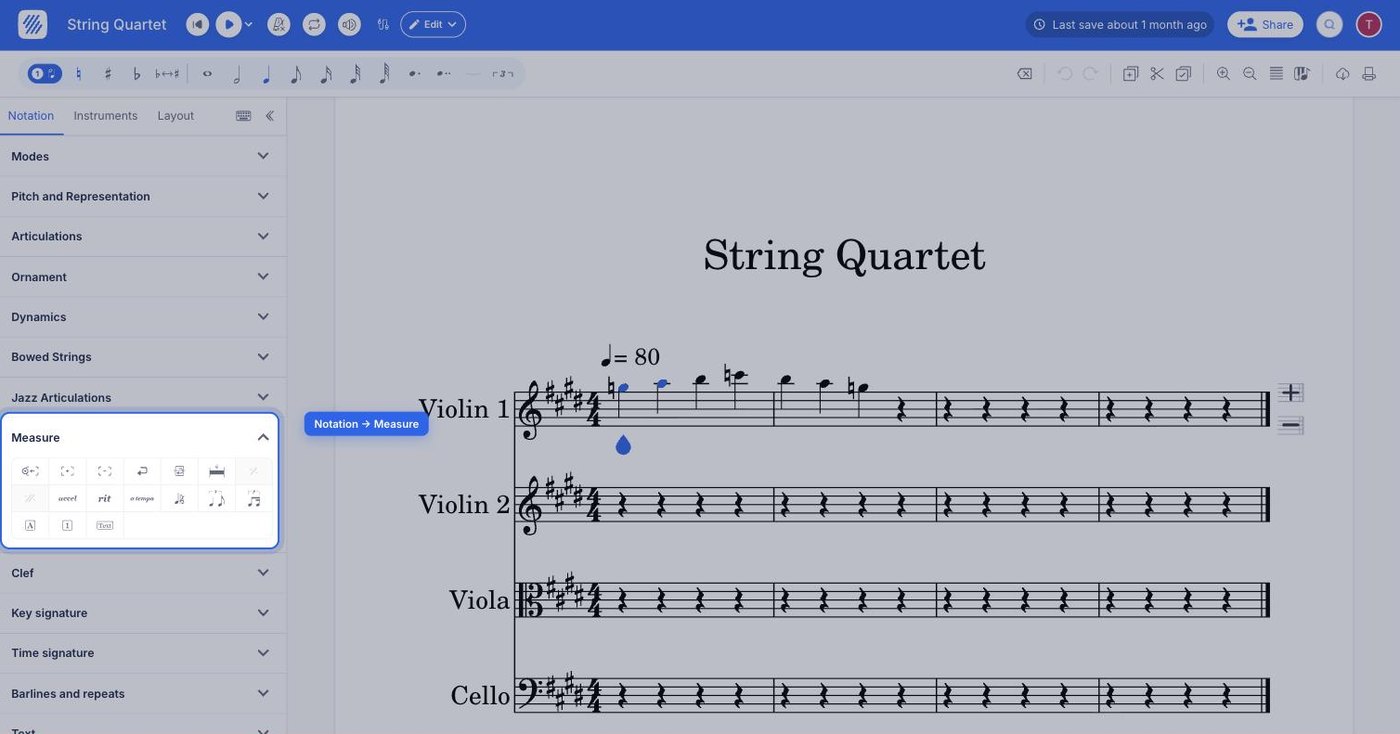
The segno tool sits in the Measure section of the Notation tab, in the editor's left panel. It applies to the measure your cursor is in and engraves the segno sign above it.
| Feature | Where to find it | Icon |
|---|---|---|
| Segno | Notation tab, Measure section |  |
What is a segno?
The "Segno" marks a spot where the performer has to jump to when they reach the "to segno" mark. It is placed at the start of the passage that will be played again, so the sign itself gives no instruction - it is the destination of the jump written later in the score.
How do I add a segno?
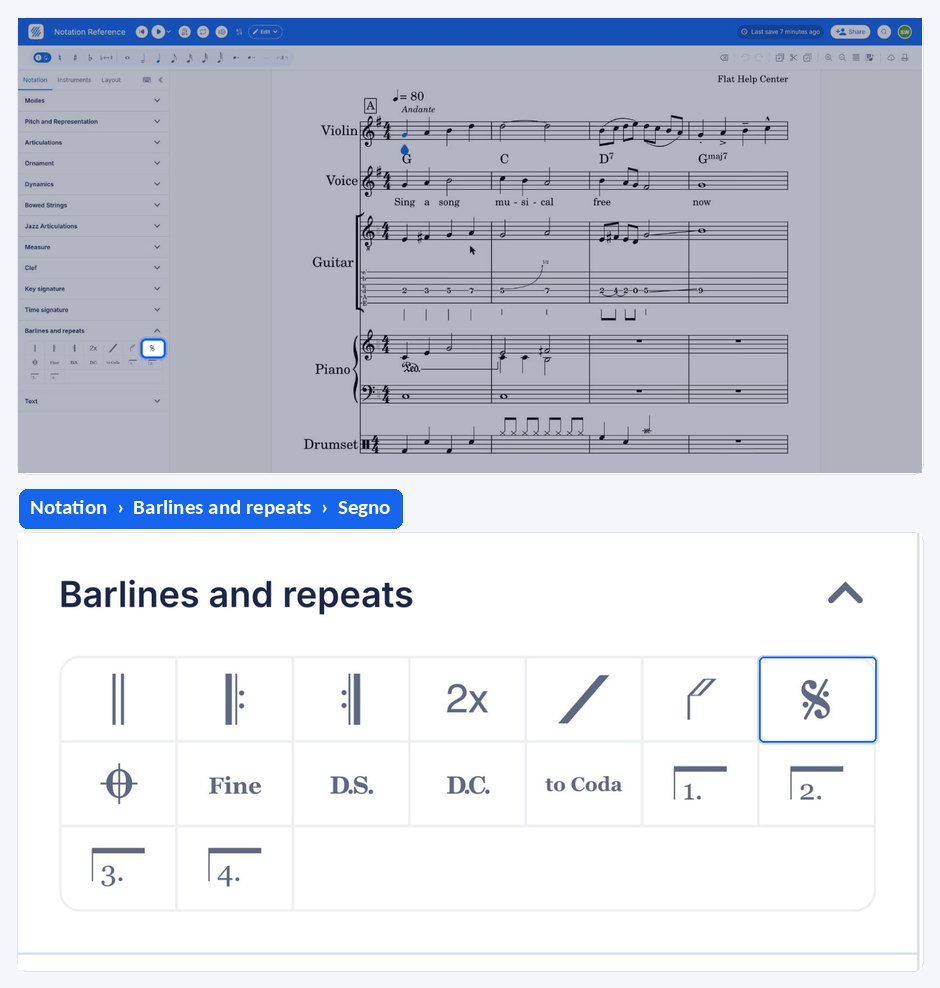
To insert this notation, place your cursor in the measure, open the Notation tab in the left panel and choose the Segno tool under Measure. In case you want to remove it, just click on it one more time.
If there is already a Coda in this measure, it will be replaced by the Segno.
What is a segno?
The "Segno" marks a spot where the performer has to jump to when they reach the "to segno" mark. It is placed at the start of the passage that will be played again, so the sign itself gives no instruction - it is the destination of the jump written later in the score.
| Feature | Icon |
|---|---|
| Segno | |
How do I add a segno?
The segno is applied to the measure where the jump should land, and it is a toggle - applying it again on the same measure removes it. If there is already a Coda in this measure, it will be replaced by the Segno.
Tap the measure, drag the tool palette up, and tap Segno under Barlines and repeats. Tap it once more to remove the sign.
Frequently asked questions
What is the difference between a segno and a dal segno?
The segno is the destination: it marks the measure the performer comes back to. The dal segno is the instruction that sends them there, written later in the score at the measure where the jump happens. A score that uses one needs both.
Can the same measure carry a segno and a coda?
No. Adding a segno to a measure that already has a coda replaces the coda with the segno, and adding a coda to a measure that already has a segno replaces the segno. Put the two signs on different measures.
What does D.S. al coda mean?
It means the performer jumps back to the segno, plays on from there, and leaves at the to coda marking to finish in the coda section. Flat adds the al coda to the dal segno automatically when the score contains a coda section.