How to add a dead note in Flat
Last updated October 13, 2026
A dead note in Flat is a muted note written with an "x" in place of the usual notehead. Flat writes dead notes on staves and tablatures, turns them back into ordinary notes with the same tool, and plays them with dedicated muted samples on every instrument in the plucked strings category.
Where is the dead note tool?
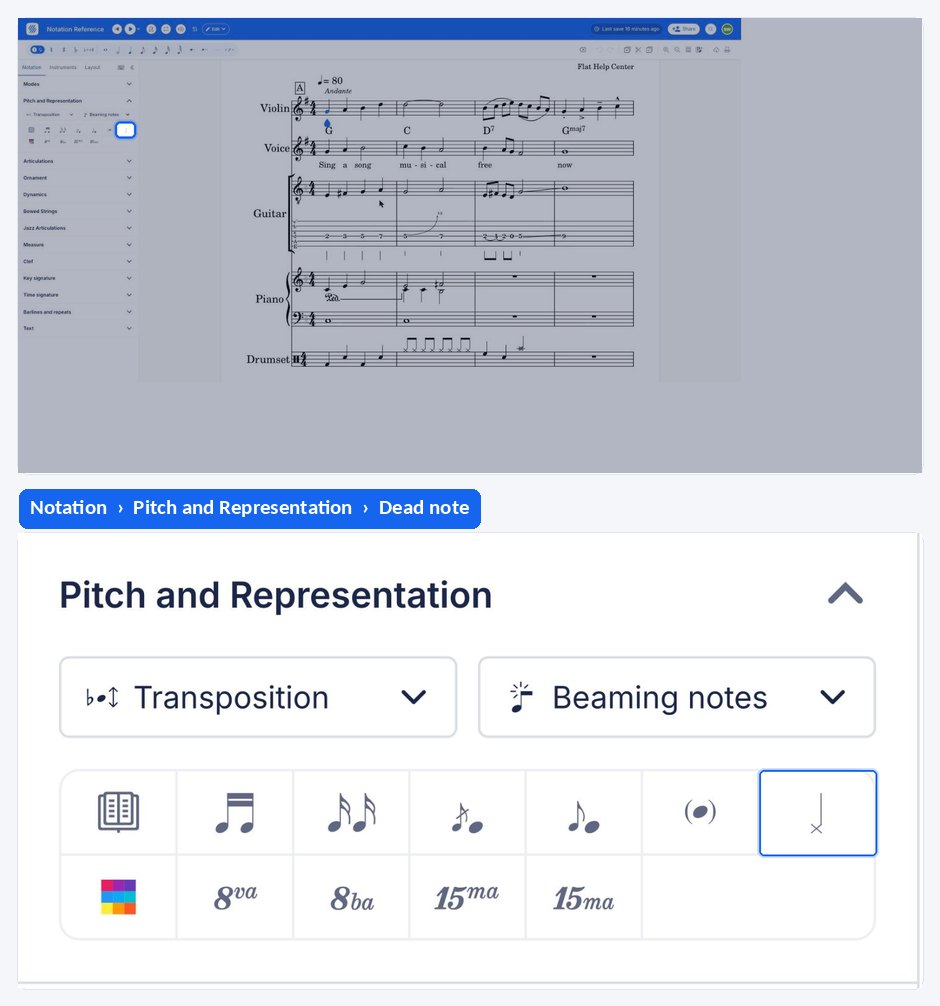
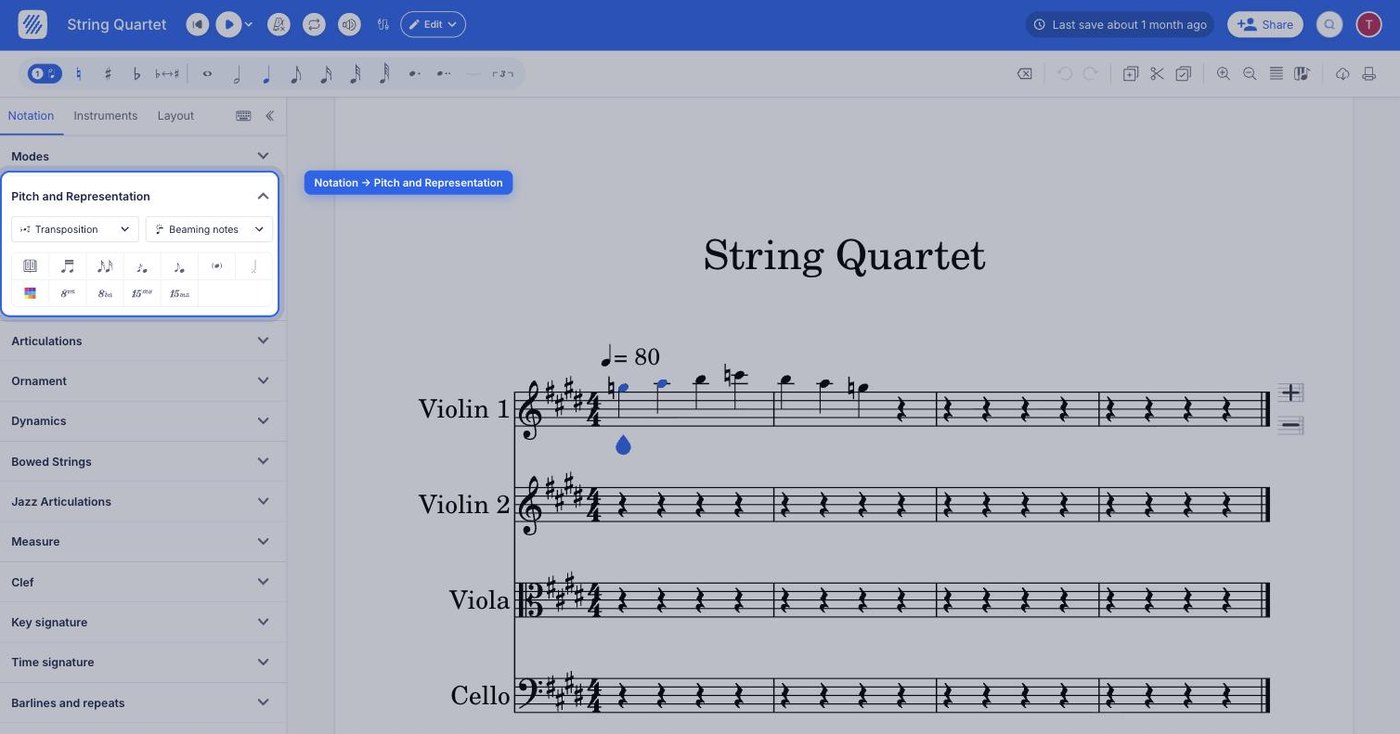
The dead note tool sits in the left panel, under the Notation tab, in the Pitch and Representation section, alongside the other notehead tools such as the ghost note. The same control both applies and removes the muted notehead.
| Feature | Where it is | Icon |
|---|---|---|
| Dead note | Notation tab, Pitch and Representation |  |
What are dead notes?
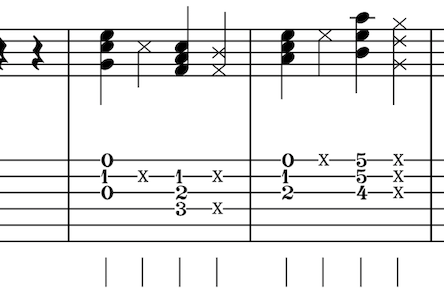
Dead notes, also called muted notes, are mainly used with guitar and bass tabs and are represented by an "x" replacing the commonly used elliptic notehead. On tablatures, the "x" symbol replaces the fret number. They are played by resting two or more fingers on a string and then striking it, producing a non-pitched rhythmic sound.
How do I add a dead note?
Select the note you want to mute, then open the Notation tab in the left panel and click Dead note under Pitch and Representation. Flat replaces the notehead with an "x", and the fret number with an "x" on a tablature. Use the same tool again to turn it back into a regular note.
How are dead notes played back?
Dead notes are interpreted by Flat for all the instruments in the plucked strings category. Flat automatically includes a set of dead note sound samples with each guitar and bass, with a different sound for each string and each category - acoustic guitar, electric guitar, and bass - so playback matches the instrument you wrote for.
Frequently asked questions
What is the difference between a dead note and a ghost note?
A dead note is fully muted and has no pitch at all: the string is damped and struck for a purely rhythmic sound, written as an "x". A ghost note is played softly or lightly muted and is usually written with its notehead in brackets, so it keeps a hint of pitch.
Do dead notes work on instruments other than guitar and bass?
The notehead can be written anywhere, but the dedicated playback samples exist for the plucked strings category only. On other instruments the "x" notehead is printed as notation without a matching muted sound, so the effect is visual rather than audible.
How do I turn a dead note back into a normal note?
Select it and apply the dead note tool again. The control toggles, so the "x" returns to an ordinary notehead - or to a fret number on a tablature - keeping the note's pitch, duration, and position in the bar.
Why does my dead note sound different on each string?
Because Flat ships a different muted sample for each string and each instrument category. An acoustic guitar, an electric guitar, and a bass all have their own set, so the same written dead note is played back with the sound of the string it sits on.