How to add or delete a rest in Flat
Last updated November 20, 2026
A rest in Flat is a silence written with the same values as a note, from a whole rest to a sixty-fourth. Flat keeps every measure full: removing a note leaves a rest of the same duration in its place, and you change a rest with the same duration tools as a note.
How do I add a rest?
Place the cursor where the rest should go and press 8. Flat inserts a rest of the selected duration at the cursor and moves the music that follows to the right. Choose the duration first with the duration buttons above the left panel or the keys 1 to 7, see how to change the duration of a note.
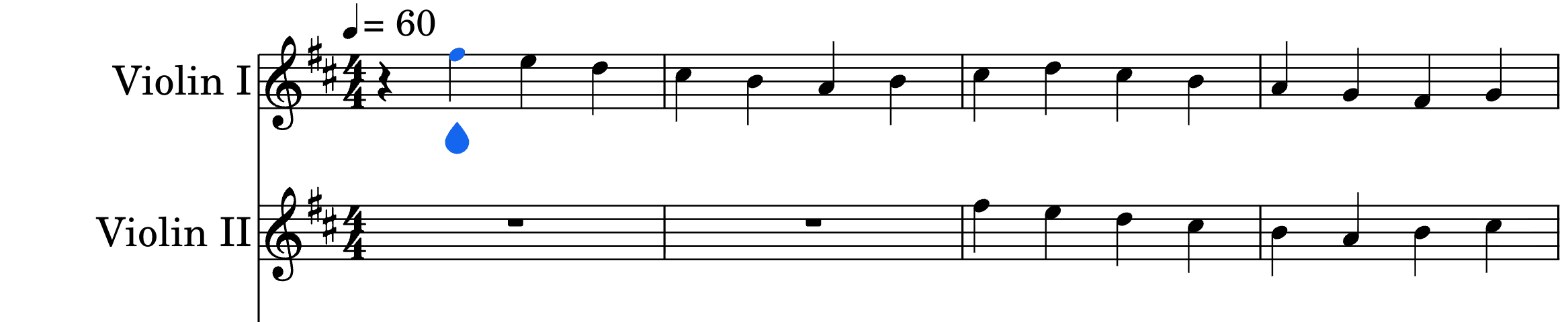
How do I turn a note into a rest?
Select the note and press Delete. Flat replaces it with a rest of the same duration, and the rest of the measure doesn't move. Backspace, or the delete button at the top right of the toolbar, does the same and moves the cursor to the previous note.
How do I fill a whole measure with a rest?
Turn the first note of the measure into a rest, then give that rest the whole duration with the whole note button or 1. In a 4/4 measure, the whole rest replaces everything in the measure. For several empty measures in a row, a multimeasure rest shows them as one.
Can I delete a rest?
Not in the default Replace mode. A measure in Flat always stays full, so pressing Delete on a rest leaves it in place: write a note over it, or change its duration. To remove a rest and pull the following music back, turn on insert mode with I and delete the rest there.
How do I turn a note into a rest?
In the Flat mobile app, you write a rest by deleting a note: Flat replaces the note with a rest of the same duration, and the rest of the measure doesn't move. Then change the duration of the rest if you need a shorter or a longer one.
Tap the note, then tap the delete button, the second button of the toolbar under the transport.
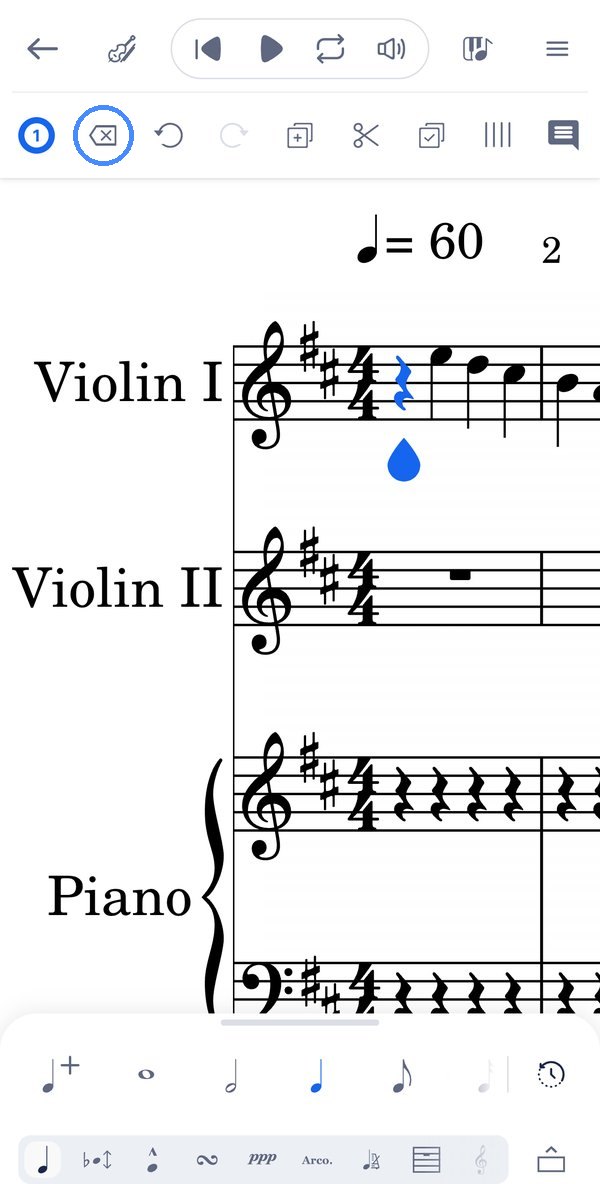
How do I change a rest or fill a whole measure?
A rest takes the same durations as a note. Select it and tap a duration in the duration row above the section tabs: a whole rest fills a 4/4 measure, and a shorter value on the whole rest of an empty measure splits it into rests of that value.
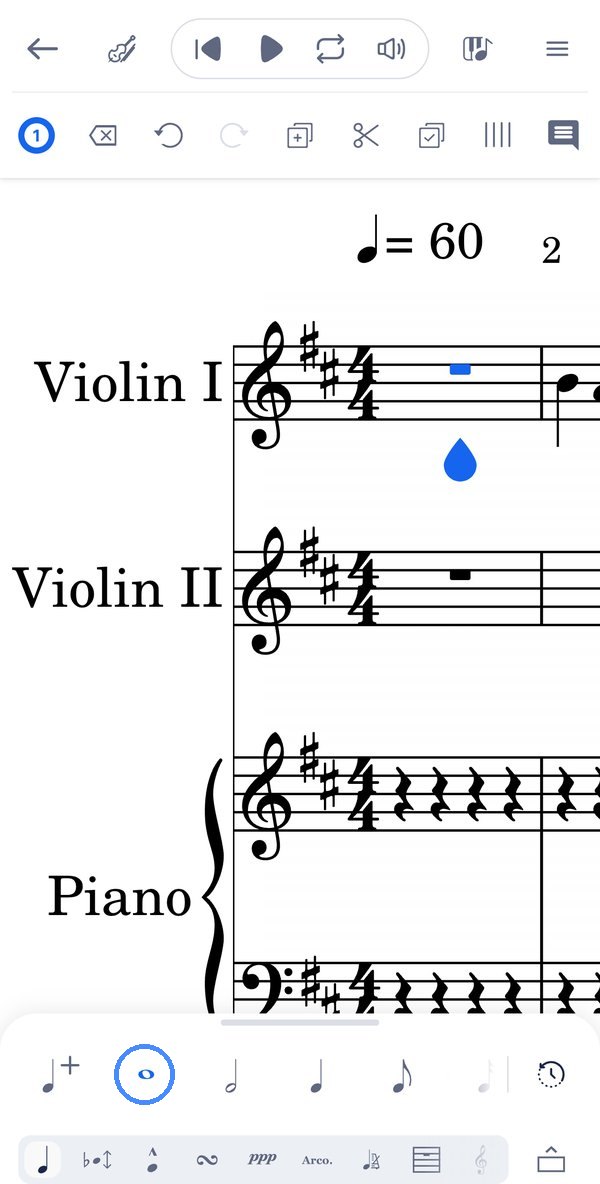
Can I delete a rest?
Not in the default mode. A measure always stays full, so the delete button leaves a rest in place: write a note over it, or change its duration. To remove a rest and pull the following music back, switch to insert mode with Editing, the first button under Pitch and Representation, and delete the rest there.
Frequently asked questions
Why does the rest after my note change length?
Because of the rest duration mode. In its default, Change, the rest the cursor jumps onto takes the duration of the note you just wrote. Switch it to Keep to leave existing rests as they are, see rest duration mode.
Why did deleting a note leave a rest instead of removing it?
Because Flat keeps every measure as long as its time signature. In Replace mode, removing a note fills its place with a rest of the same duration. In insert mode, removing a note pulls the following music back instead.
Can I show several empty measures as one rest?
Yes. A multimeasure rest groups consecutive empty measures under a single rest with the number of measures above it, as in printed parts.