How to add barlines and repeats in Flat
Last updated October 13, 2026
Barlines in Flat mark the structure of a score: a double barline shows a change of section, while left and right repeat barlines wrap the measures that have to be played again. Flat applies each marking to every part at once, and a custom repeat sets how many times a section is played.
Where do I find the barline tools?
The barline tools live in the left panel: open the Notation tab and go to the Barlines and repeats section. Each tool acts on the measure your cursor is in, and two of them carry a keyboard shortcut so you can bracket a section without leaving the score.
| Feature | Where to find it | Icon | Default Keyboard shortcut |
|---|---|---|---|
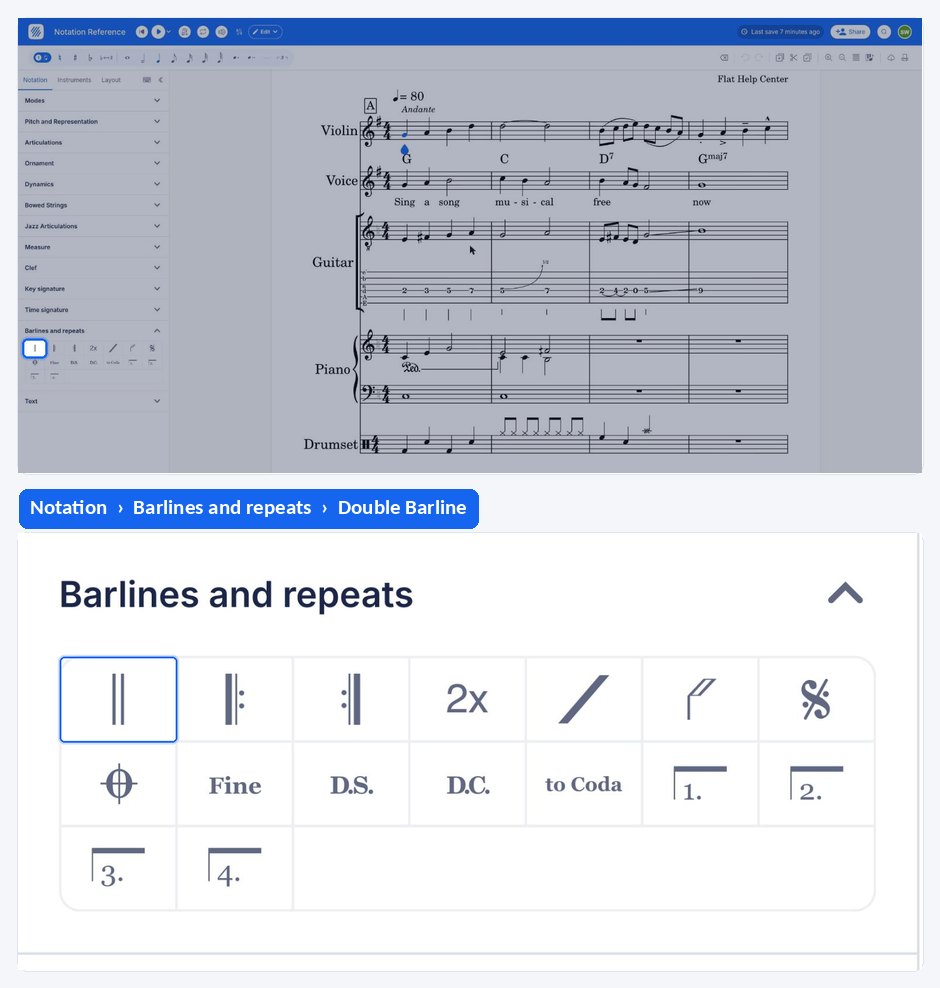
| Double barline | Notation tab, Barlines and repeats |  | |
| Left barline repeat | Notation tab, Barlines and repeats |  | [ |
| Right barline repeat | Notation tab, Barlines and repeats |  | ] |
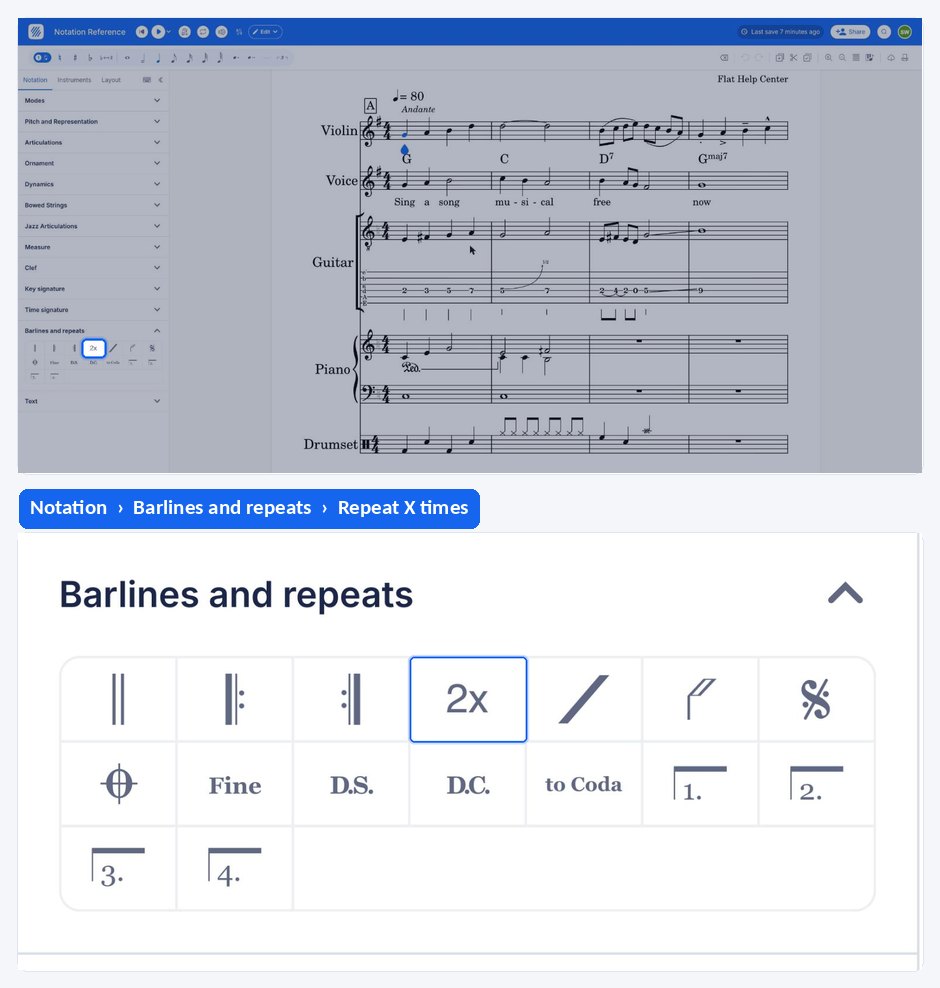
| Multiple Repeats | Notation tab, Barlines and repeats |  |
What are barline repeats?
Barline repeats indicate to repeat one or several measures of a score. The left and right barline repeat symbols are used to wrap the section of the score which has to be repeated. The wrapped measures will be played one more time, once the right barline repeat marking has been reached.
It is allowed to omit the left barline repeat. In this case, the repeated section will start at the first measure of the score.
Barline repeats can also be nested. In such cases, the nested repeat markings will only be used the first time, then these sections will only be played once.
What is the purpose of a double barline?
The double barlines are used to highlight a change of "section" in the score. Some conventions require to display a double barline when there is a change of key, which is why a double barline often appears just before a new key signature.
How do I add or remove a barline?
Barline repeats and double barlines are available in the Barlines and repeats section of the Notation tab and are manipulated in the same, handy way. A single click will add the desired barline marking on the measure where the cursor is located, and another click will remove this marking.
The changes will be applied to every part in the score, in order to keep consistency.
Multiple Repeats
If you need to repeat a section more than one time, you can use the custom measure repeat. To use it, select the last measure of the section to be repeated, click on the button, then input the number of times you want it to be repeated.
Frequently asked questions
How many times is a section between repeat barlines played?
Twice: the wrapped measures are played once, then one more time when the right repeat barline is reached. For anything longer, use the custom measure repeat and input the number of repeats — a section set to repeat 3 times is played 4 times in total.
Do I have to add the barline to every part myself?
No. The changes are applied to every part in the score, in order to keep consistency, so a repeat or a double barline added while you are in one instrument appears in all of them. That also means removing it takes it out of every part at once.
How do I repeat just one measure?
Use a measure repeat instead. It is a symbol placed in a measure that tells the player to repeat the previous one, which is more compact than wrapping a single bar in repeat barlines, and it is the convention in rhythm parts.