How to use quarter-tones in Flat
Last updated November 4, 2026
A quarter-tone in Flat is a pitch halfway between two semitones, written with one of four quarter accidentals. Flat enables quarter-tones per part rather than per score, and once a part is set up the quarter accidentals join the ordinary sharps, flats, and naturals you already use.
Where are the quarter-tone accidentals?
Quarter accidentals appear with the other accidentals once quarter-tones are enabled for the part you are writing in. Until a part is enabled, the four signs are not offered, which is why setting up the instrument is the first step rather than an option.
| Feature | Icon |
|---|---|
| Quarter-tone accidentals |  |
What are quarter-tones?
In common western music theory, the minimal distance between two notes is a semitone. In other music cultures, such as Arabic or Turkish music, quarter-tones can be used. These are the notes whose pitch sits in the middle of a semitone, so each semitone step is divided into two smaller ones.
How do I enable quarter-tones for an instrument?
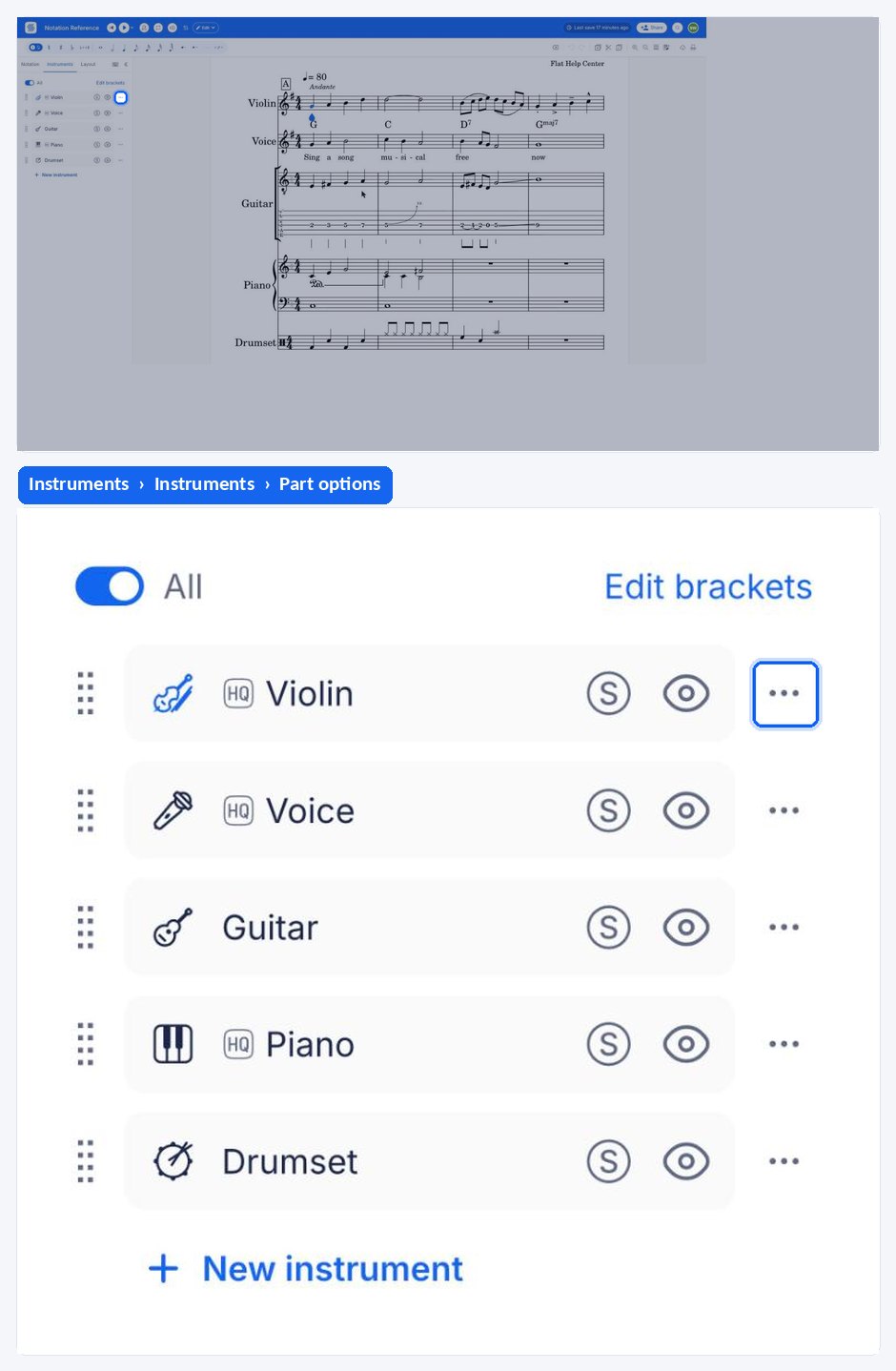
Quarter-tones are enabled one part at a time, from the settings of the part you want to write them in. Edit the part from the Instruments tab, open Quarter-Tones, and turn on Enable quarter tones for this part. The quarter accidentals become available for that part only, leaving the rest of the score unchanged.
How do I write quarter-tones in my score?
Once quarter-tones are available for the instrument, the quarter accidentals are found with the other accidentals. A dropdown gives access to all four of them - quarter sharp, three-quarter sharp, quarter flat, and three-quarter flat - so a microtonal alteration is applied exactly like an ordinary sharp or flat.
Frequently asked questions
Why can I not find the quarter-tone accidentals?
Because quarter-tones are enabled per part, not per score. If the part you are writing in has not been enabled, the four quarter accidentals are simply not offered. Enable them in that part's instrument settings first, then the signs appear with the ordinary accidentals.
Do I have to enable quarter-tones for every instrument in my score?
Yes, for every part that needs them. Enabling a part affects that part alone, which is deliberate: a score can mix a microtonal line with parts that stay strictly in semitones, and the parts that do not use quarter-tones keep their usual set of accidentals.
Which quarter accidentals does Flat provide?
Four of them: quarter sharp, three-quarter sharp, quarter flat, and three-quarter flat. Together they cover both microtonal steps in each direction, which is what Arabic and Turkish repertoire normally needs, and they are chosen from a dropdown next to the usual accidentals.