How to add and remove a mordent in Flat
Last updated November 4, 2026
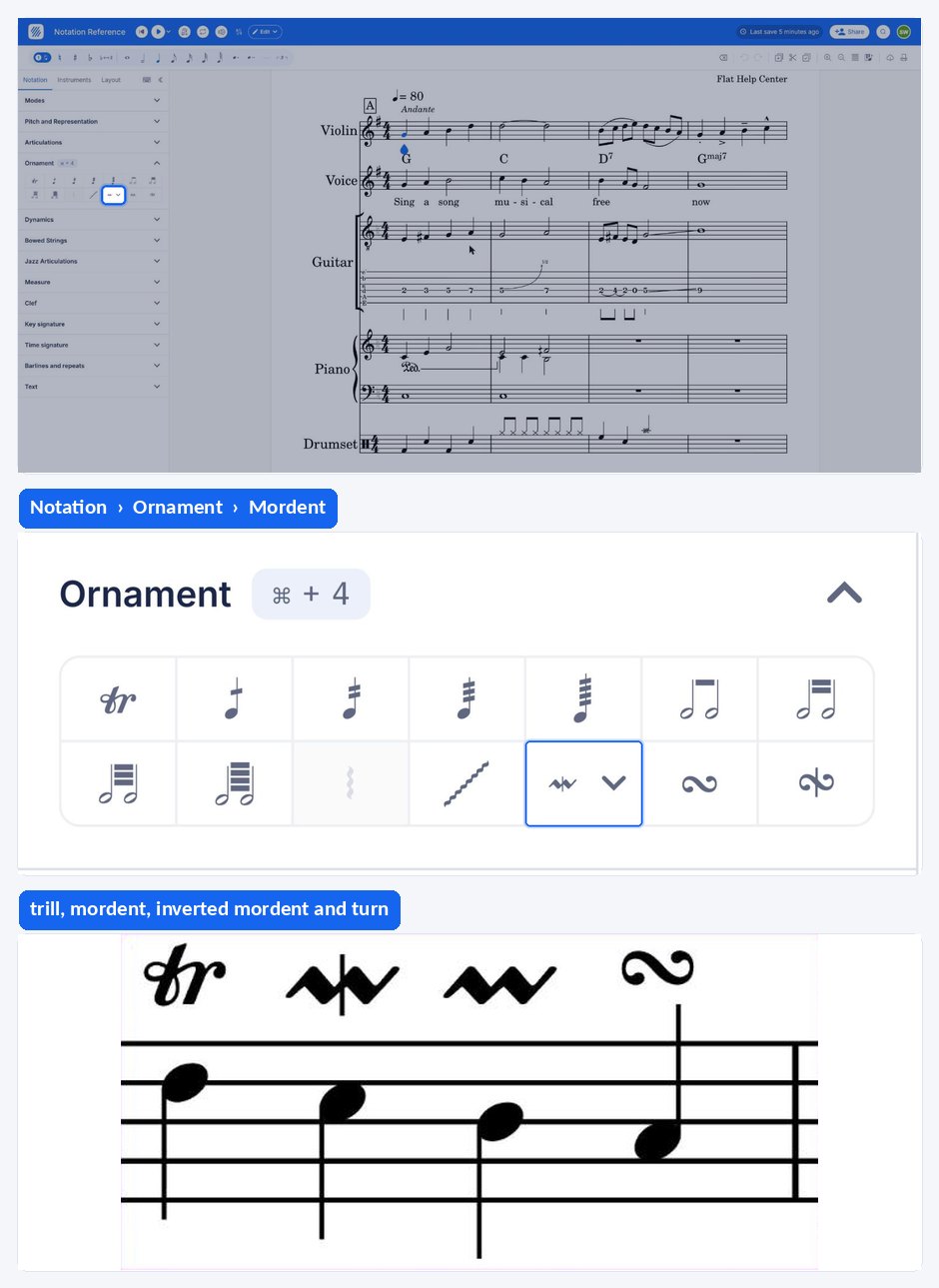
A mordent in Flat is an ornament that rapidly alternates a written note with the one above or below it, always starting and ending on the written note. Flat supports ten mordent symbols — short and long, plain and inverted, with above or below approaches and departures — in the Ornament section.
Which mordent symbols does Flat support?
Flat offers ten mordent symbols, all in the left panel under the Notation tab, in the Ornament section. Pick the one that matches the length and direction you want, and Flat writes it above the selected note.
| Feature | Location | Icon |
|---|---|---|
| Mordent | Notation > Ornament |  |
| Inverted mordent | Notation > Ornament |  |
| Long mordent | Notation > Ornament |  |
| Inverted Long mordent | Notation > Ornament |  |
| Long mordent with above approach | Notation > Ornament |  |
| Long mordent with below approach | Notation > Ornament |  |
| Inverted Long mordent with above approach | Notation > Ornament |  |
| Inverted Long mordent with below approach | Notation > Ornament |  |
| Inverted Long mordent with above departure | Notation > Ornament |  |
| Inverted Long mordent with below departure | Notation > Ornament |  |
What is a mordent?
A Mordent is a rapid alternation of a principal note with the one above or below. A Mordent always starts and ends with the written note. This ornament can either be Short (alternation of three notes) or Long (five or more), depending on the notation above the pitch.
How do I add or remove a mordent?
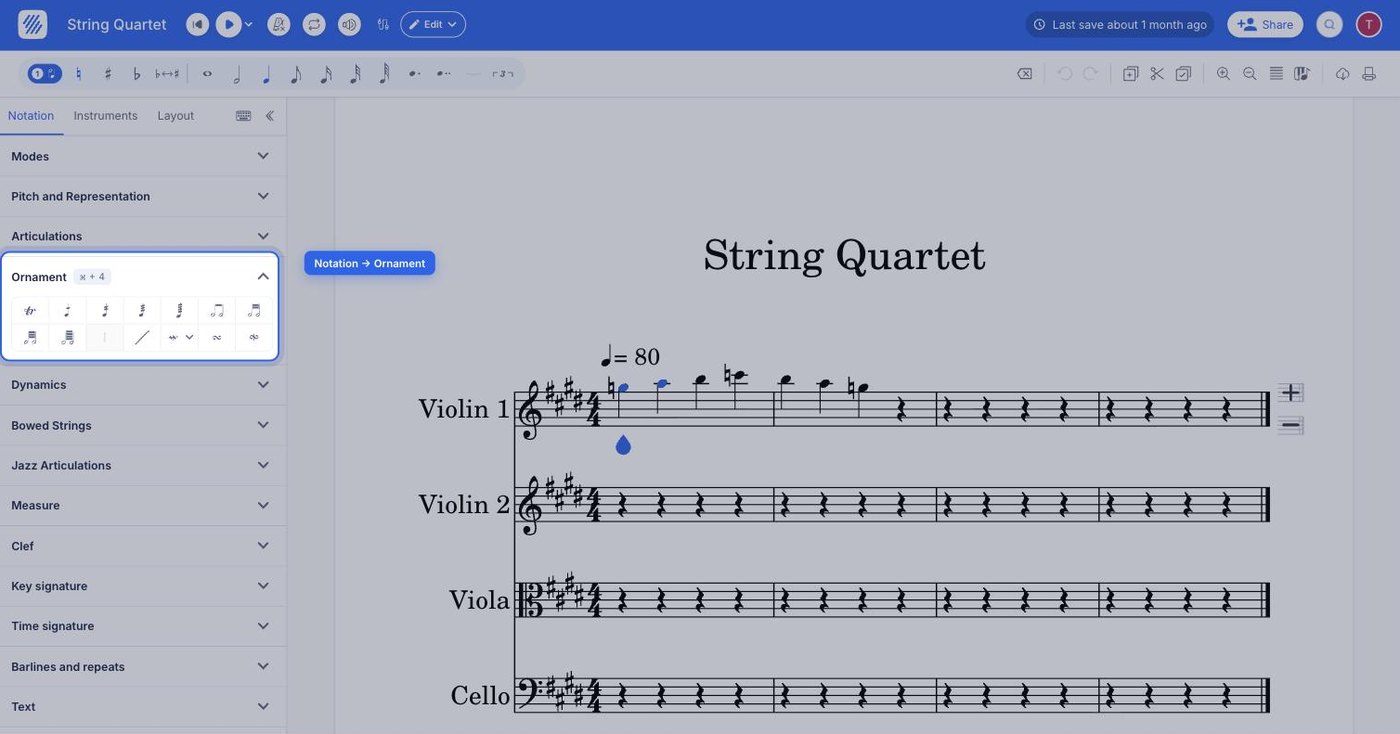
First, select the desired note. Then, open the Notation tab in the left panel and click the mordent you want under Ornament. You can change the length and direction of your mordent as you wish by picking a different symbol from the same section.
Frequently asked questions
What is the difference between a short and a long mordent?
Length. A short mordent is an alternation of three notes; a long mordent is five or more. Which one a player performs is decided by the symbol written above the pitch, so choose the short or long icon in the Ornament section according to the number of alternations you want.
Does a mordent start on the written note?
Yes. A mordent always starts and ends with the written note, alternating with the one above or below it in between. That is what distinguishes it from ornaments that begin on a neighbouring pitch, such as the turn.
What is the difference between a mordent and a trill?
A mordent is a short, fixed alternation — three notes, or five or more for a long mordent — that starts and ends on the written note. A trill, marked tr, is a continuous alternation between the main note and the one immediately above, held for as long as the note lasts.
Can I change a mordent after I have added it?
Yes. You can change the length and direction of your mordent as you wish: keep the note selected and click a different mordent symbol in the Ornament section of the Notation panel to replace the one already written.