How to add a coda in Flat
Last updated October 13, 2026
A coda in Flat is the marking that opens the coda section, the passage usually played at the very end of a score. Flat places the marking on the measure you choose, starts that section on a new system, and pairs it with the to coda marking that sends the performer there.
Which tool adds a coda marking?
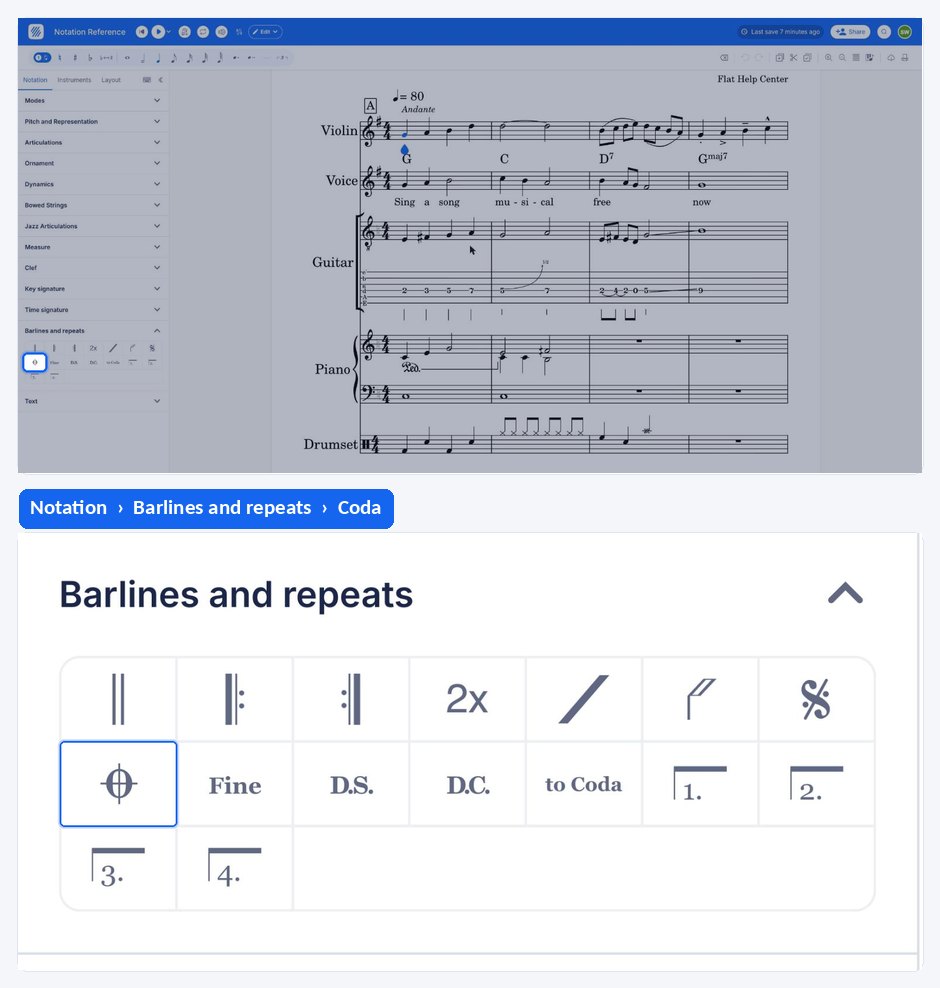
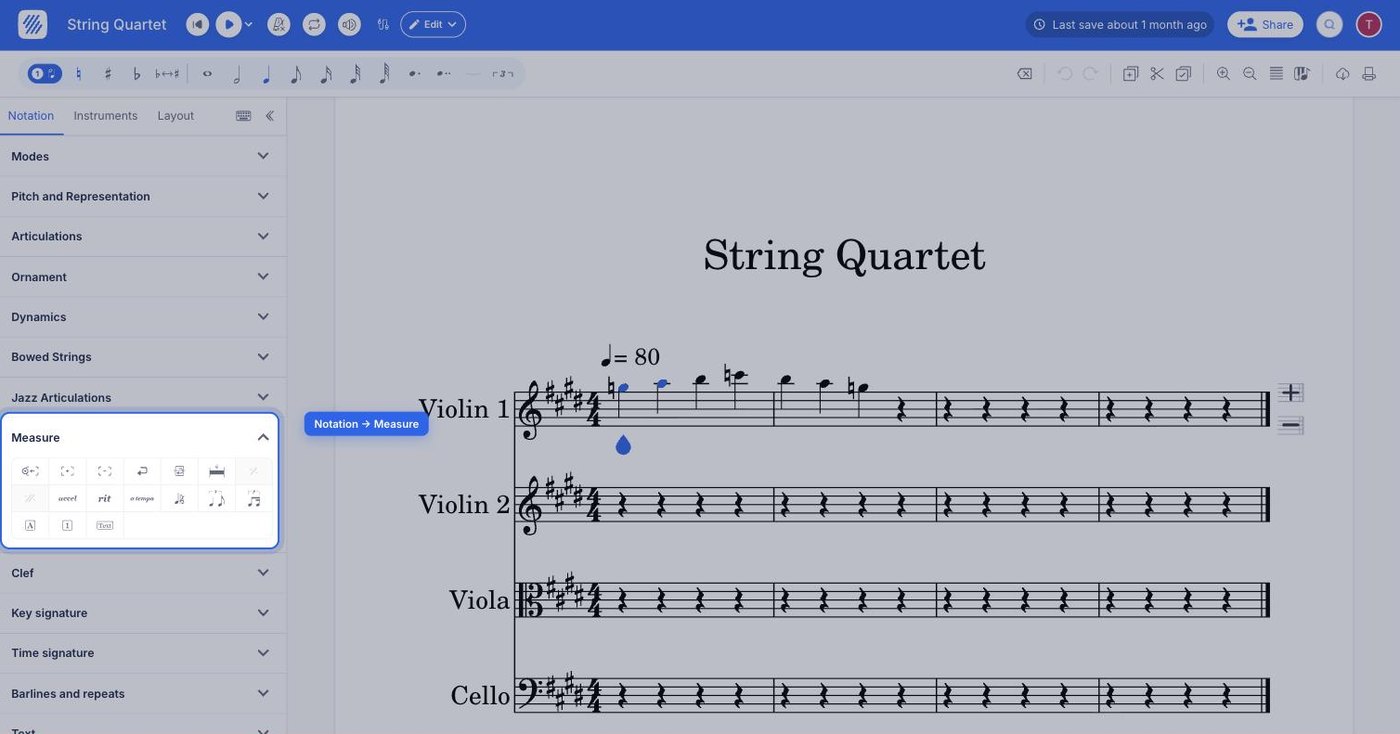
The coda tool sits in the Measure section of the Notation tab, in the editor's left panel. It applies to the measure your cursor is in, which becomes the first measure of the coda section.
| Feature | Where to find it | Icon |
|---|---|---|
| Coda | Notation tab, Measure section |  |
What is a coda section?
The coda section is usually played at the end of the score. When the rest of the score has been played, there is a to coda marking, that indicates the player has to jump to the coda section. The coda section starts on a new system.
How do I add a coda marking?
Open the Notation tab in the left panel and select the first measure of the coda section, then click the Coda tool under Measure. Flat marks that measure as the start of the coda section and engraves the coda sign above it.
If there is already a Segno in this measure, it will be replaced by the Coda.
Frequently asked questions
What is the difference between a coda and a to coda marking?
The coda marks where the coda section begins, at the end of the score. The to coda marking sits earlier in the music and tells the performer to jump from there to the coda section. A score that uses one normally needs both.
Can the same measure carry a segno and a coda?
No. Adding a coda to a measure that already has a segno replaces the segno with the coda, and adding a segno to a measure that already has a coda replaces the coda. Put the two markings on different measures.
Why does my coda start on a new line?
That is intentional: the coda section starts on a new system, which is how the passage is normally engraved so that the jump is obvious to the performer. You do not need to add a system break yourself.