How to add grace notes and acciaccaturas in Flat
Last updated October 13, 2026
A grace note in Flat is a small ornamental note printed before a main note to decorate it. Flat writes both the plain grace note, also called an appoggiatura, and the acciaccatura, the crushed grace note with a slash through its stem, and both behave like ordinary notes once written.
Where are the grace note tools?
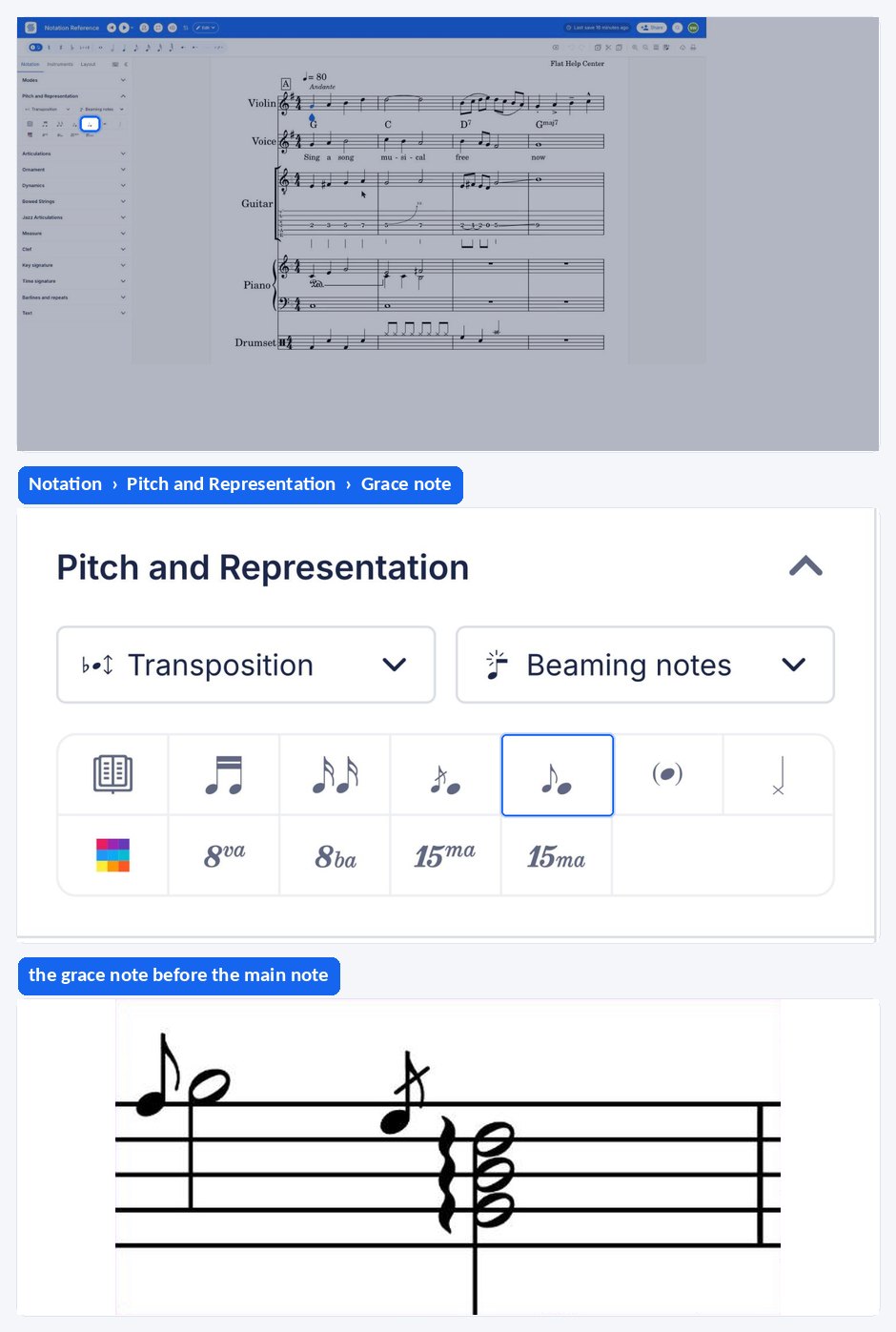
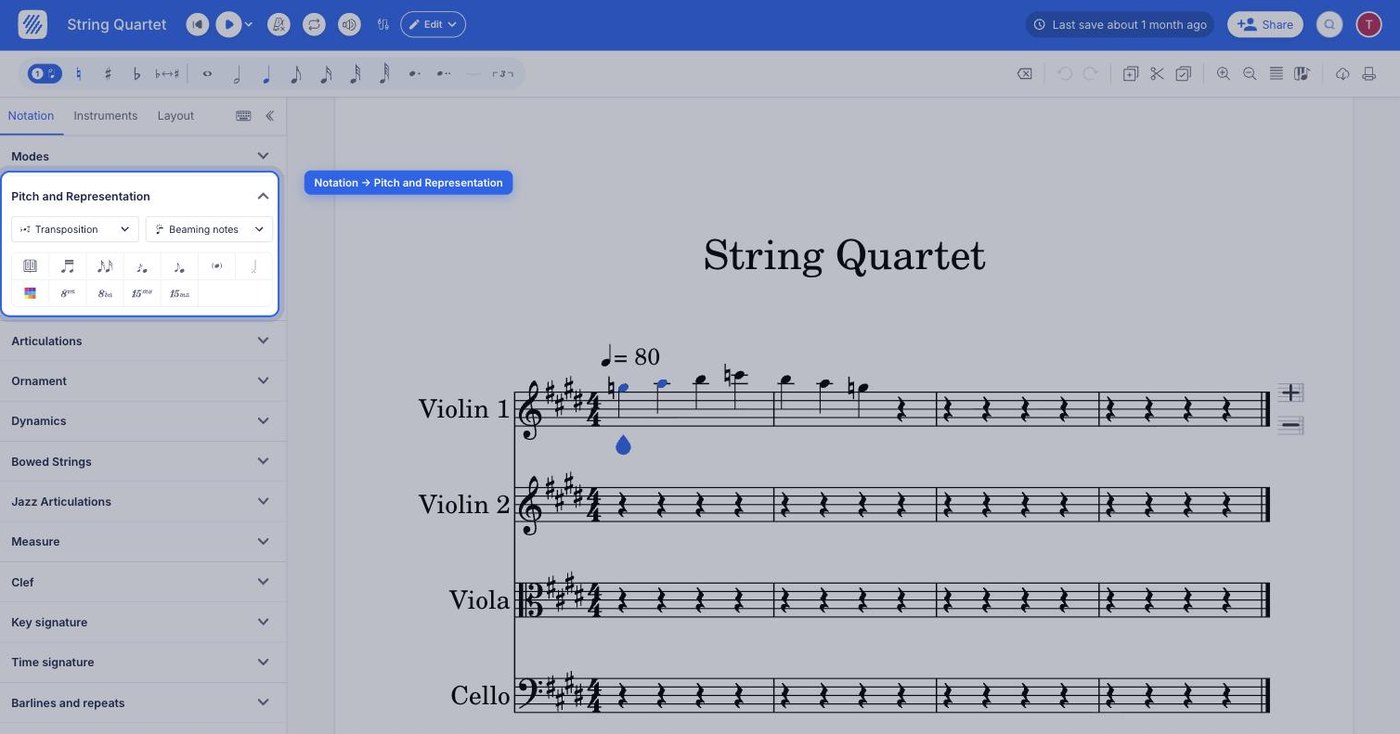
Both ornaments live in the left panel, under the Notation tab, in the Pitch and Representation section. They sit next to each other, so switching between a plain grace note and a slashed acciaccatura is a matter of picking the other icon.
| Feature | Icon |
|---|---|
| Grace note |  |
| Acciaccatura |  |
What is a grace note?
A grace note ornaments and suspends a given note by taking away half of its time value. Also called an appoggiatura, its purpose is to add expression and emotion to the melody. In music notation, the auxiliary note is symbolized by a smaller note placed one step under or above the principal note.
What is an acciaccatura?
In music theory, an acciaccatura is an ornament, a crushed note played as quickly as possible before a given note. The acciaccatura should be played either before or after the beat. In music notation, it is symbolized by a note with an oblique line crossing the stem, which is what distinguishes it from a plain grace note.
How do I insert a grace note or an acciaccatura?
Select the note you want to decorate, then open the Notation tab in the left panel and click Grace note or Acciaccatura under Pitch and Representation. Flat writes the small note before the selected one. From there you can manipulate it just like any other note.
Once written, a grace note takes pitch changes, accidentals, and durations exactly as an ordinary note does, so you can raise it, flatten it, or change its value without removing it first.
Can I slur a grace note to its main note?
Yes. Flat can draw a slur between the grace note and the note it is attached to, which is how the ornament is normally printed. The control and its details are covered on the page about slurring grace notes.
Frequently asked questions
What is the difference between a grace note and an acciaccatura?
Both are small ornamental notes written before a main note. The acciaccatura carries an oblique slash through its stem and is played as quickly as possible, crushed against the main note, while a plain grace note or appoggiatura takes part of the main note's time value and is played more deliberately.
Can I change the pitch or duration of a grace note after writing it?
Yes. A grace note is manipulated just like any other note once it is on the staff, so it accepts pitch changes, accidentals, and a different written value. That also means the arrow-key pitch shortcuts and the duration tools work on it exactly as they do elsewhere.
How do I remove a grace note?
Select the grace note itself rather than the main note it decorates, then delete it as you would any note. The principal note keeps its own pitch and duration, and any slur that connected the two disappears with the ornament.
Can I add more than one grace note before the same note?
Yes. Ornaments made of several small notes, such as a pair leading into the main note, are written by adding grace notes one after another before the same principal note. Each one is an ordinary note afterwards, so their pitches can be set independently.